Cable Reference PPT VISION, Inc.
5-6 A-Series Hardware Guide
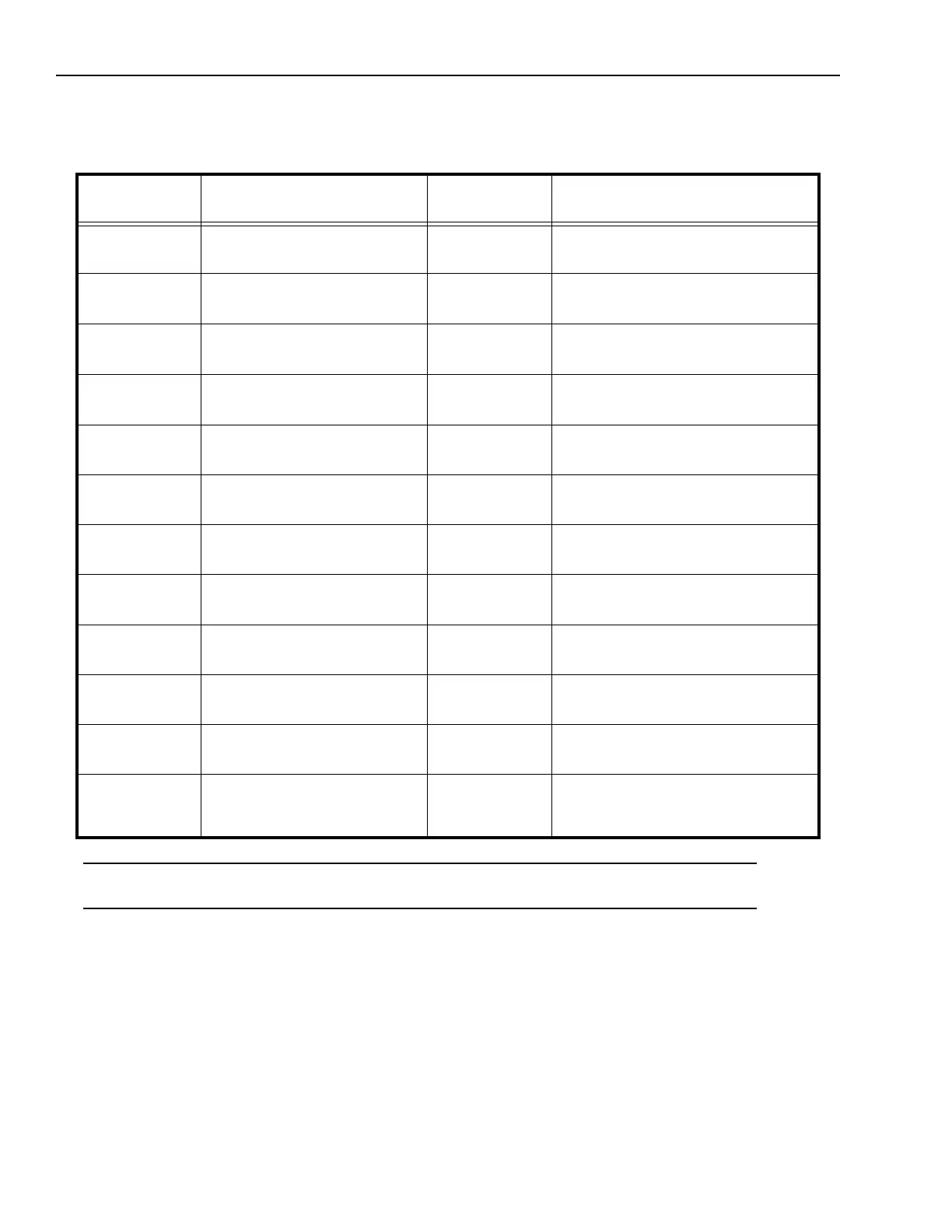
Complete this worksheet to document I/O wiring connections for the Unterminated I/O cable when used with the A10
only. See “Terminal Block Connection Table (A10 Only)” on page 5-3 for details about connecting the optional Terminal
Block.
*IMPORTANT NOTE: The power connection terminal numbers for the Terminal Block and the Unterminated cable wire
numbers are not the same. Use caution when connecting power.
Micro D Sub
Connector Pin
Signal Name Wire Color External Signal Description
1
2
Trigger Input +
Trigger Input -
White/Brown
Brown/White
3
4
Input 2 and Shift Event+
Input 2 and Shift Event -
White/Orange
Orange/White
5
6
Input 1 and Event Input +
Input 1 and Event Input -
White/Yellow
Yellow/White
7
8
Strobe Output +
Strobe Output -
White/Green
Green/White
9
10
Output 1 +
Output 1 -
White/Blue
Blue/White
11
12
Output 2 +
Output 2 -
White/Violet
Violet/White
13
14
Output 3 +
Output 3 -
White/Grey
Grey/White
15
16
Output 4 +
Output 4 -
White/Pink
Pink/White
17
18
24 VDC Power + (See Note*)
24 VDC Power +
White/Tan
Tan/White
19
20
24 VDC Power -
24 VDC Power -
Tan/Brown
Brown/Tan
21
22
24 VDC Power Ground
24 VDC Power Ground
Tan/Orange
Orange/Tan
23
24
25
Serial Transmit
Serial Receive
Serial Ground
Tan/Yellow
Yellow/Tan
Tan/Pink



 To Next Page