PPT VISION, Inc. Cable Reference
A-Series Hardware Guide
5-11
Serial
Use serial cable PPT Part # 606-0330-xx to connect the I/O terminal block’s serial port to a serial device (e.g. terminal,
PLC, motion controller, data recorder). A null modem connector or cable may be required between the I/O terminal block
and the controlled device.
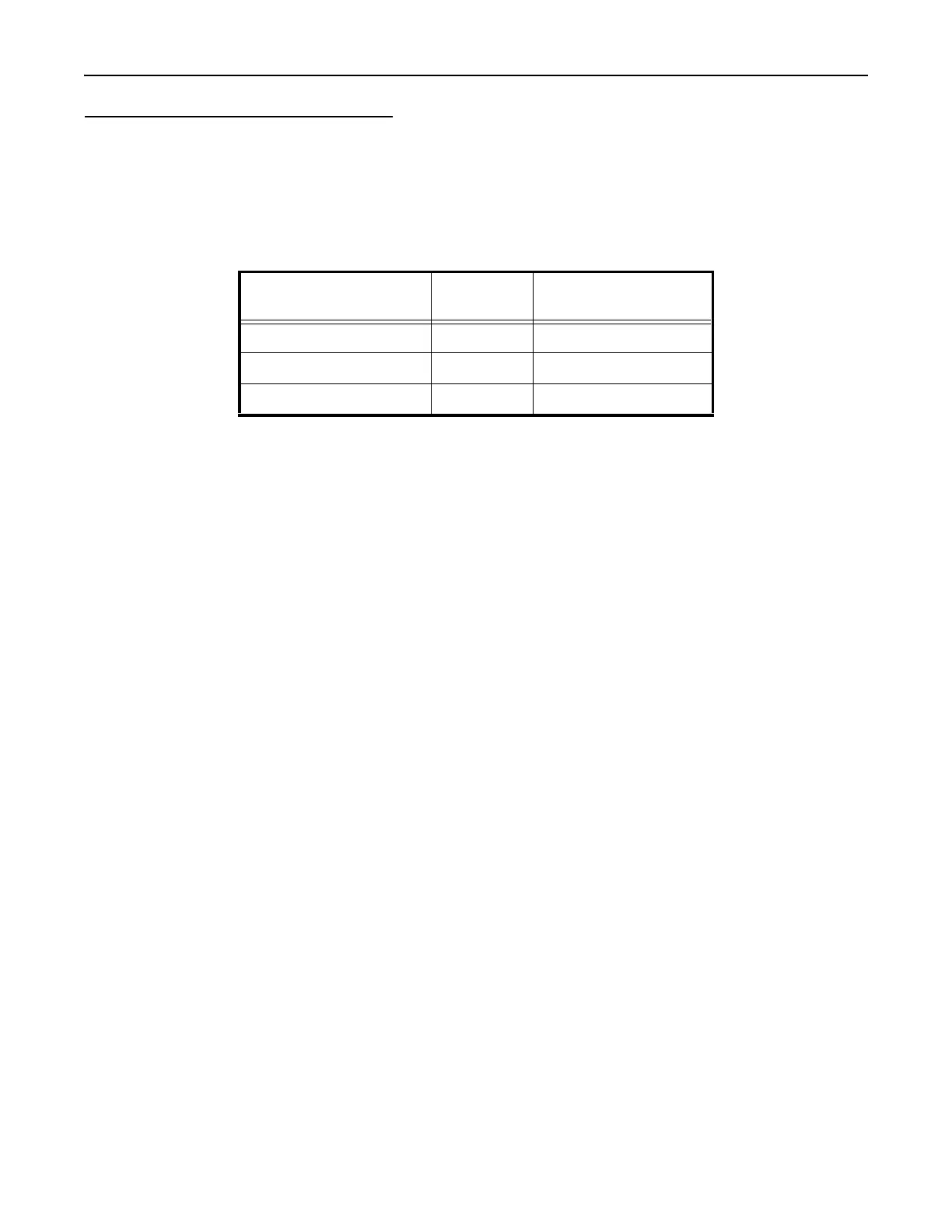
You can also wire the unterminated cable directly to the serial device using the wire colors in this table.
Micro D Sub Connector
Pin Number Wire Color Signal Name
23 Brown/Red Transmitted Data (TxD)
24 White/Black Received Data (RxD)
25 Grey/Pink Signal Ground (GND)



 To Next Page