49
6
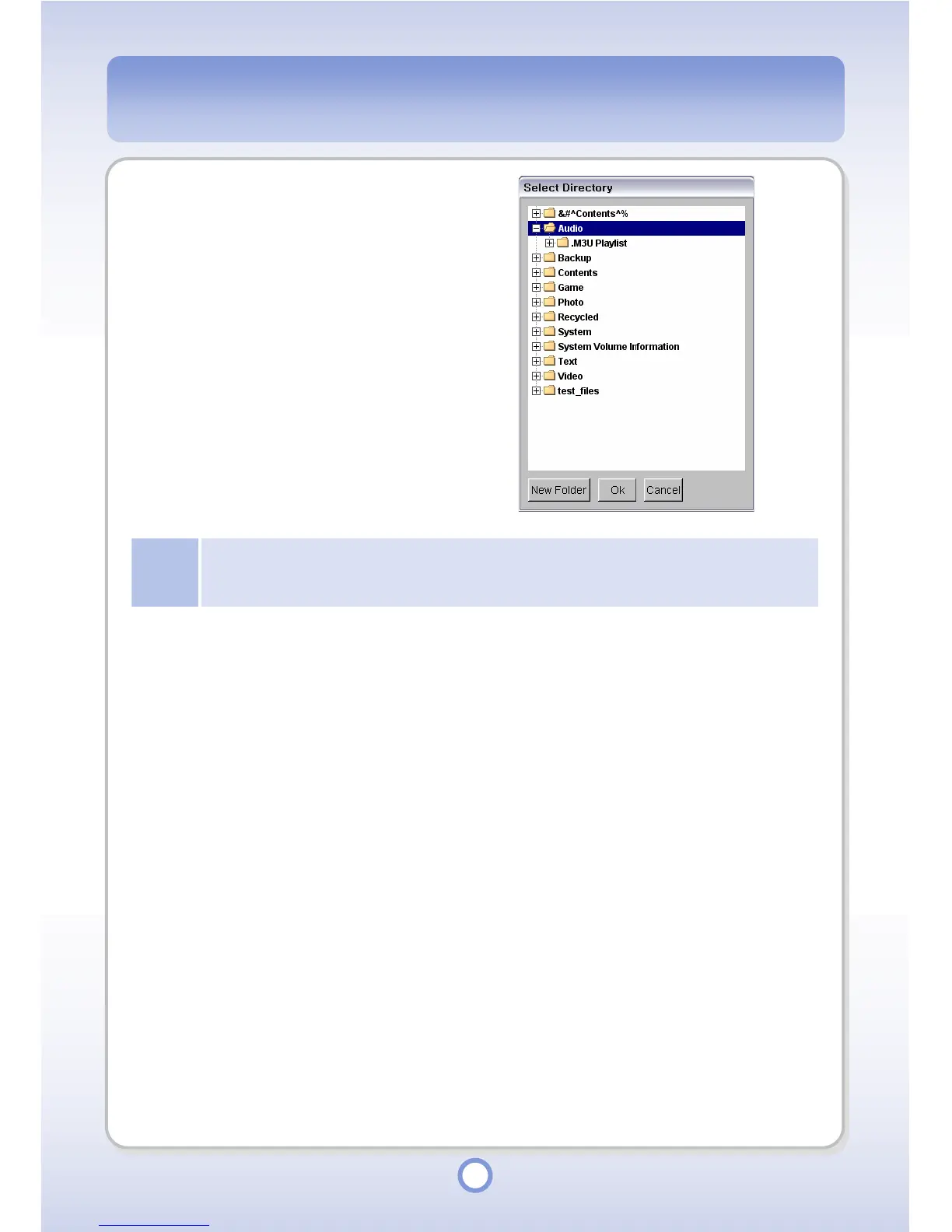
Select a directory of the mPack
P600 to save the selected folder
into and click <OK> button.
- The selected folder is copied to
the library.
Note
Since adding a directory to the library registers all music files and sub folders included in the
specified directory, it may take a considerable time if a number of music files are included in the
specified directory.



 To Next Page