52
Editing Music File Information
1
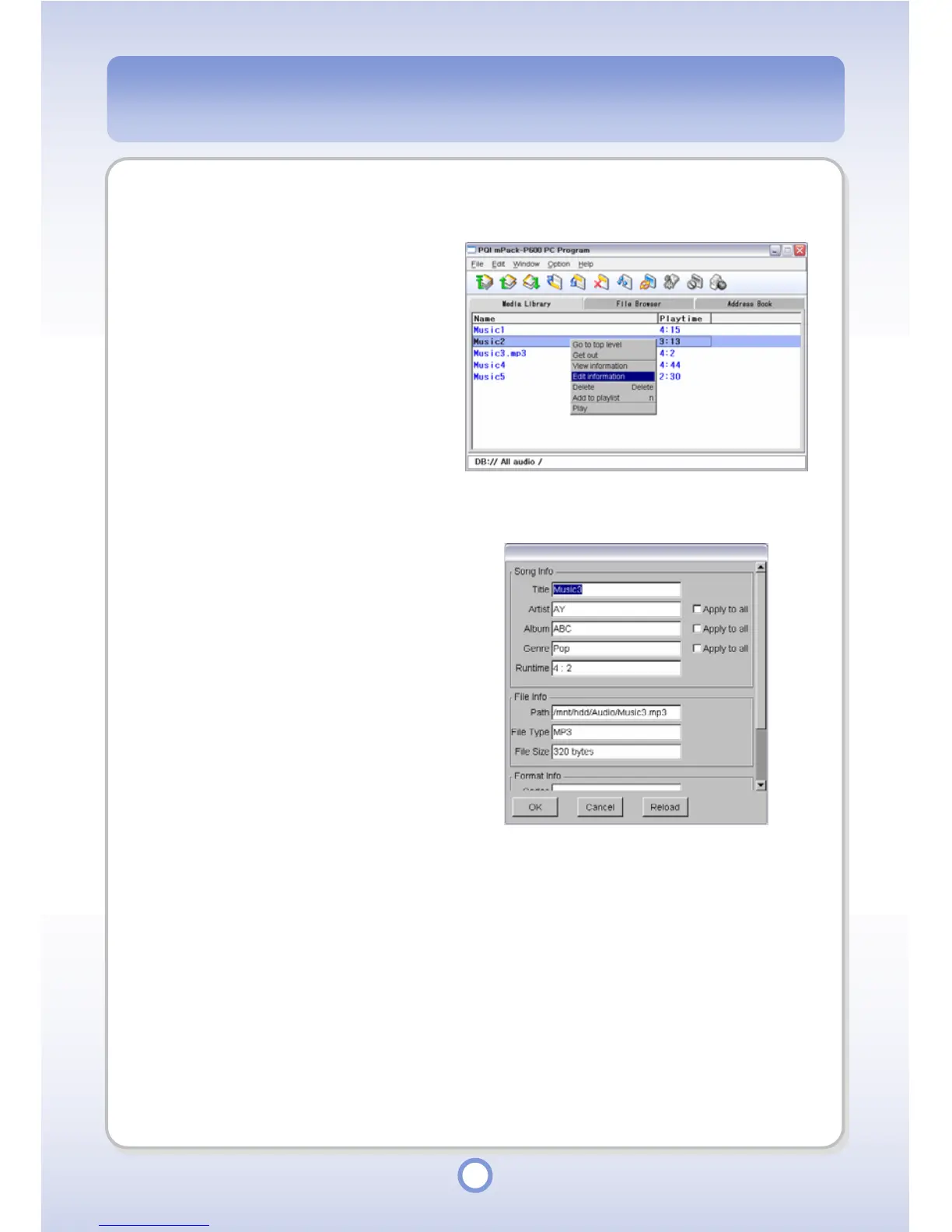
Select a music file for which to
edit the information.
2
Right-click over the selected file.
3
Select <Edit Information> from
the pop-up menu.
- The detailed file information
window appears.
4
Edit music file information.
- To apply the change to all the files
included in the same category of
the Library, select the <Apply to all>
option.
5
Click <OK> button.
- The changed information is
saved.
- Click the <Reload> button to
initialize all the information fields.



 To Next Page