51
6
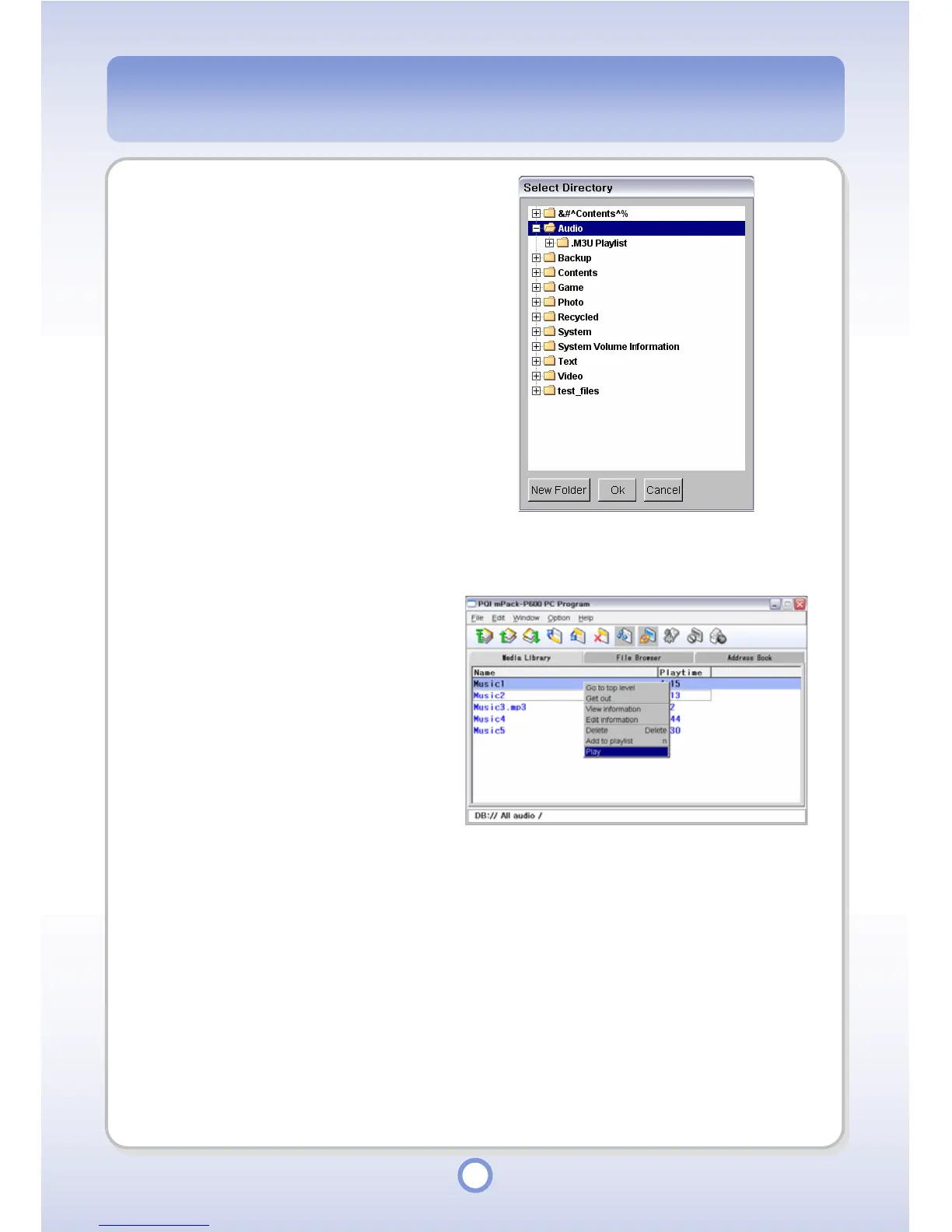
Select a directory to save the
selected file into and click <OK>
button.
- The selected file is copied to the
library.
Audio Playback
1
Select a music file to be played
from the DB.
2
Right-click over the selected
music file.
- The pop-up menu appears.
3
Select <Play> from the pop-up
menu.
- Music files are played through the
Windows Media Player.



 To Next Page