87
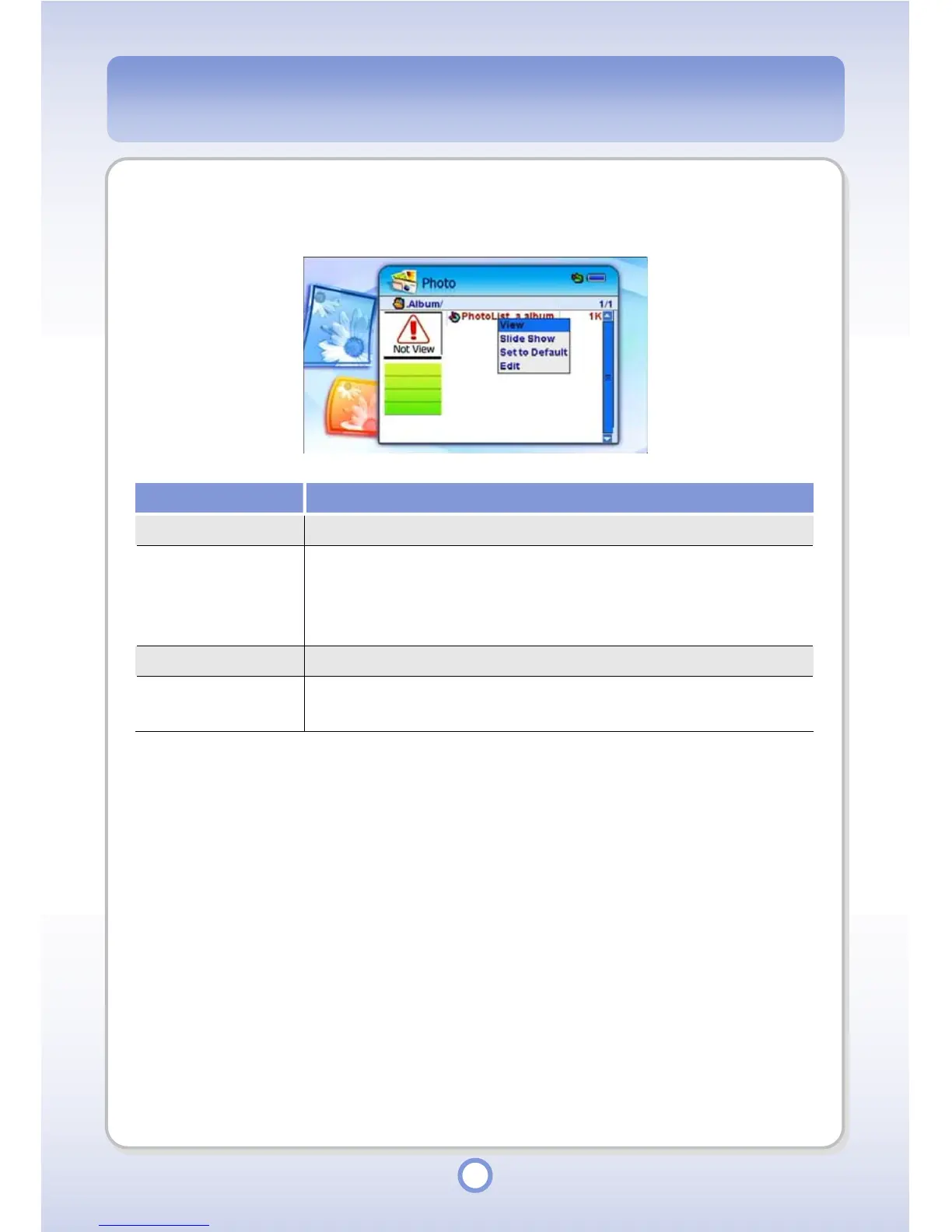
Select an album file from the photo file list and press the ||
▶
button to display the pop-up
menu. The following functions are provided by the pop-up menu.
Item Description
View You can view photo files in the album in full screen.
Slide Show
You can view photo files in Slide Show. To exit Slide Show, press the
<ESC> button or press the <MENU> button and select Exit from the
pop-up menu. The default time interval between slides in Slide Show
is 3 seconds.
Set to Default You can set the selected album as the default album.
Edit
You can edit an album. For more information, refer to “Album Editor”
on page 90.



 To Next Page