Overview Getting
Started
Controls and
Connections
Cascading
Units
Technical
Information
2 GETTING STARTED PreSonus
™
FireStudio
™
Mobile
14
Overview Getting
Started
Controls and
Connections
Cascading
Units
Technical
Information
2.2 Studio One Artist
Next, copy the license file to the computer on which
Studio One has been installed, and locate the license
file as instructed in the Activate Studio One menu.
The activation process is now complete.
Installing Bundled Content for Studio One Artist
Studio One Artist comes bundled with an array of
demo and tutorial material, sampled instruments,
loops, samples, and unique third-party content. The
Studio One Artist bundle includes all that you need
to begin producing music.
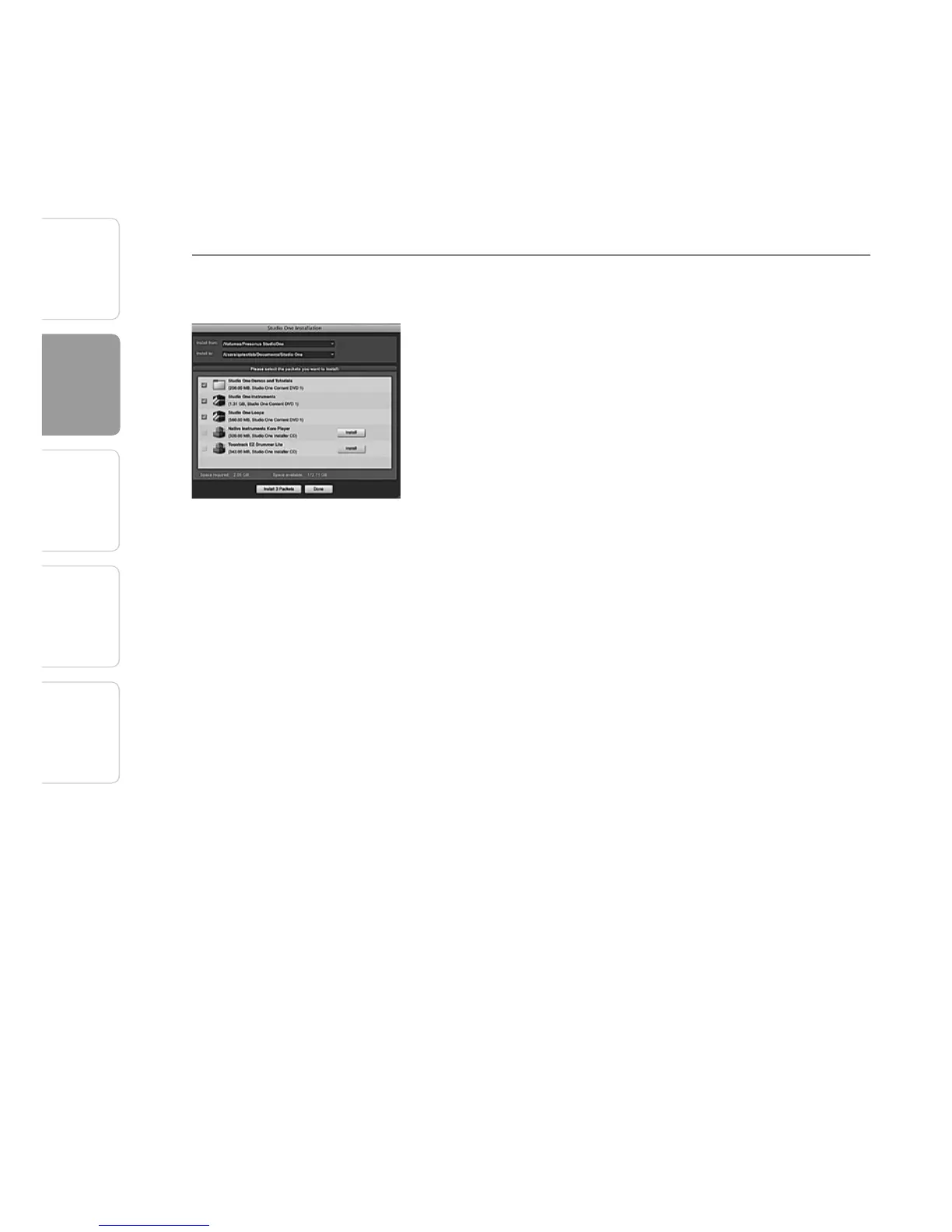
Upon completing the Studio One Artist installation
and activation process, the Studio One Content
Installer will appear. If it does not appear, navigate to
Help/Studio One Installation.
At the top of the installation menu, select the source
from which the content will be installed, as well as
the location where you wish to install the content.
The source of the content will be the same DVD from
which you installed Studio One Artist. By default,
Studio One Artist will point to your DVD drive as the
content source. Listed in the installation menu are
separate entries for each available item. Click in the
checkbox next to each item you wish to install, then
click on the Install Packets button at the bottom left
of the menu to install the selected content.
When finished installing content, click on the Done
button to exit the menu.
Studio One Artist content can be installed at any
time by accessing the Help/Studio One Installation
menu. If you choose not to install any portion of the
content, you can install it at a later time.















 To Next Page