34
Talkback. This feature lets you communicate with the performers on stage or in
the studio, and offers the functions listed below for configuring and operating it:
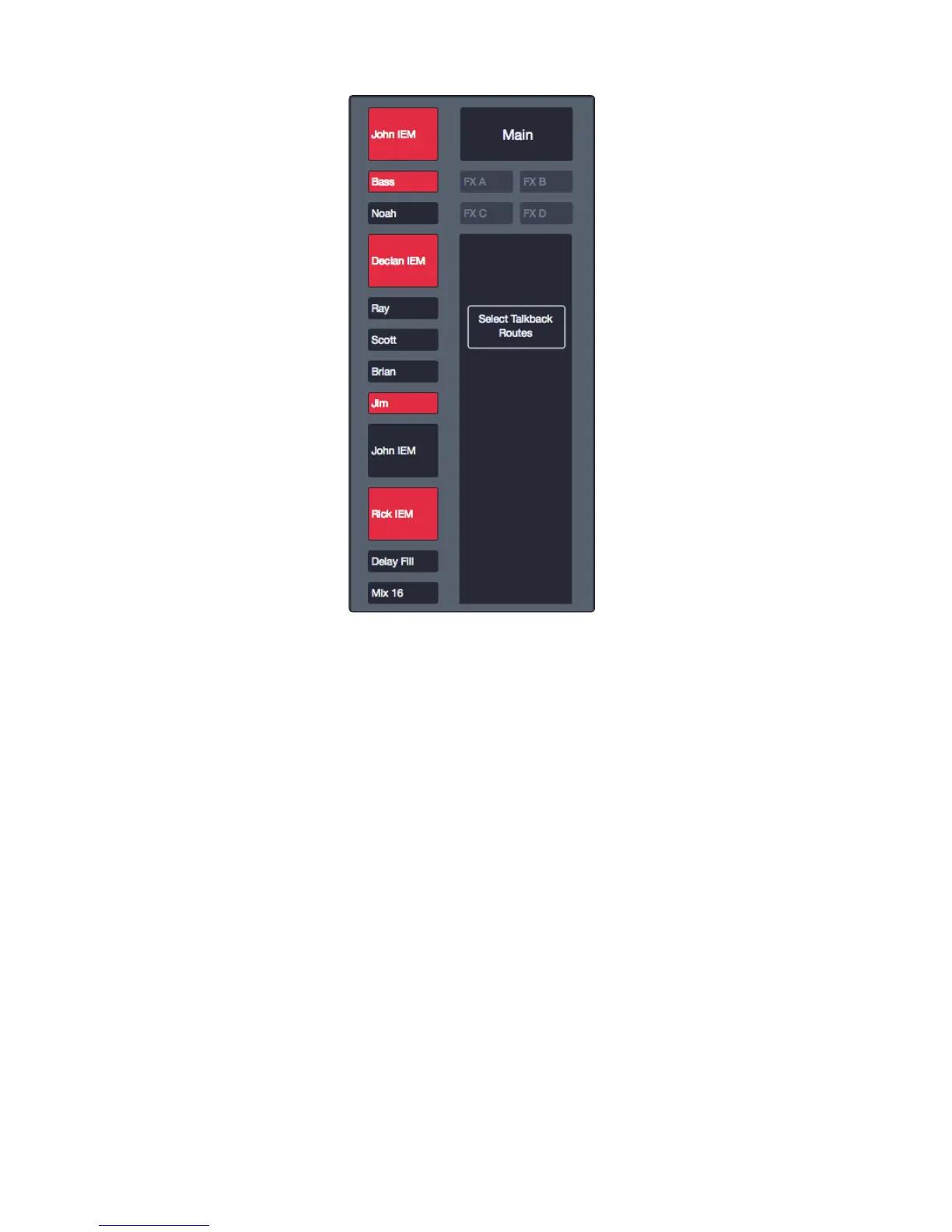
Talk. Holding this button down enables Talkback and highlights the mixes
that are receiving the signal until the button is released. Clicking or tapping
this button does the same thing until it’s clicked or tapped a second time.
When Talkback is active, you can click on any of the Mix
Select buttons to choose the Talkback routing.











 To Next Page