33
5.6 Main Mix Area
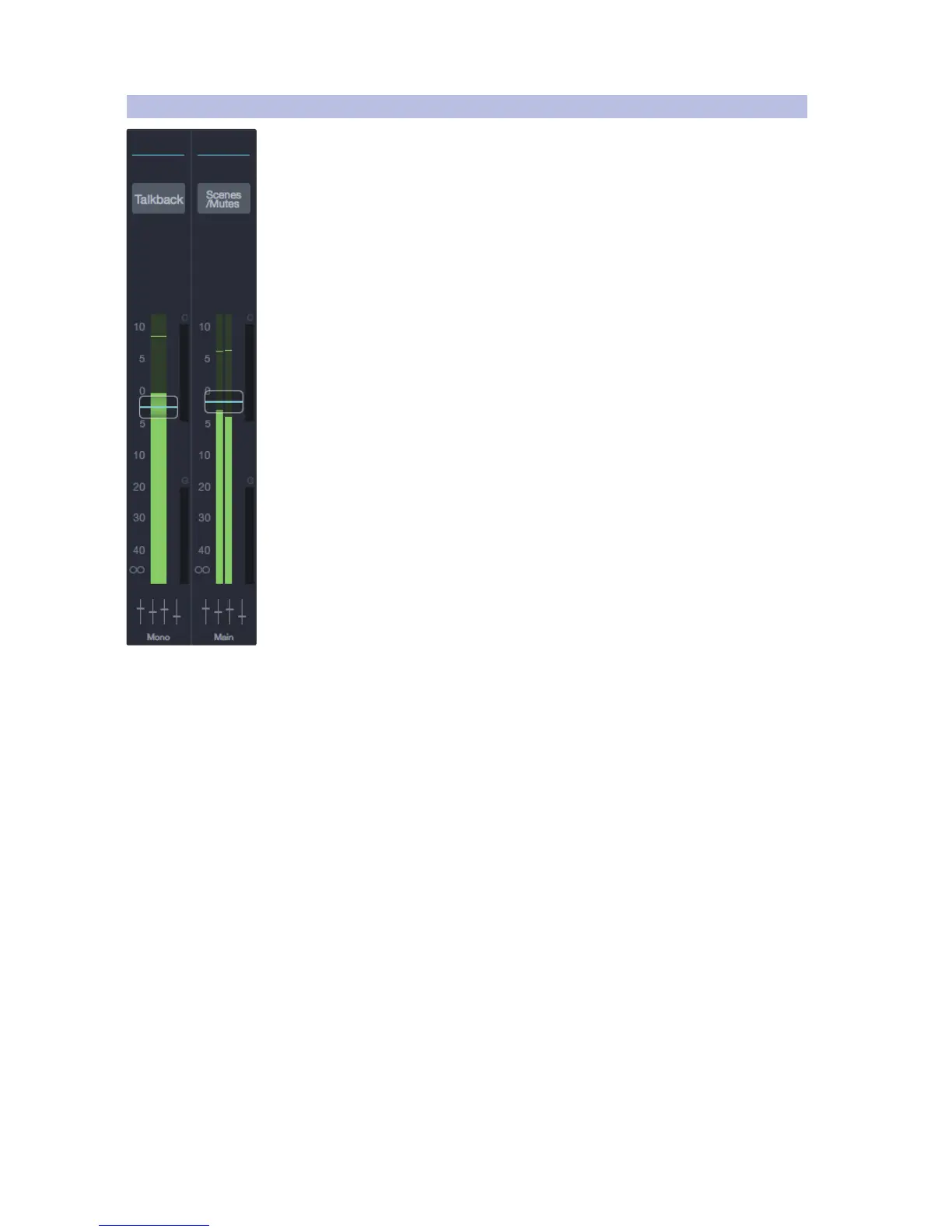
Main Mix Bus. This area contains the channel strips for the Mono/Center and Main
Left and Right outputs, which offer the following features and functions.
EQ Micro View. This displays the current EQ curve
and opens the Fat Channel for the mix bus.
Talkback Button. Switches the Talkback feature on and
off. Refer to Talkback for more information.
Scenes/Mutes. Displays the Mix Scenes and
Mute Groups in the Fat Channel area.
Main Mono/Center Channel Strip. Displays the fader
and level meter for the Main Mono mix bus.
Main Left/Right Channel Strip. Displays the fader and level meter for the
Main Left/Right mix bus.











 To Next Page