32
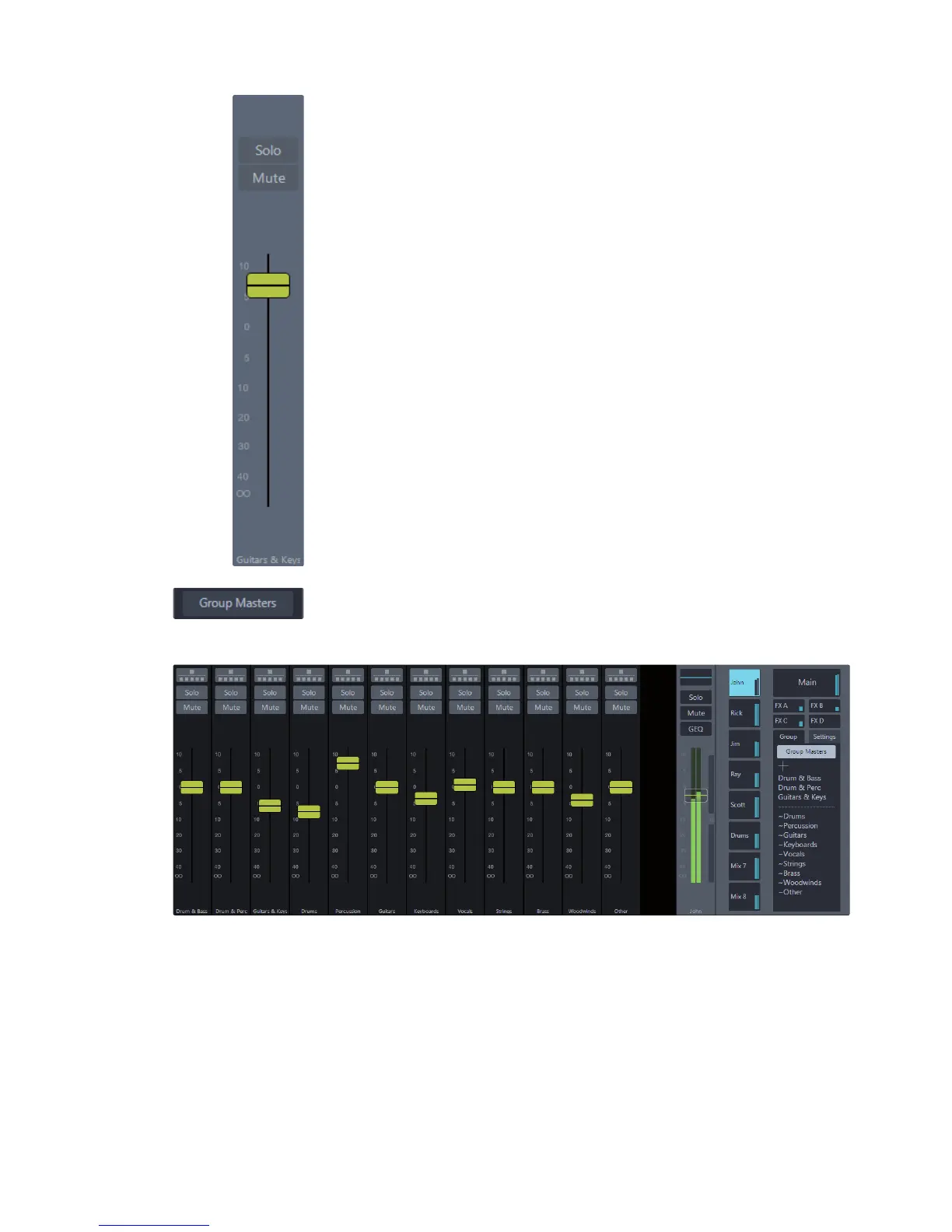
Flex DCA Fader.
When a Filter DCA is selected, the Flex fader controls the relative level of all
channels in the group. Changes made using the Flex fader are only applied
to the currently selected mix and will not affect other mixes in the system.
For example, let’s say you want to add more drums to the main mix
and turn down the drum in the drummer’s monitor wedge:
1. Select the Drums Filter DCA
2. Select the main mix
3. Use the Flex fader to turn up the all drum channels in the main mix
4. Select the aux mix that is feeding the drummers monitor; the Flex fader will
change to reflect the current level of the Drums group in the aux mix
5. Move the Flex fader to turn the drums all the way down
Notice that the drums in the main are not affected but
they are now out of the drummers mix.
Flex DCA Mute. This button mutes all channel in a Filter DCA group.
Flex DCA Solo. This button routes all channels in a Filter DCA group to the solo bus.
Group Masters. This button will replace the contents of the current mix view and
display the Flex DCA fader for each Filter DCA group that has been created. In this
mode you can mix multiple Filter DCA groups at the same time. Turning this button
off will return the previous mix view.
Group Spill. This button will spill, or unpack, the group that belongs
to the Flex fader, showing all channels that belong to that Filter DCA.
Exiting the Filter DCA will return you to the Group Masters view.
Flex DCA Mute. This button mutes all channel in a Filter DCA group.
Flex DCA Solo. This button routes all channels in a Filter DCA group to the Solo bus.











 To Next Page