26
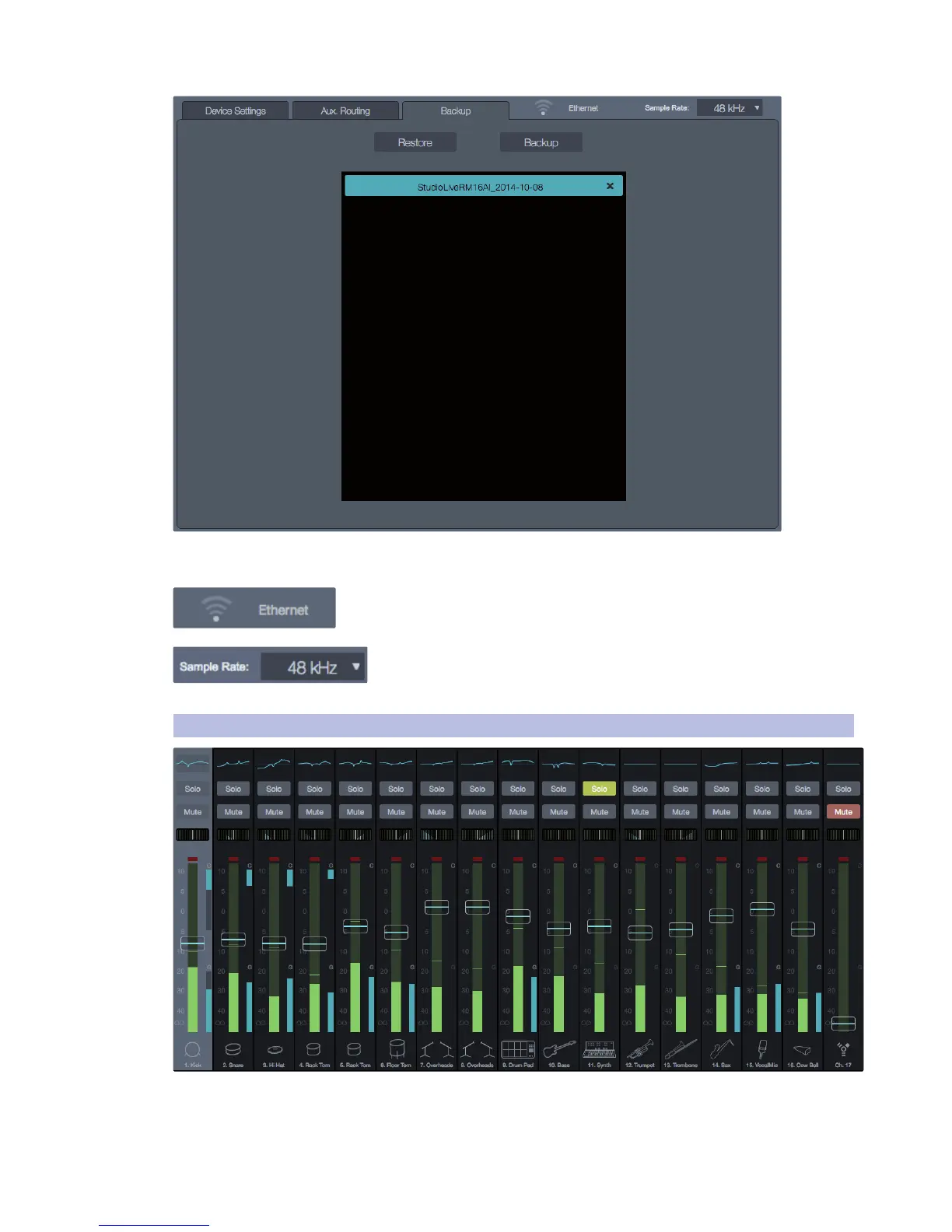
Backup tab. This is where you can backup and restore all the scenes
and presets on your mixer to the local drive of your computer.
Wireless Connection. This is where you go to change the network and
password for wireless control of the mixer.
Sampling Rate. Go here if you need to change the sampling rate.
Note: The Fat Channels for the output mixes and the FX B reverb and FX
D delay are not available at the 88.2 kHz and 96 kHz sampling rates.
5.2 Mix Scroll View
]
Mix Channel Area. This is where all the input channel
strips for the selected RM mixer are located.











 To Next Page