37
5.7.1 Channel Settings
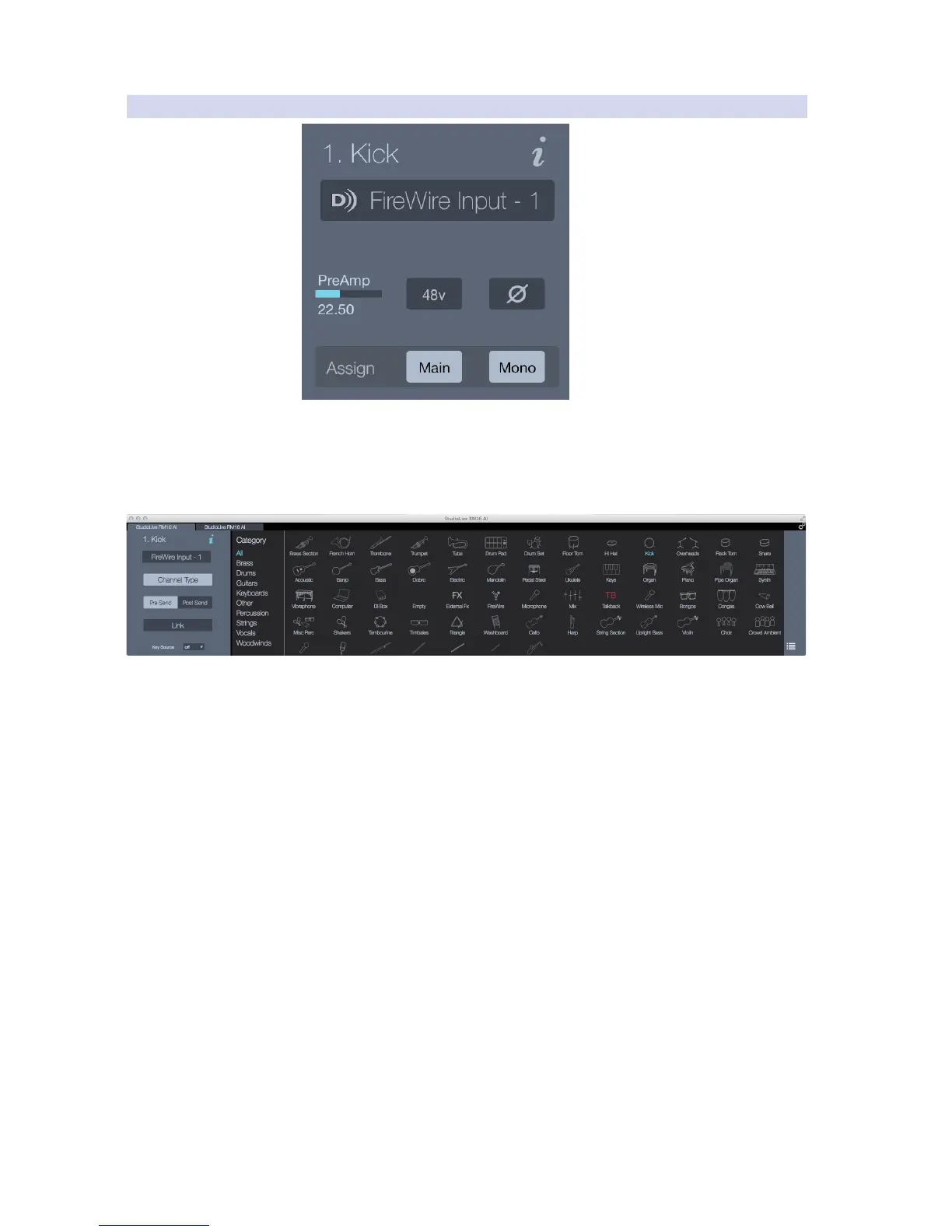
Channel Name. This is the name of the mixer channel you’re working with and is
based on the name of the icon you’ve selected when setting the Channel Type or
the custom name you’ve given the channel. (See Channel Type in the next section.)
Channel Info. This opens the Channel Options view, which is where you
can configure the following information for the selected mixer channel:
Channel Type. The Channel Type enables you to choose an icon
to help you visually identify the instrument or signal type that’s on
the selected channel: Snare, Kick Drum, DI Box, Piano, etc.
The name of the icon is displayed as the Channel
Name, which can be edited at any time.
Selecting a Channel Type will “tag” that channel with the associated
category type (Drums, Guitars, Other). This tagging will filter the Fat
Channel presets to only show what’s relevant to the selected Channel
Type. It will also automatically create a Filter DCA or add the channel
to the automatically created Filter DCA for that category type.











 To Next Page