8
2.2 Rear-Panel Connections and Controls
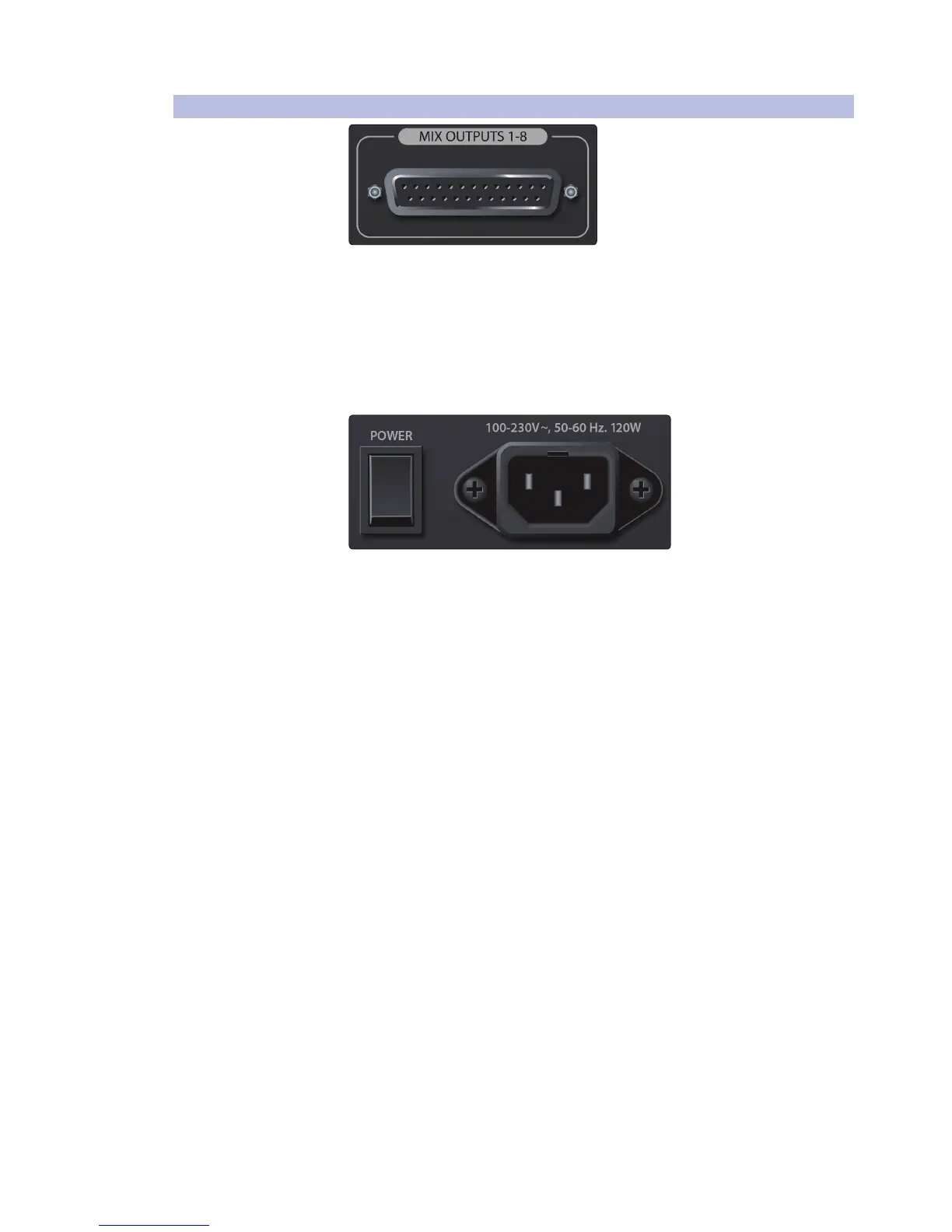
Line Outputs. These balanced line outputs on DB25
connectors mirror the front-panel outputs.
This comes in handy if you want to connect to wireless in-ear transmitters located
in the same rack. You can use these connections, rather than snake cables, from the
front of the mixer around to the back of the rack for your wireless transmitters.
Balanced DB25 fan-out snakes (breakout cables) can be obtained in various
configurations at most recording and live-sound retailers. Common fan-
out configurations are DB25 to (8) XLRM and DB25 to (8) ¼-inch TRS.
Power Switch. Push the top part of the switch ( | ) to turn on your
StudioLive RM. Push the bottom part of the switch ( O ) to turn it off.
Power Cable Input. This is where you plug in the provided IEC power cable.











 To Next Page