A26361-K878-Z102-2-7619 29
Hardware Installation Installing/Removing the Server into/from the Rac
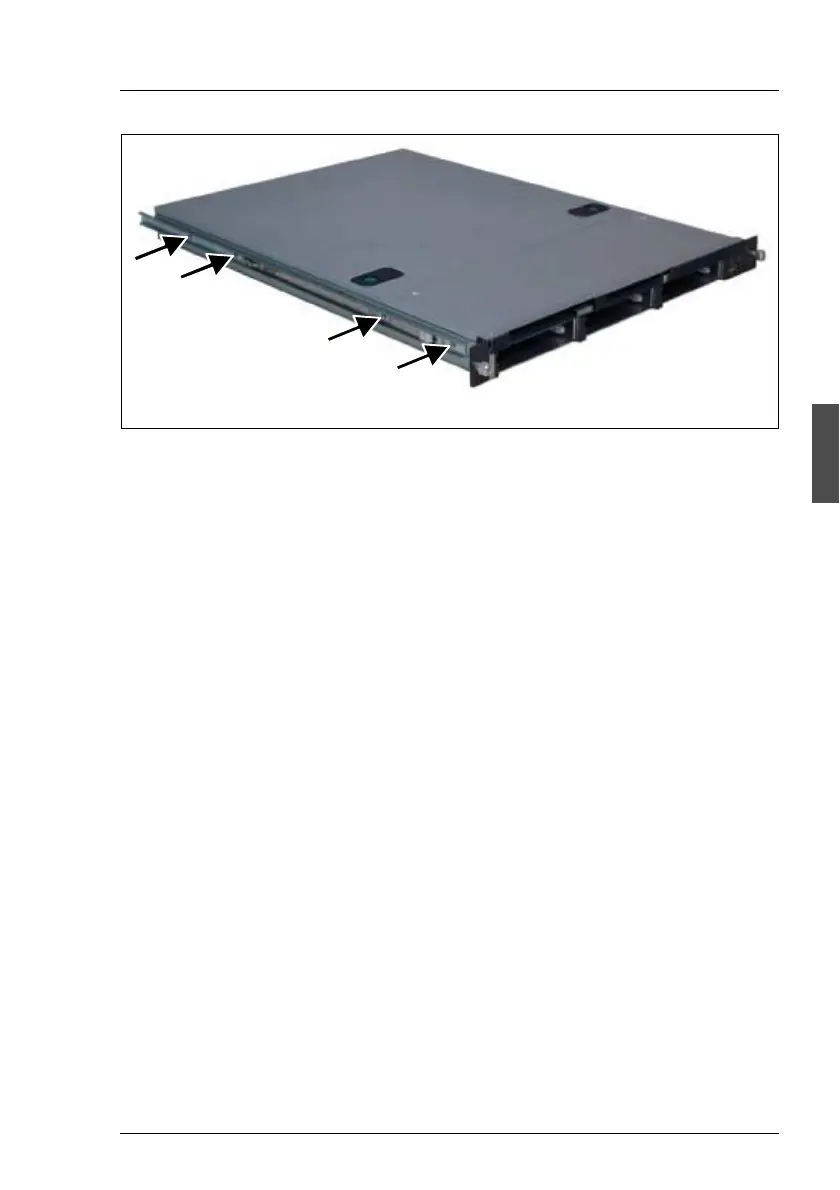
Figure 6: Screwing this part of the rail onto the server
Ê Place the u-shaped telescopic bars with the flat side on the left and/or on the
right on the server. Ensure that the white lever is placed in the direction of
the server front (1).
Ê Fasten the telescopic bars with 4 screws (M4) each, to the server (left and
right) (figure 6).
4.3.4 Mounting in the PRIMECENTER/DataCenter Rack
I General information are provided in the Technical Manual for the PRIME-
CENTER and/or DataCenter Rack (see “Related Publications” on
page 69).
Mounting the support bracket
When mounting the left telescopic rail in the PRIMECENTER/DataCenter Rack,
the supplied support bracket must first be mounted level with the device on the
rear left support upright.
I For better orientation the height units are marked on the support uprights
(PRIMECENTER Rack only).
Ê Place the support bracket at the appropriate height on the left rear support
upright by inserting the positioning nub (1 in figure 7 on page 30) in the
corresponding hole of the support upright.
1
4xM4



 To Next Page