A26361-K878-Z102-2-7619 45
Preparation for Use and Operation Operating and Indicator Elements
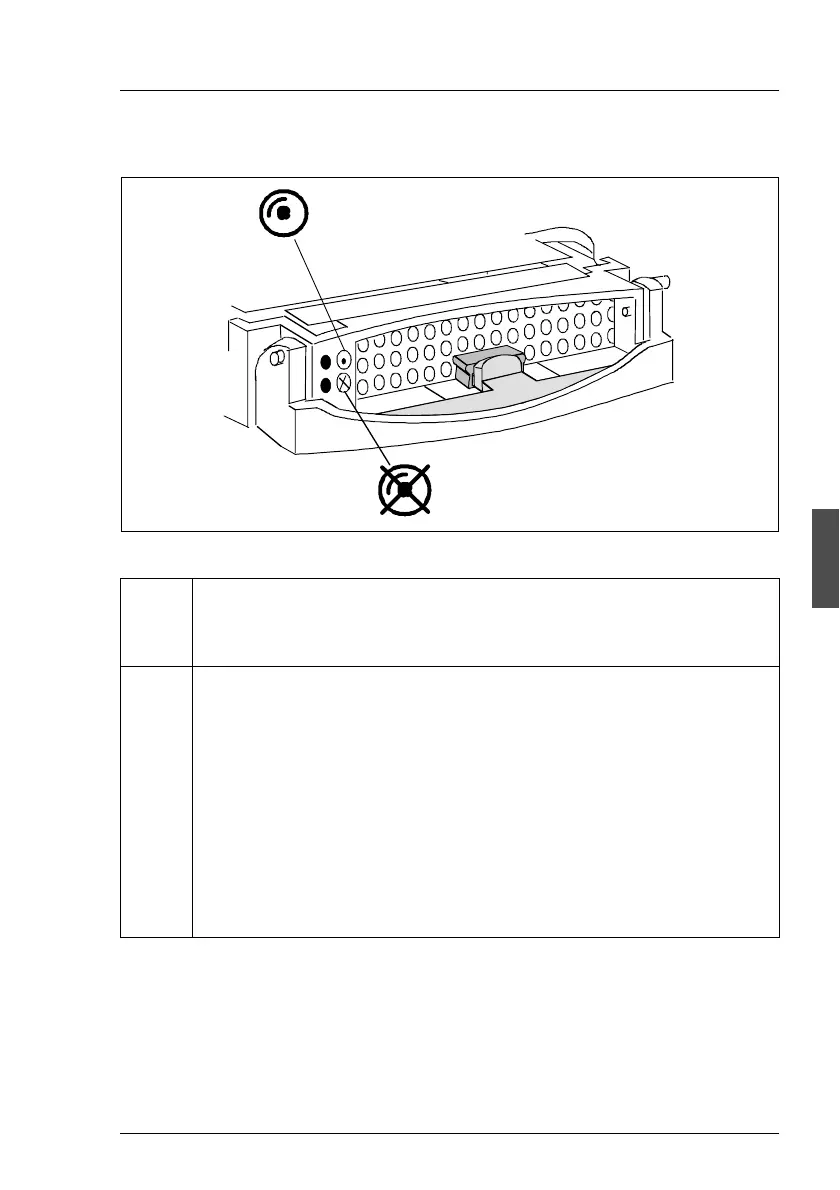
Hard disk drive control indicators
Figure 17: HDD module: indicators
LED
green
HDD access
– lights: HDD in active phase
– does not light: HDD inactive
LED
orange
HDD FAULT (in conjunction with a RAID controller)
– does not light: No HDD Error
– lights: HDD Faulty or Rebuild Stopped (drive defective/needs
replacing, a rebuild process was stopped or the HDD module is not
correctly inserted)
– slow blink: HDD Rebuild (the data is restored by the RAID controller
after changing a hard disk drive)
– fast blink: HDD Identify
– four fast blinks/pause: HDD Predicted Fault
– two fast blinks/pause: HDD Hot Spare (Hot spare drive active. The
corresponding drive has failed).
HDD Access
HDD Fault



 To Next Page