50 A26361-K878-Z102-2-7619
Hot-Swap HDD Modules Preparation for Use and Operation
Unlocking HDD module
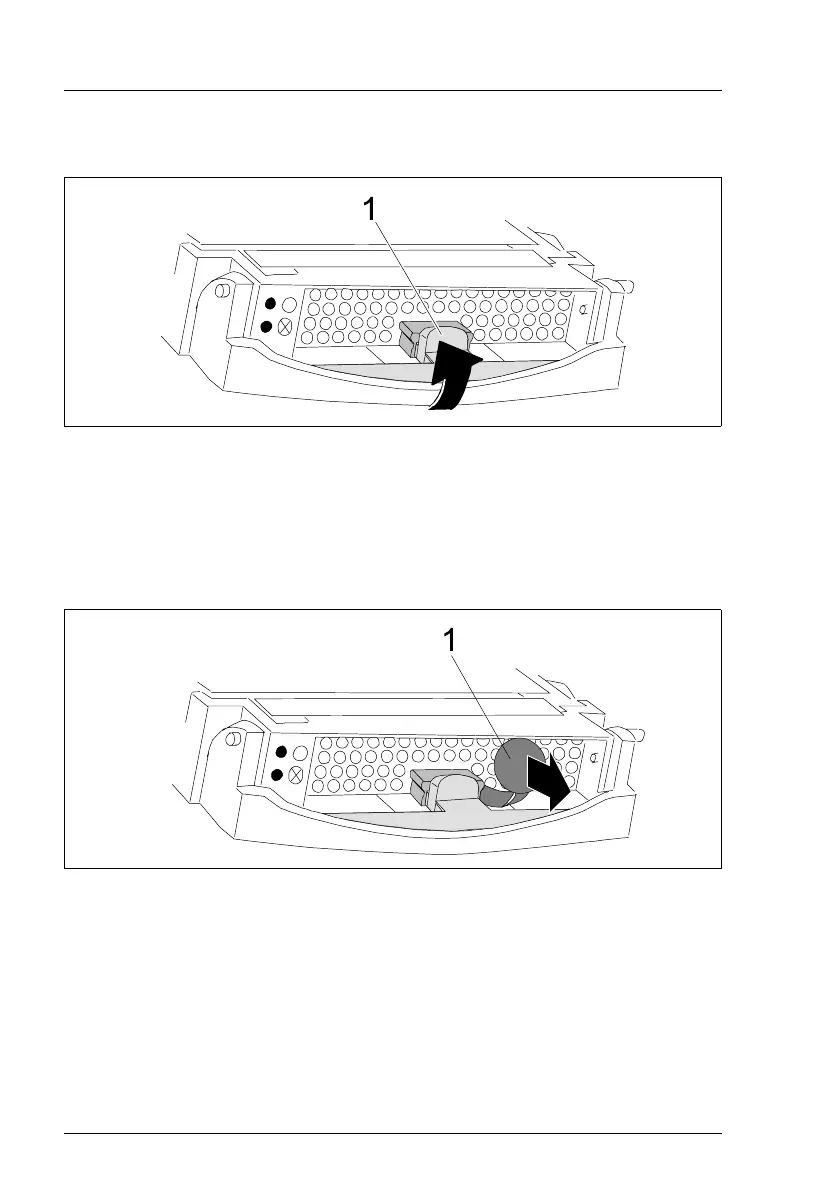
Figure 20: Unlocking HDD module
Ê Open the locking mechanism by pressing the locking button (1).
Ê Push the handle of the HDD module fully in the direction of the arrow.
I If the HDD modules are provided with a transport lock (1 in the next
figure) remove these before you open the locking mechanism.
Figure 21: HDD module: removing the transport lock



 To Next Page