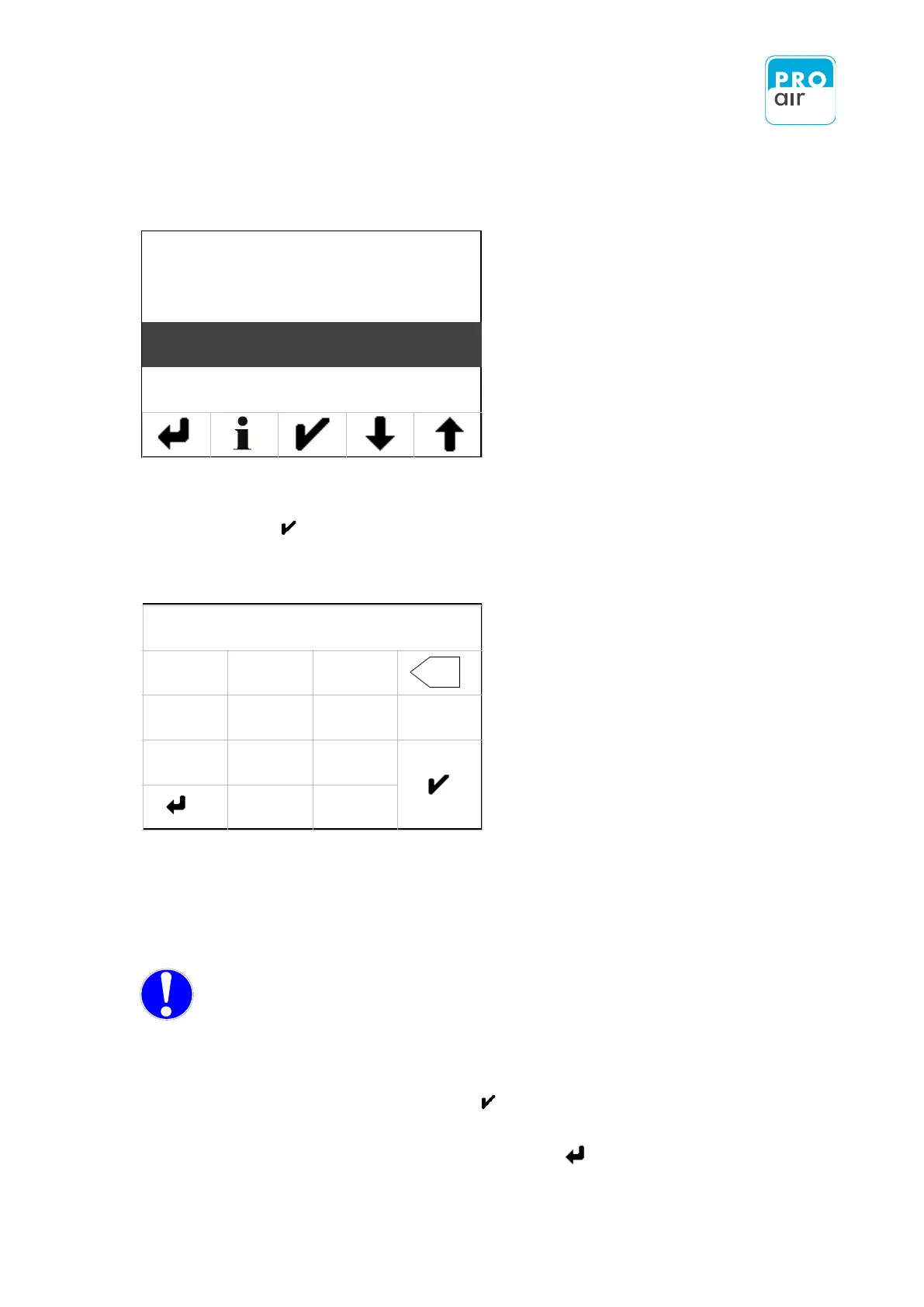
The following display appears:
8. If the „Time“ field is not already highlighted, select the field and
confirm with .
The following display appears:
10. Enter the current time as follows:
EXAMPLE: You wish to enter the time „17.31“ . Enter the following number combination into
the screen shown above:„173100“.
NOTE: The time is always entered in the following format:
„HHMMSS“
hours (2-digits) minute (2-digits) Seconds (2-digits)
The seconds must be entered
11. Confirm by pressing the „Enter“ - key .
12. Leave the input field by pressing the „Back“ - key .


 To Next Page