EasyManua.ls Logo

PRO AIR TPK 21 - Page 76

PRO AIR TPK 21
132 pages
Print Icon
To Next Page IconTo Next Page
To Previous Page IconTo Previous Page
Loading...
71
There is only one way to enter the time.
However, there are two options for displaying the time.
Use the "Date Format" submenu to select the desired choice.
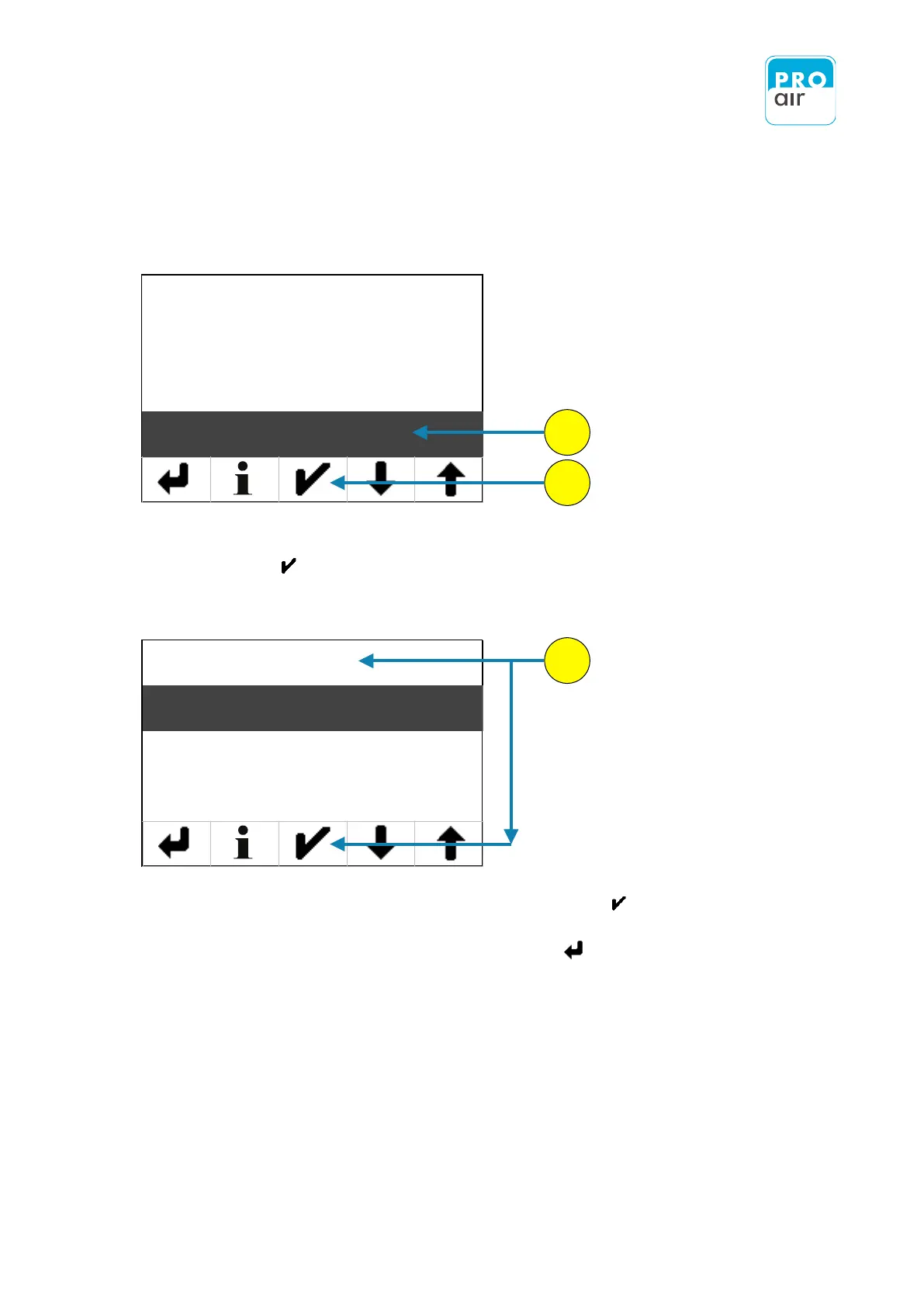
8. If the „Time Format“ field is not already highlighted, select the field and
confirm with .
The following screen appears:
15. Please chose the desired Time-Format and confirm with .
16. Leave the input field by pressing the „Back“ - key .
You can check your input at any time on the main screen.
Select one of the lower two fields on the home screen and scroll down until you can see
the Date/Time field.
(see also page 20 et seq.)
13
14
15
Date
Date Format
Time
Time Format
12H
24H

Table of Contents