1-4
Introducing the ProCurve Wireless Access Point 10ag
Front of the Access Point
LEDs on the Front Panel
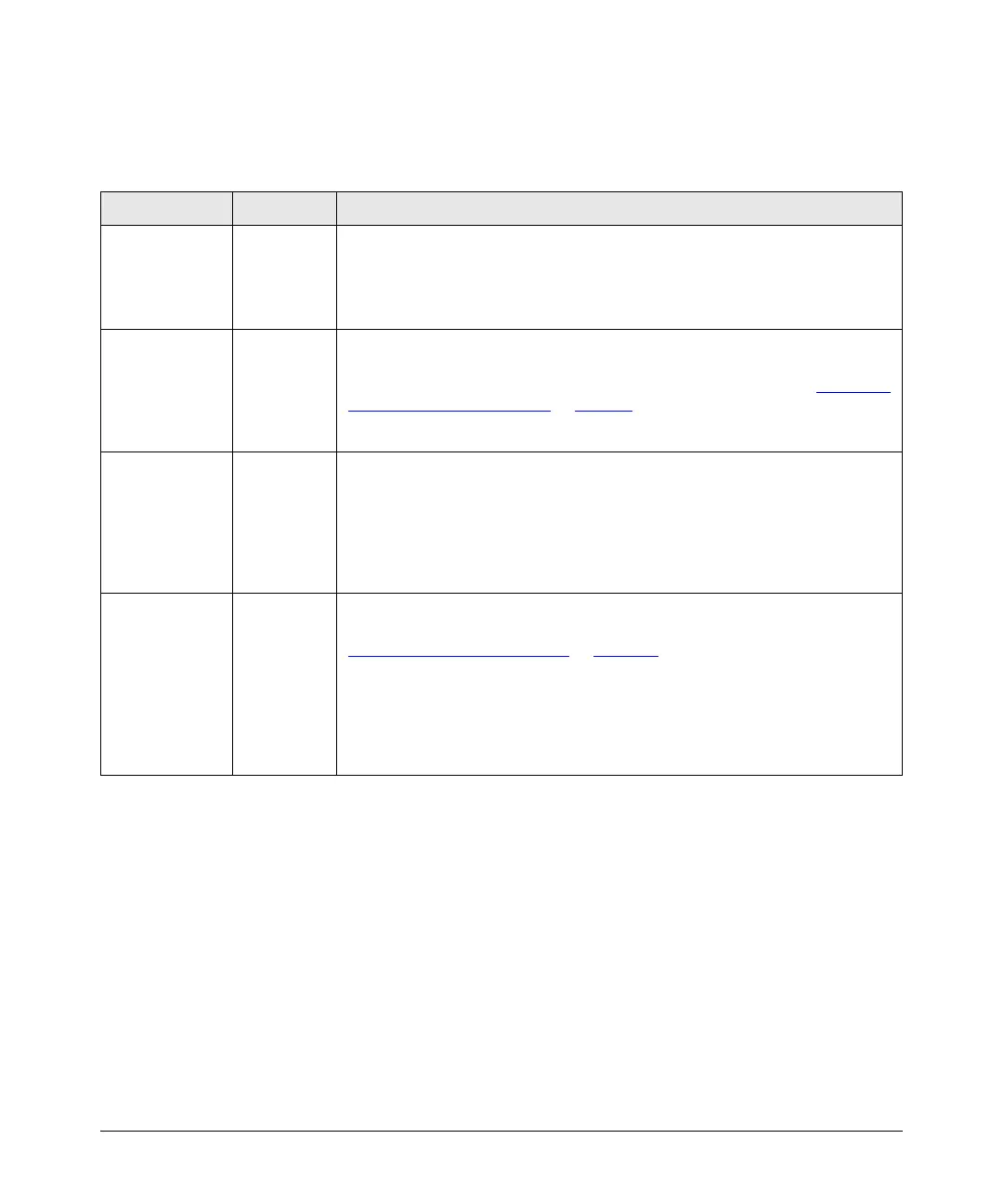
Table 1-1. Access Point LEDs
LED Label State Meaning
Power Green The access point is receiving power.
Off The access point is NOT receiving power. If the power adapter is connected to a
power source, verify that the power jack is connected properly to the power
connector on the back panel of the access point.
Diag Blinking
amber
Reset to factory default is in progress. Blinking stops when the access point has
completed resetting to factory defaults and is about to reboot. For more information
on resetting to factory default using the Reset to Default button, refer to “
Restoring
Factory Default Configuration” on page 6-6.
Off Normal state
LAN Off The RJ-45 port has no network cable connected, or is not receiving a link signal.
Blinking or
solid green
The RJ-45 port has a link indication from a 10 Mbps or 100 Mbps device and is
transmitting or receiving traffic. The LED blinking rate is proportional to the traffic
rate. If there is no traffic, the blinking rate will be once every five seconds. As the
traffic rate increases, the blinking rate also increases until the LED is solid on, which
indicates there no available bandwidth on the port.
Link/Act
(802.11a)
Link/Act
(802.11b/g)
Blinking
slowly
The wireless interface may be disabled. To verify, check the radio status on the
Information page. For instructions on enabling the wireless interface, refer to
“
Configuring Advanced Settings” on page 4-25.
Blinking fast
or solid
green
The wireless interface is enabled and transmitting or receiving traffic.
The LED blinking rate is proportional to the traffic rate. If there is no traffic, the
blinking rate will be once every second. As the traffic rate increases, the blinking
rate also increases until the LED is solid green, which indicates there no available
bandwidth on the interface.



 To Next Page