3-3
Getting Started With Access Point Configuration
Introducing the Management Web Interface
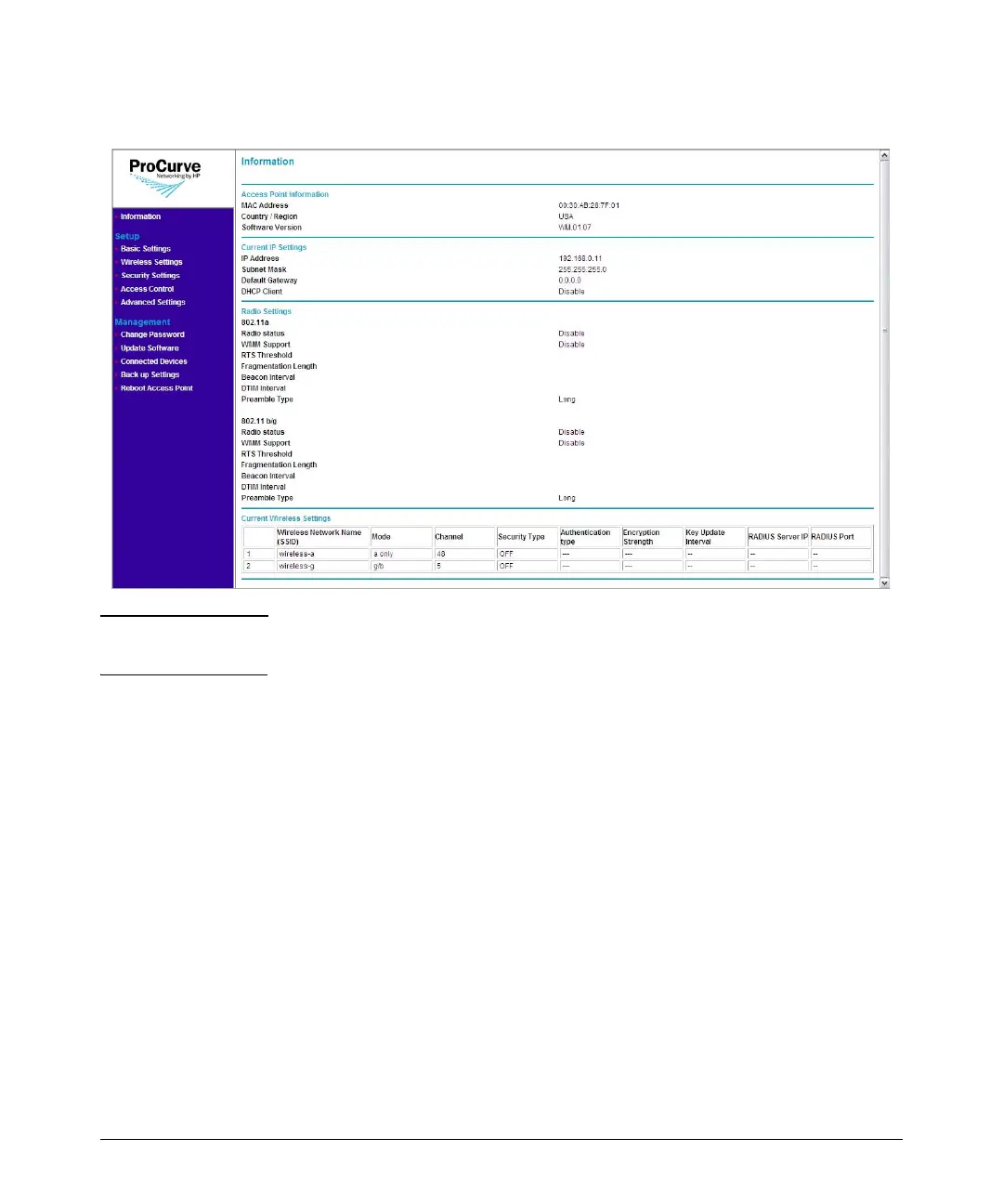
Figure 3-1. Information Page (Web Interface Home Page)
Note The Web interface does not have a Log Off button. To end your Web interface
session safely, close the Web browser.
Navigating Around the Web Interface
The Web interface provides logical window groups for easy access to common
setup, management, and advanced configuration features. This section
describes each of the logical window groups, submenus, screen elements and
parameters.



 To Next Page