4-5
Setting Up the Access Point
Configuring Wireless Settings
Creating a Wireless Profile
Note The access point ships with one preconfigured wireless profile for 802.11b/g.
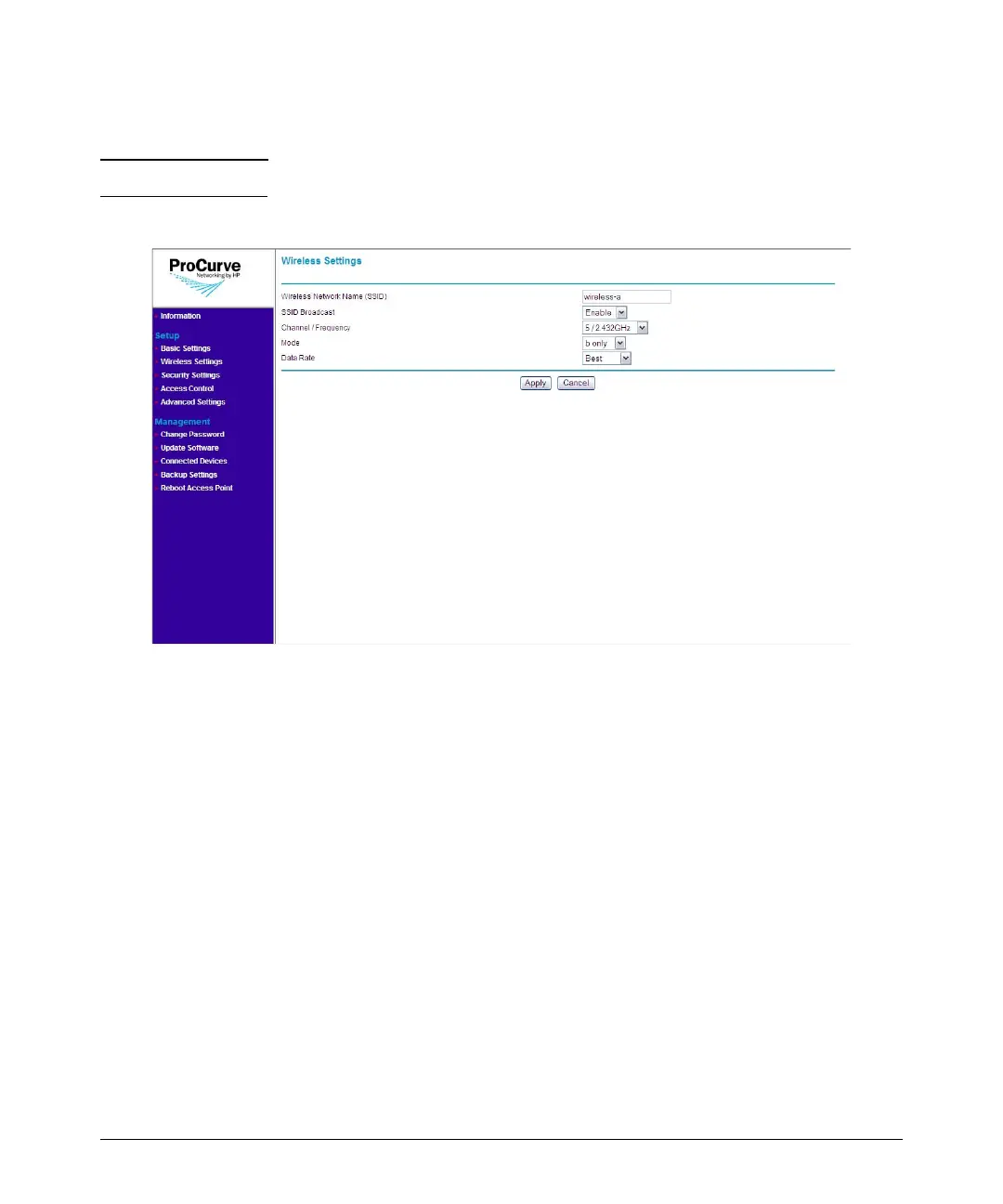
Figure 4-3. Add Wireless Profile Page
To create a new wireless profile:
1. On the menu, click Wireless Settings. The Wireless Settings page
appears.
2. Click Add.
3. In Wireless Network Name (SSID), type a unique SSID that you want
to assign to the wireless profile.
4. In SSID Broadcast, click Enable if you want to allow all wireless clients
and devices within the range of the access point to see the SSID. Other-
wise, click Disable.
5. In Channel/Frequency, select the wireless channel and frequency that
you want this wireless profile to use. The range of channels and frequen-
cies available depends on the wireless mode that you selected.
6. In Mode, select the wireless mode that you want this wireless profile to
use. Available options include:
• g and b: Select to allow connections from 802.11g and 802.11b clients
only.



 To Next Page