5-3
Managing the Access Point
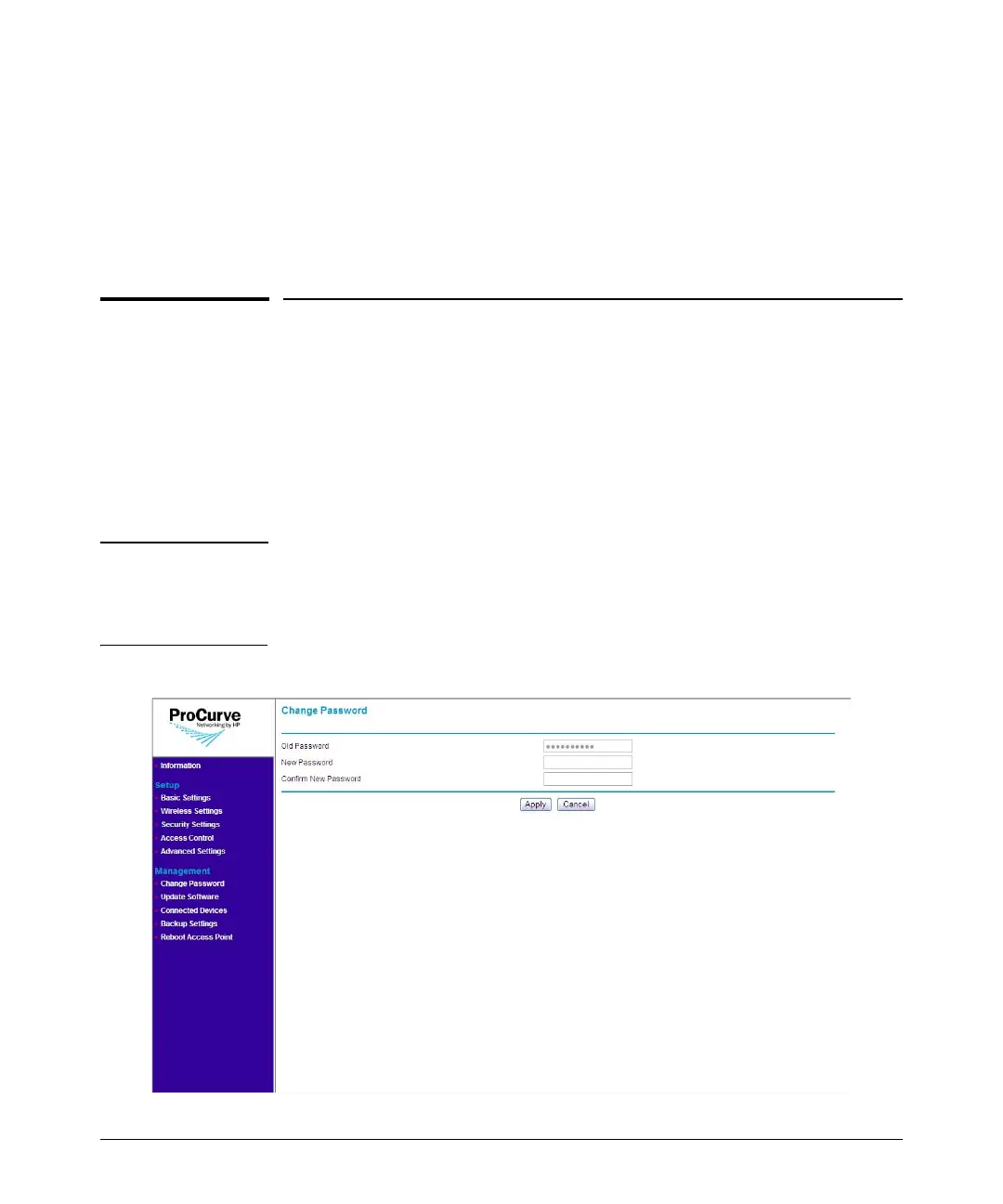
Changing the Management Password
■ Radio Settings: Shows the status of each radio interface and a summary
of their configuration settings, including WMM Support, RTS Threshold,
Beacon Interval, and other radio settings.
■ Current Wireless Settings: Shows a table that lists all configured SSIDs on
the access point and the wireless modes, channels, and security settings
that they use.
Changing the Management Password
Management access to the Web interface is controlled through an adminis-
trator password. To prevent unauthorized users from accessing the Web
interface and modifying the access point's settings, the interface is password-
protected.
The default manager user name is admin and the default password is password.
CAUTION You should change the default Web interface password immediately after
your first logon. This will help prevent unauthorized users from logging on to
the Web interface and changing the access point settings to compromise your
network.
Figure 5-2. Change Password Page



 To Next Page