5-2
Managing the Access Point
Viewing Device Information
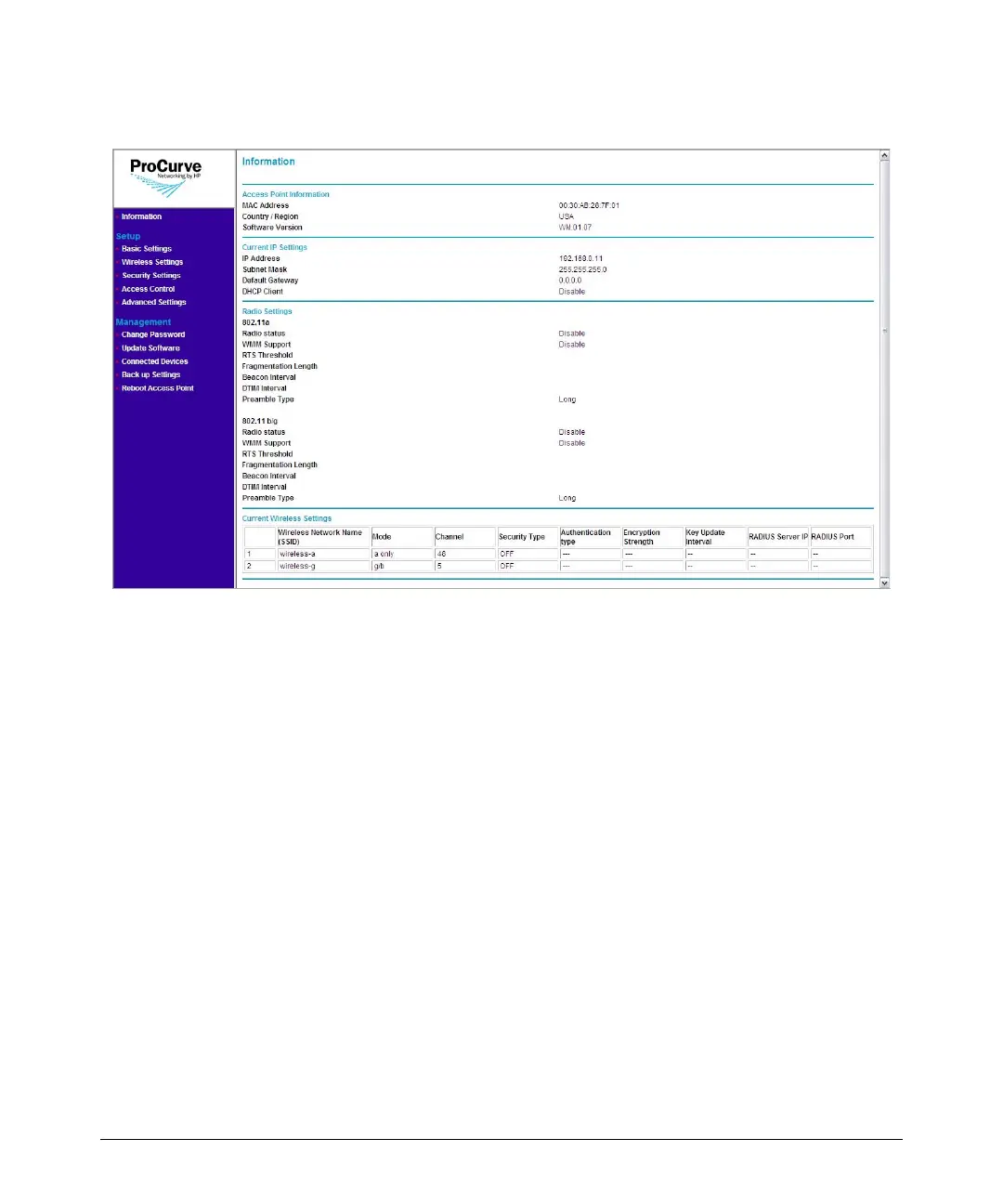
Figure 5-1. Information Page
The Information page displays three types of device information:
■ Access Point Information
• MAC Address: The physical layer address for the Ethernet port
interface
• Region: Shows the country/region that was set on the Basic Settings
page
• Software Version: Shows the version number for the runtime soft-
ware. Software version is shown as WM.XX.XX, where XX.XX is the
version number (for example, WM.01.02).
■ Current IP Settings
• IP Address: Shows the IP address of the management interface for
this device
• Subnet Mask: Shows the subnet mask configured for the manage-
ment interface
• Default Gateway: Shows the IP address of the next-hop gateway
node for network traffic that needs to be able to reach off-subnet
destinations.Gateway address
• DHCP Client: Shows whether the built-in DHCP client is Enabled or
Disabled.



 To Next Page