2-10
Installing the Access Point
Installation Procedures
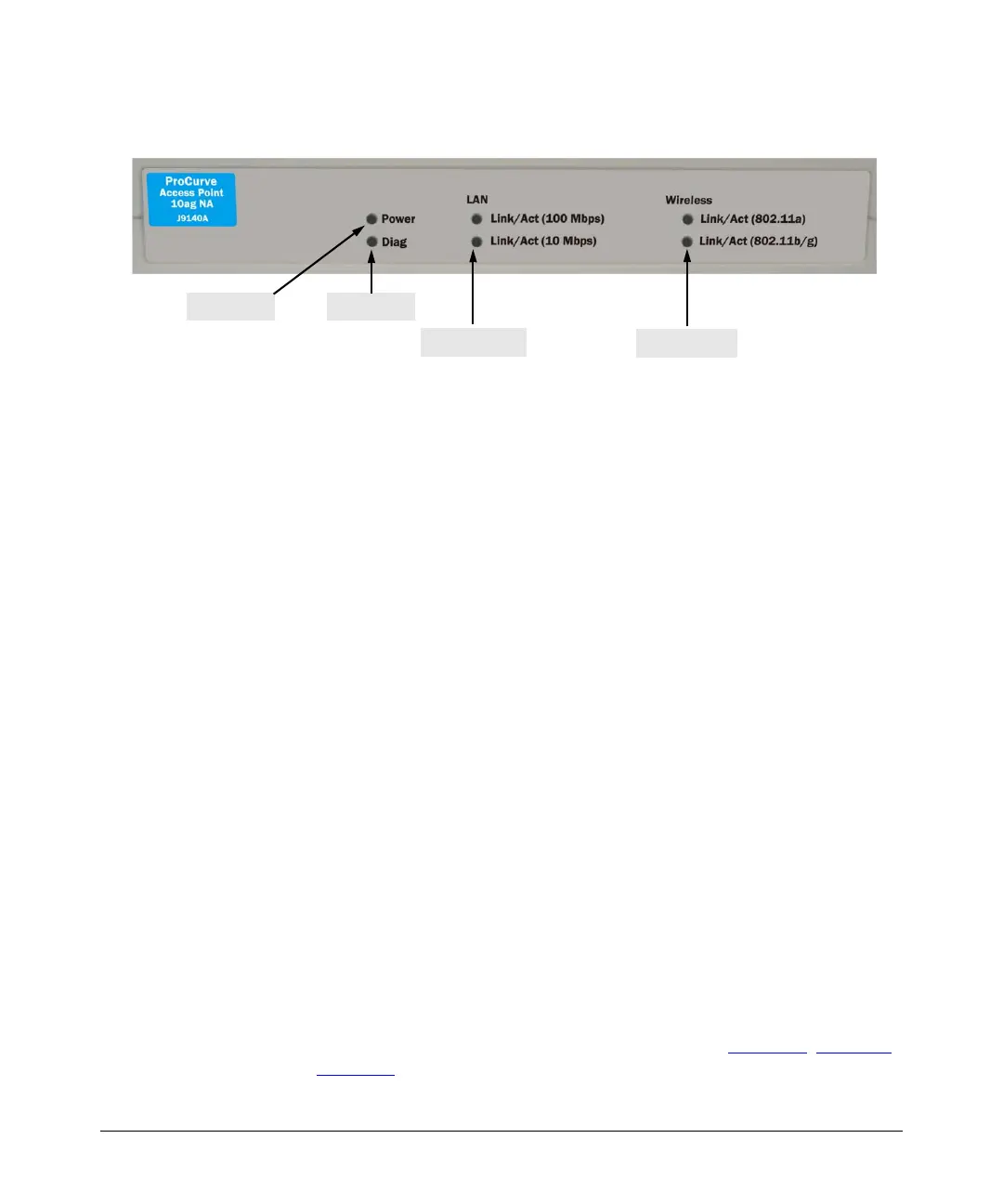
2. Check the LEDs on the access point as described below.
When the access point is powered on, it performs its system initialization.
The system initialization takes between 30 seconds and one minute to
complete.
LED Behavior
During the system initialization:
• The Power LED first turns on immediately, then both LAN LEDs blink
once, then one LAN LED (depending on the speed of the connected
device) turns on, and then the two Wireless LEDs turn on and off
several times during the initialization phase.
• If RJ-45 port is not connected to any network device (for example,
during predeployment), both LAN LEDs remain off before the two
Wireless LEDs turn on and off.
When the system initialization completes successfully:
•The Power LED remains green.
•The LAN and Wireless LEDs on the front panel of the access point go
into their normal operational mode:
– If the RJ-45 network port and radio interfaces are connected to
active network devices, the LEDs should be blinking at a rate
proportional to the traffic rate. If there is no network activity, the
LEDs should still be blinking at approximately one-second inter-
vals.
– If the RJ-45 network port is not connected to an active network
device, the LEDs should be off.
If the LED display is different than what is described above, the system
initialization has not completed correctly. Refer to Chapter 6
, “Trouble-
shooting” for diagnostic help.
Power LED
Wireless LEDs
LAN LEDs
Diag LED



 To Next Page