5-6
Managing the Access Point
Updating the Access Point Software
Update Precautions
CAUTION Here are a few things that you can do to ensure that the software update
process will be completed successfully:
■ Do not use your Web browser until the update process has completed.
■ Do not interrupt the Web browser by closing the window, clicking a link,
or loading a new page.
■ Do not interrupt the software update by turning off your computer or the
access point.
After a software update, the access point will automatically reboot and apply
the updated code.
Note Updating the software will not change the current configuration of the access
point. The access point configuration is contained in a separate file that can
also be transferred, for example, for archive purposes or to be used in another
access point of the same model. You should save a copy of the configuration
file before updating your access point software. See “
Backing Up and
Restoring Configuration” on page 5-8 for information on saving the access
point’s configuration file.
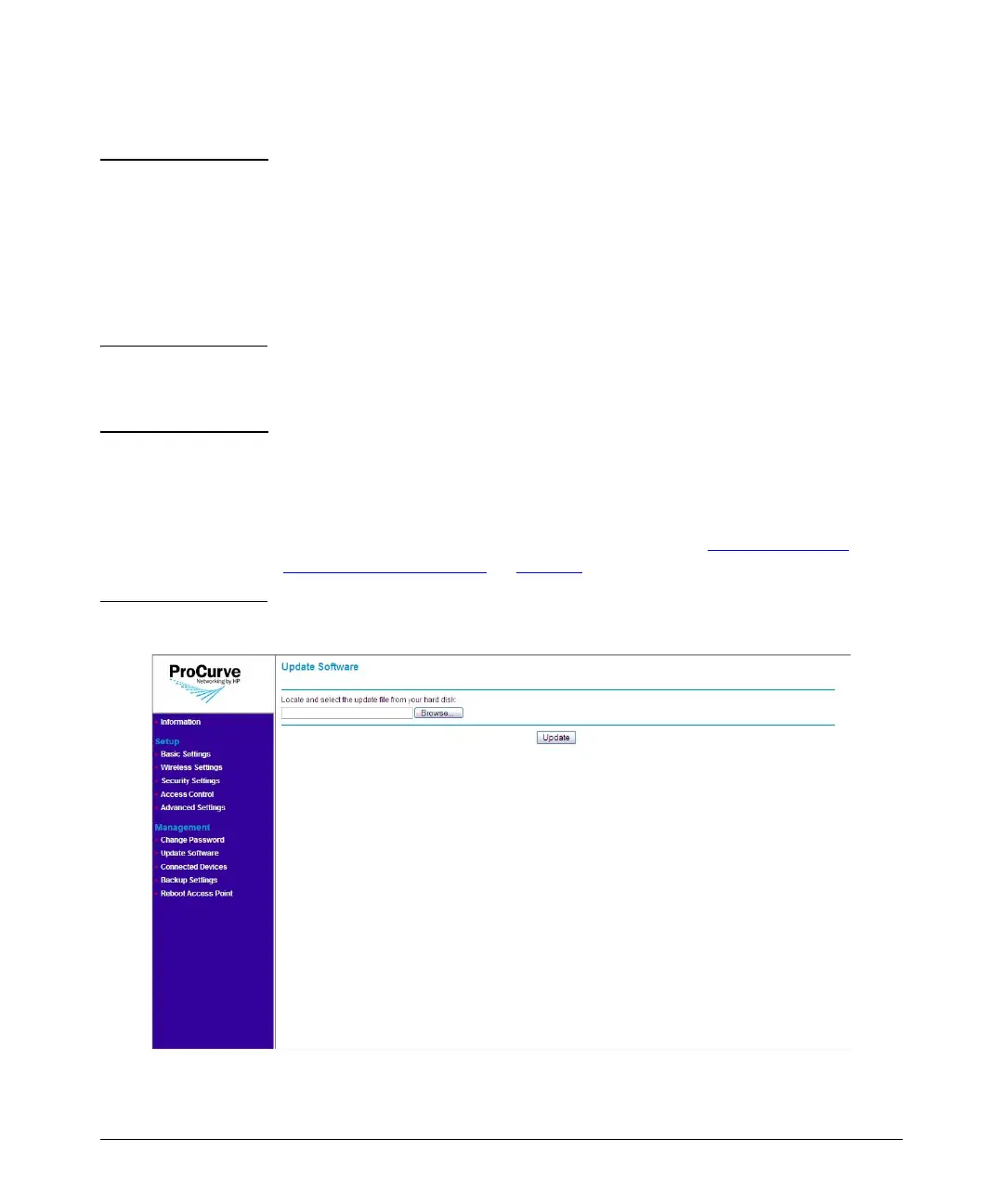
Figure 5-3. Update Software Page



 To Next Page