1-5
Introducing the ProCurve Wireless Access Point 10ag
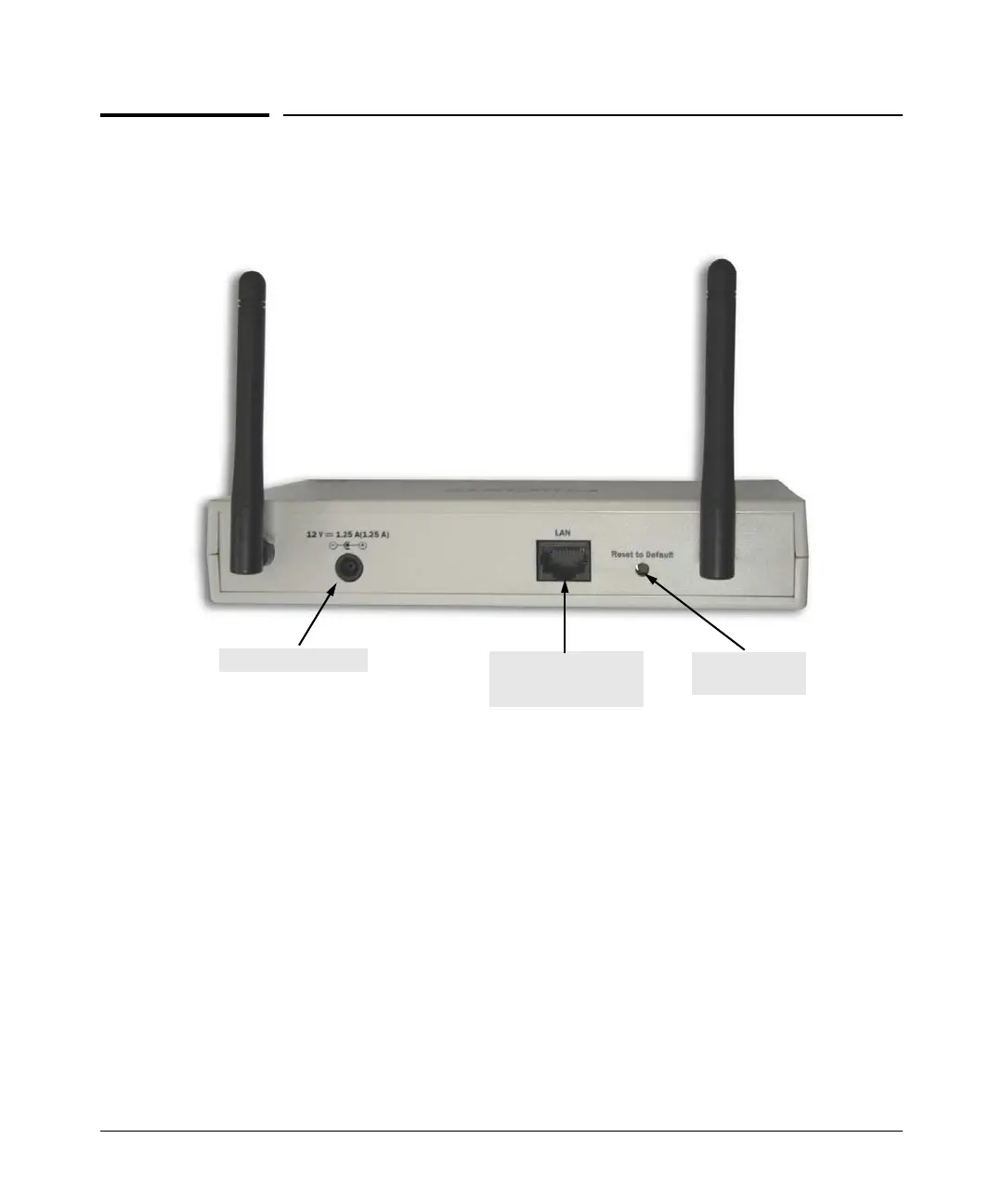
Back of the Access Point
Back of the Access Point
LAN Port
The access point includes one 10/100Base-TX port. This port uses Auto-MDIX,
which means that you can use either a straight-through or a crossover twisted-
pair cable to connect the access point to a switch, a hub, or a workstation.
Power Connector
The access point does not have a power switch. If the AC power adapter will
be used, the access point is powered on when the AC power adapter is
connected to the power connector, and the power adapter is connected to an
active AC power source.
Reset to Default
button
ProCurve Wireless Access Point 10ag
Network port
10/100Base-TX RJ-45
port and PoE input
DC power connector



 To Next Page