4-28
Setting Up the Access Point
Setting the SNMP Community Names
Setting the SNMP Community Names
You can manage the access point from a network management station running
a Simple Network Management Protocol (SNMP) management application,
such as ProCurve Manager.
The access point SNMP agent supports SNMP versions 1 and 2c. Management
access from SNMP v1 or v2c stations is controlled by community names. To
communicate with the access point, an SNMP v1 or v2c management station
must first submit a valid community name for authentication.
The default community names are public for read-only access and private for
read/write access. If you intend to support SNMP v1 or v2c managers, you
should change the default community names to prevent unauthorized access.
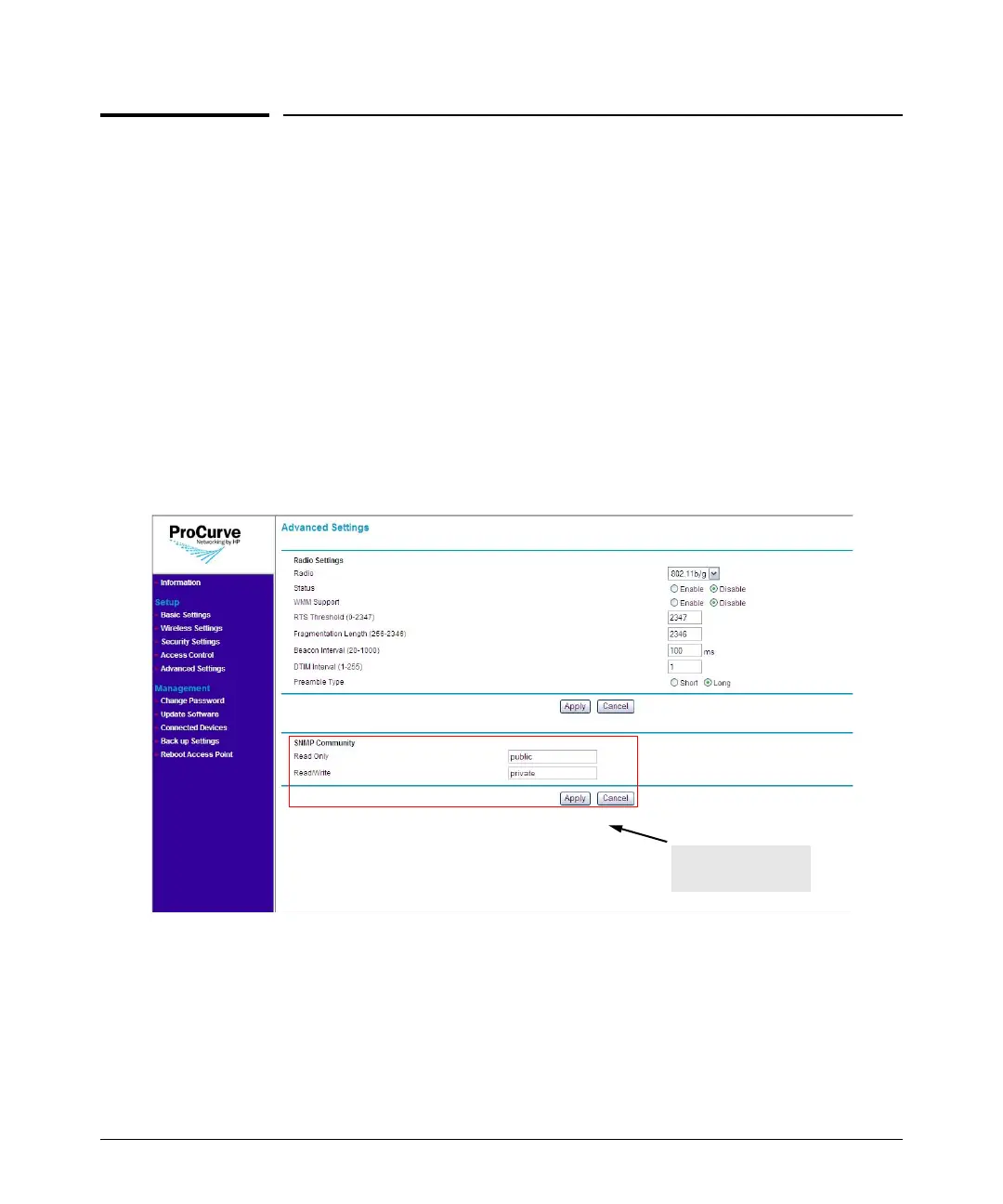
Figure 4-16. SNMP Community Section on the Advanced Settings Page
To change the default SNMP community names:
1. On the menu, click Advanced Settings under Setup. The Advanced
Settings page appears.
2. Configure the SNMP community settings under the SNMP Community
section located at the lower portion of the page.
SNMP Community
Section



 To Next Page