4-7
Setting Up the Access Point
Configuring Security Settings
2. Select the option button for the wireless profile that you want to delete.
3. Click Delete.
The message Please wait... appears. After a few seconds, the SSID List
refreshes and the wireless profile you chose to delete disappears from the list
of SSIDs.
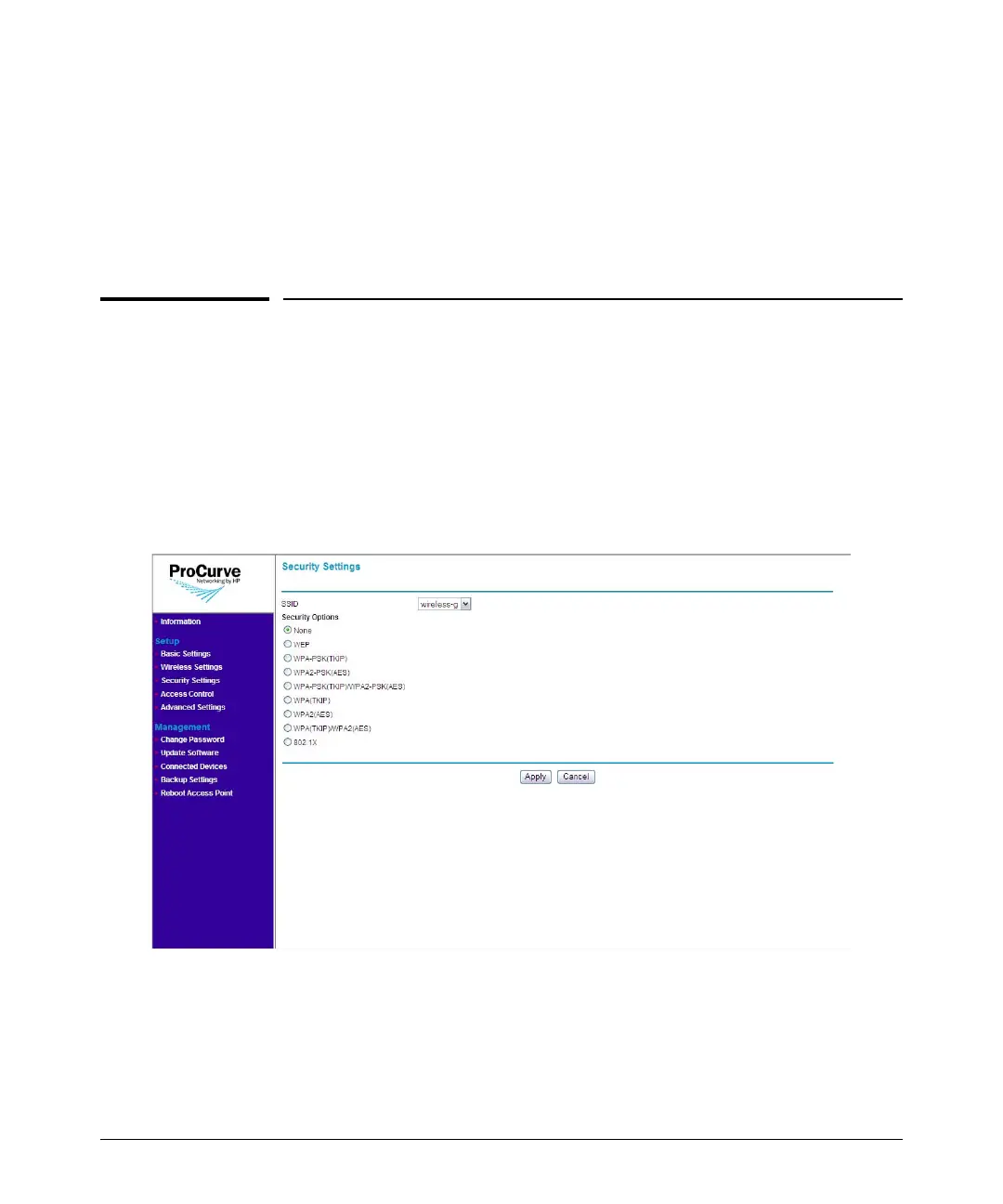
Configuring Security Settings
Unlike wired networks, anyone with a compatible wireless adapter can
receive wireless data transmissions from your network well beyond your
walls. To prevent outsiders from eavesdropping on your network traffic or
from entering your network to access your computers and files, you should
configure the security features of your access point.
Figure 4-4. Security Settings Page
Wireless Security Overview
By default, the access point is configured as an “open system,” with no
security. This means that the access point broadcasts a beacon frame, adver-
tising each configured wireless network (SSID). If a wireless client has a



 To Next Page