4-13
Setting Up the Access Point
Configuring Security Settings
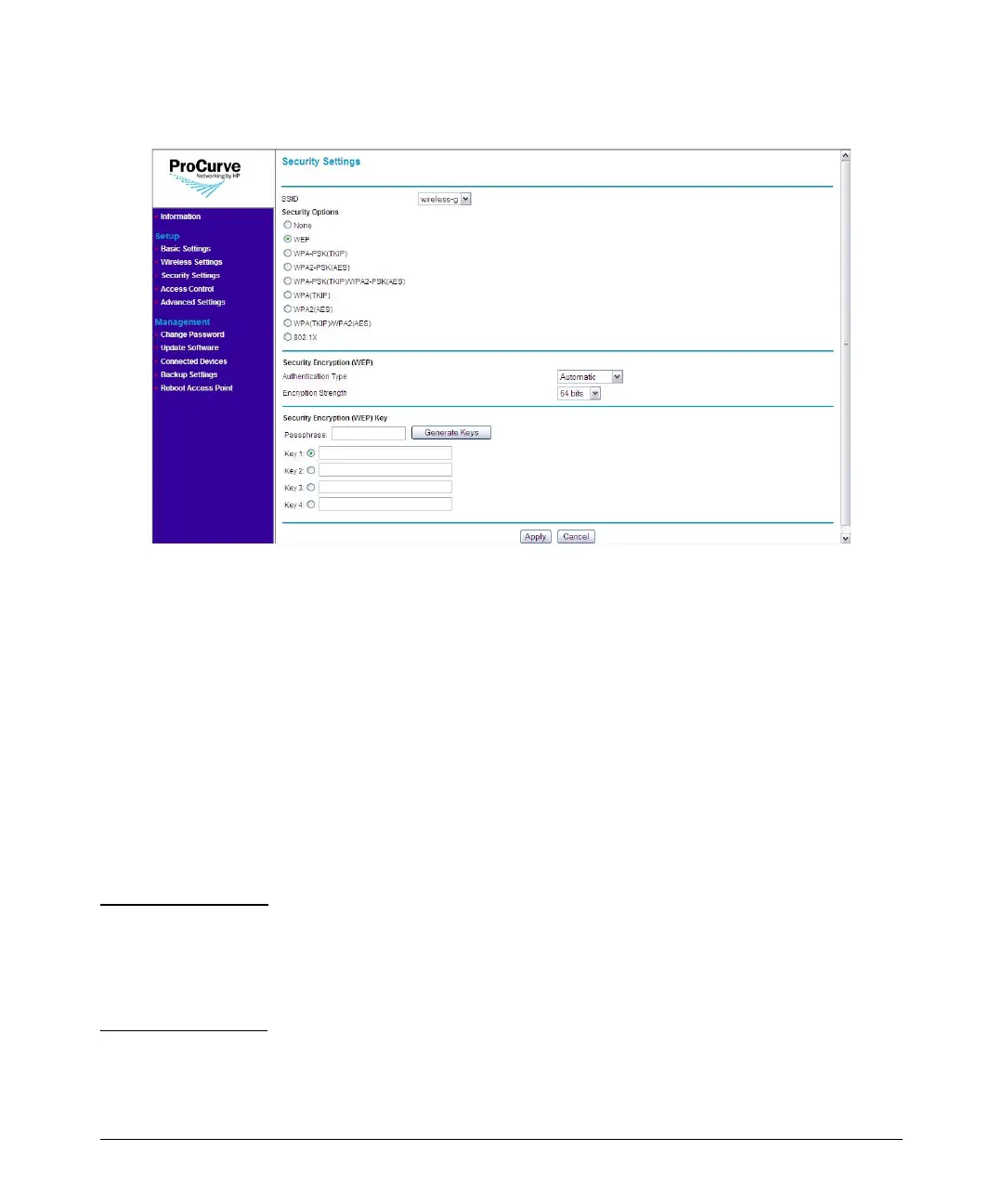
Figure 4-6. WEP Options
To use WEP:
1. On the menu, click Security Settings. The Security Settings page
appears.
2. In SSID, select the SSID for which you want to set the security profile.
3. Under Security Options, click WEP.
4. Under Security Encryption (WEP), configure the authentication type
and encryption strength.
• Authentication: Select Open System to allow association of wire-
less clients and devices without requiring authentication. Select
Shared Key to establish a rudimentary form of user authentication.
Select Automatic if Shared Key authentication is to be supported,
but not required. Default is Automatic.
CAUTION Shared Key mode is unreliable, in that it utilizes the static WEP encryption
key (transmitted openly) for client authentication. This allows the WEP
encryption key to be easily discovered by anyone who might eavesdrop on the
wireless network. If static WEP is configured, it is recommended to select
Open System authentication.



 To Next Page