5-10
Managing the Access Point
Rebooting the Access Point
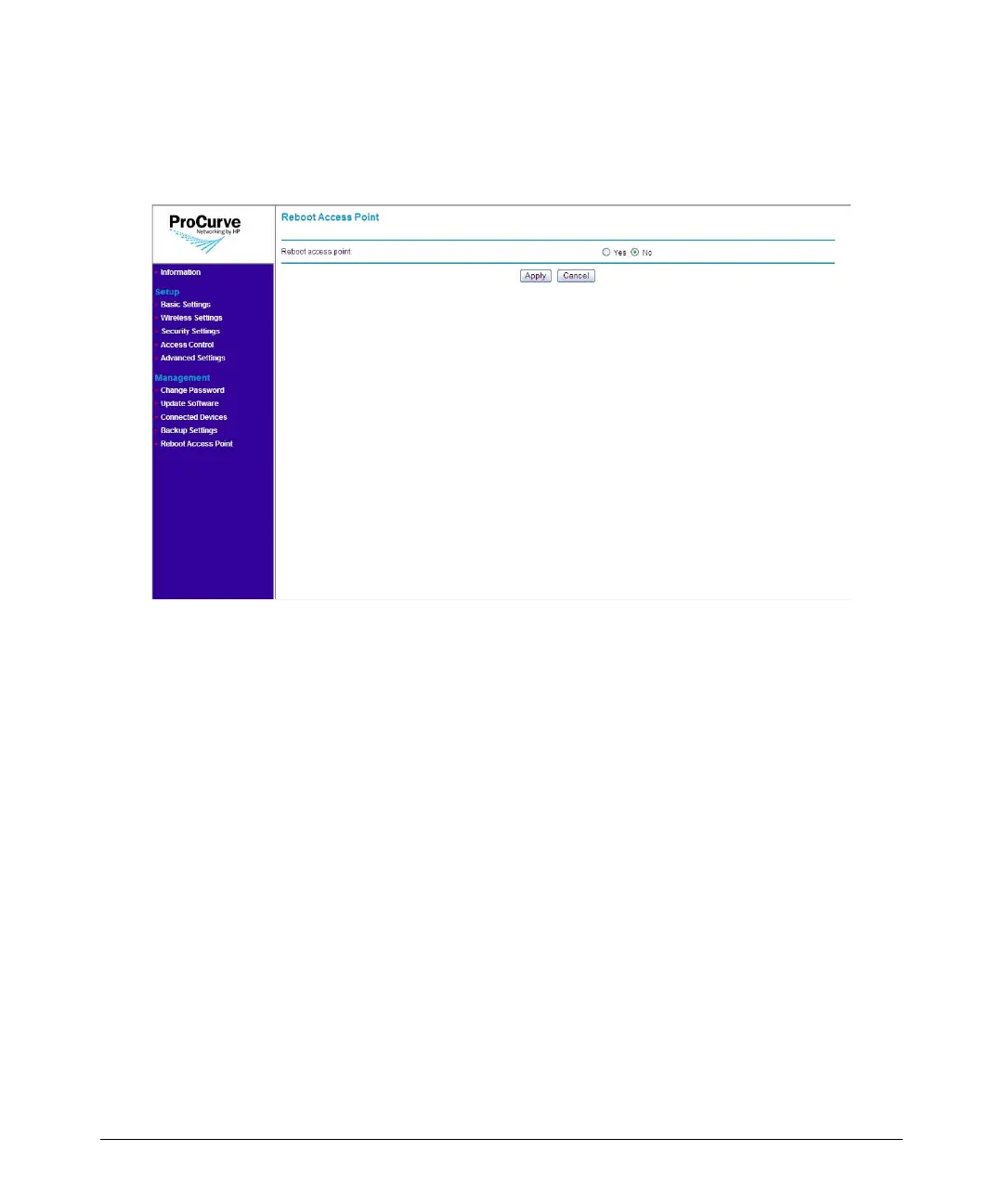
Refer to the procedure below for instructions on how to reboot the access
point from the Web interface.
Figure 5-5. Reboot Page
To reboot the access point:
1. On the menu, click Reboot Access Point.
2. In Reboot access point, click Yes.
3. Click Apply. A confirmation message appears.
4. Click OK. The following message appears:
Access Point is rebooting......
PLEASE WAIT until re-directed to Information page.
When the access point has rebooted, the logon dialog box appears.
5. Enter your user name and password to log back on to the Web interface.



 To Next Page