KDC1905 programming methodology is derived from CD1803. The available parameters change and the
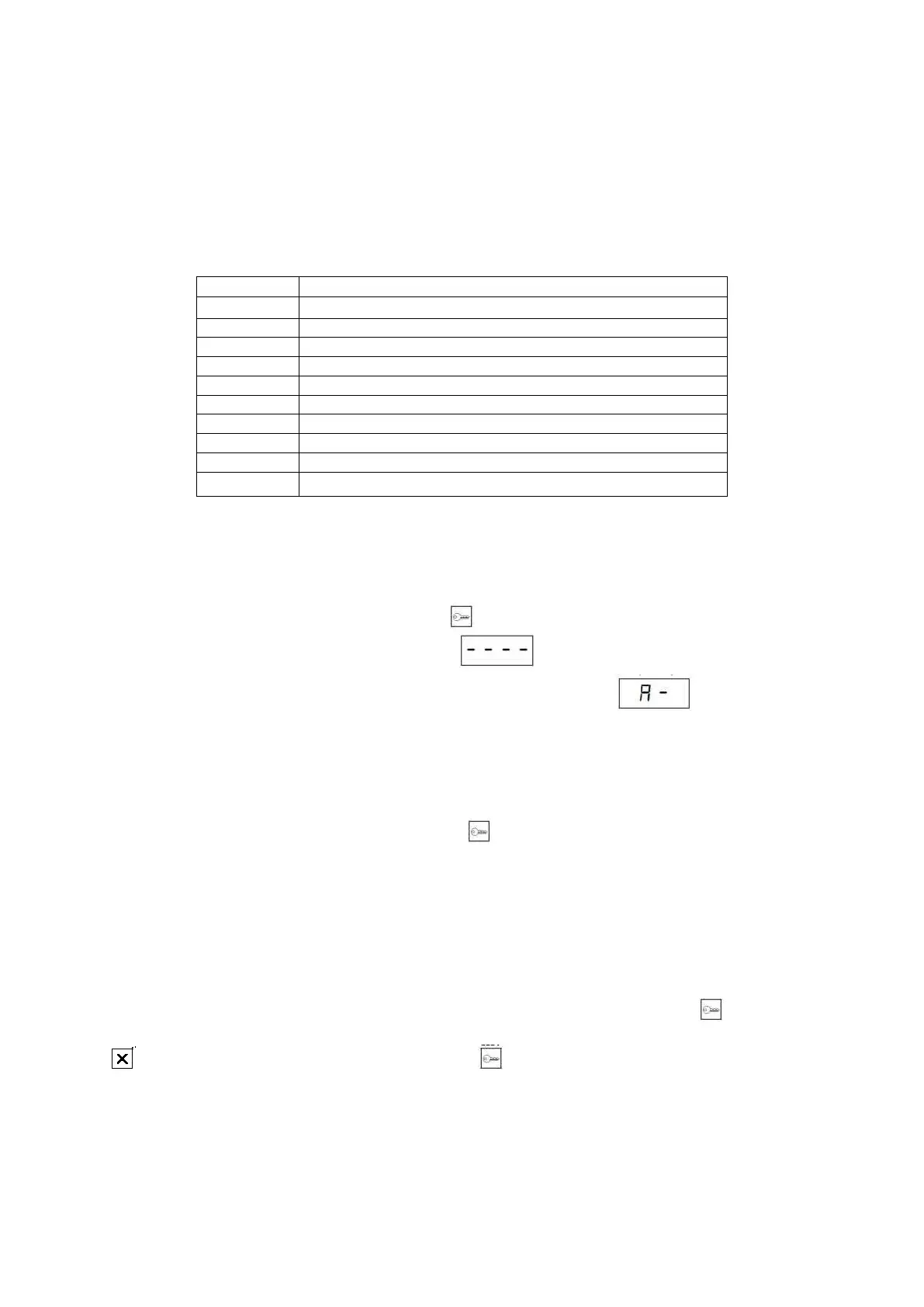
organization of parameters has changed in part. The programming menu is divided into 9 subgroups listed in Table
2.
Note! Please note that all data (settings, residents list) are saved in the PBX cassette (also satellite settings).
Table 2: Subdivision into subprograms
4.1 Programming mode operation
4.1.1 Entering programming mode
4.1.2 Navigating in the programming mode
In order to enter the programming mode, select the key and then enter the programming access code “240361”.
The software version number will be displayed, and then . Enter the installer code (default is “0000”).
The keyboard address will appear on the screen, and then the text will be displayed . The installer code
can be changed from A-7 subprogram level.
After entering the programming mode, the cassette will wait for subprogram number to be entered. Select the
program from the keyboard and accept selection with key . A symbol assigned to a given subprogram should
appear on the display. The cassette response after entering a subprogram is described in Table 3.
Description of individual subprograms can be found further in this manual.
Changing the cassette settings is made by changing the appropriate fields, whether it is a number or the value of
parameter. After entering field editing, the cassette will display the field symbol and entered value, if previously
entered. If the field is empty, the cassette will still display the field symbol.
To enter a new value in an empty field, enter the field, enter the value and accept it with key .
To delete the field content, enter the field edition, when the currently entered value is displayed press button
, and then accept deletion of the entry by pressing button .
adding RFID and DALLAS IDs.
manual assignment of physical number
parameters of individual premises
changing the installer code
changing cassette settings
software update of the cassette
restoring selected settings to factory defaults



 To Next Page