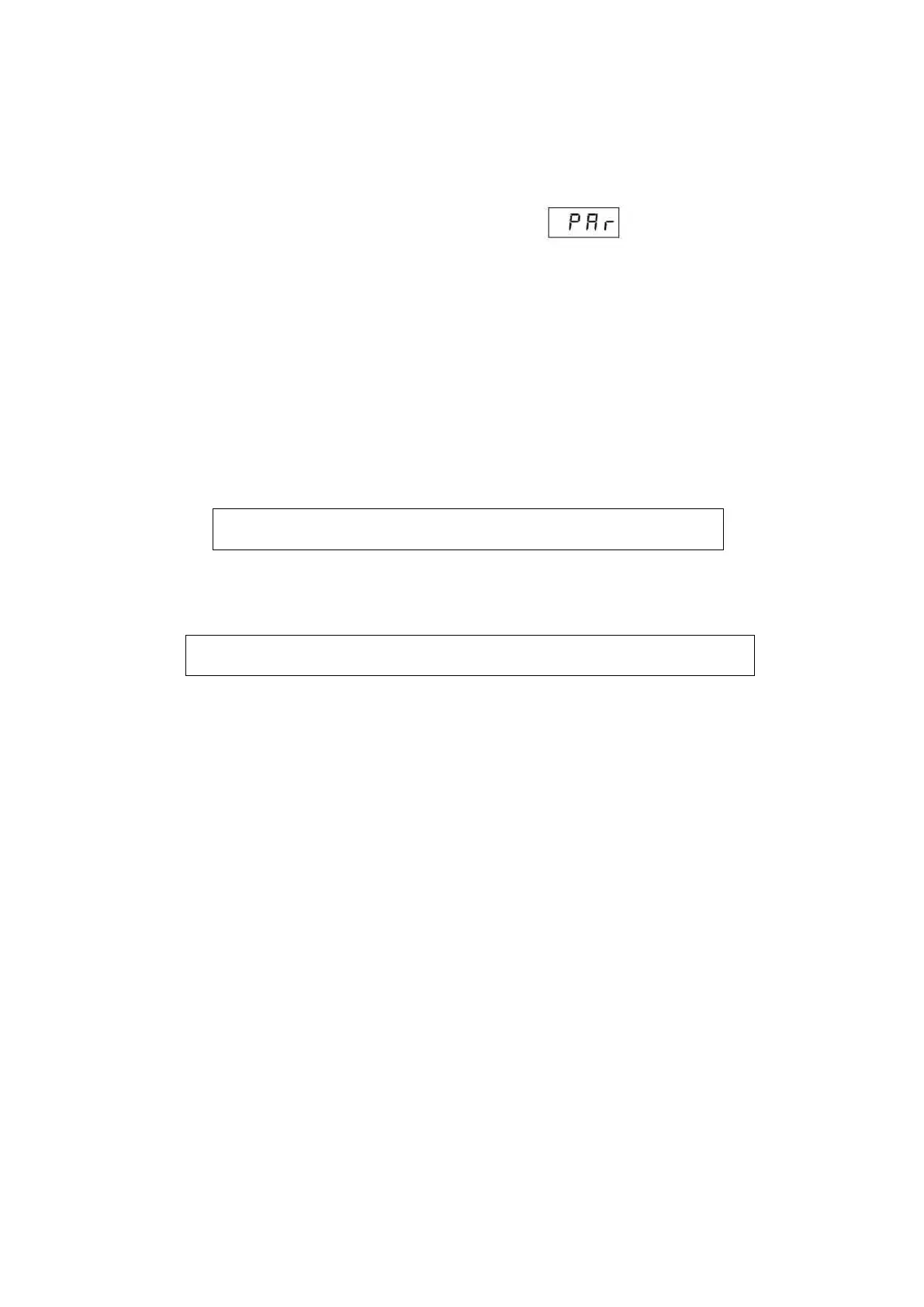
In this subprogram, the technical parameters of cassette and PBX are changed. Settings can be changed from the
main cassette and satellite cassettes. The procedure is the same in both cases. Settings description is available in
further part of this manual (e.g. correct locking setting).
After entering A-8 subprogram, the cassette will display a message . Enter the number of selected
parameter and make changes.
4.9.1 Organization of parameters for individual cassettes
Due to the specificity of KDC3905 system, global and local parameters have been implemented. All parameters are
set primarily as global. Additionally, the installer can change individual settings for each keyboard separately (e.g.
lock control or microphone volume). Parameters, defined as in the further part of this chapter, refer to global
parameters. If there is a need to change individual settings, each cassette, including the “central” cassette, has its
own set of parameters, which after being defined, will be “above” global parameters, i.e. they will be used instead of
the global parameter. These parameters are taken into account only when they are defined. After deleting the local
parameter, the global parameter will be valid for a given cassette.
Global parameters range from 001 to 999. Access to local parameters, separate for each keyboard, is possible
after adding a prefix to each parameter number. Prefix is the address of a given keyboard.
Example:



 To Next Page