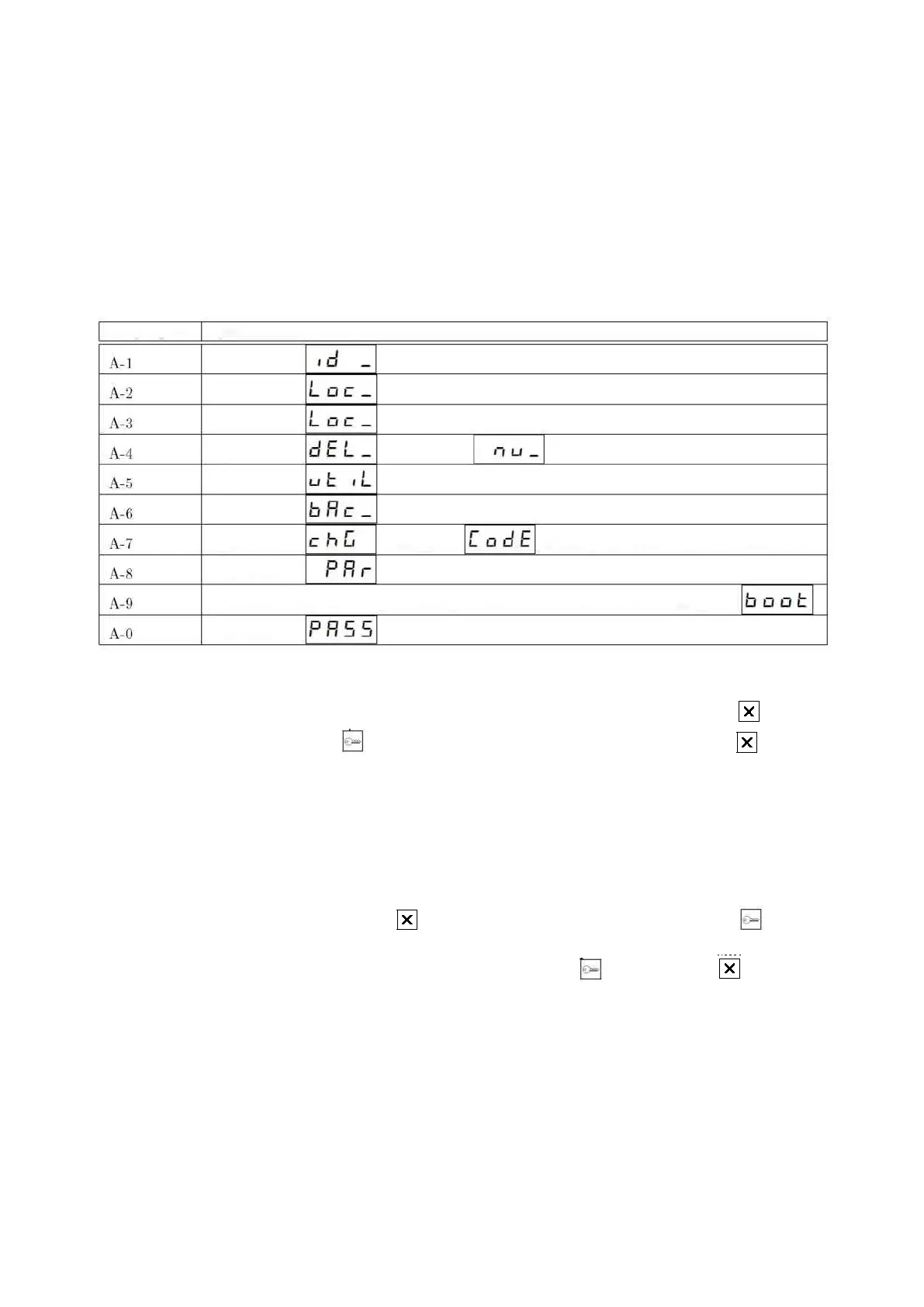
4.1.4 Sequential edition fields
Some subprograms, such as A-4 (parameter editing for individual premises), require sequential data entry, i.e. 3
parameters are changed one by one after entering the edition.
Parameter change is carried out as in the normal editing field – after the parameter name is displayed, if a
value is entered, it will be displayed. If the parameter is empty, its symbol will be displayed.
To enter/change an entry, press the button and then enter a new value and accept it with key . The
cassette will then proceed to the edition of next parameter.
To skip changing one of the parameters, it is necessary to use the button instead of button when the
symbol or value is displayed. The cassette will then proceed to edition of the next parameter or, if it is the last
parameter in the series, it will return to the “menu above”.
To change the field value, enter the field, wait until the cassette displays entered value, press key , then
enter the new value and accept with key . To exit the edition without changing parameter, press twice .



 To Next Page