Parameters used to configure the Open Learn function
• 012 – target number for entering IDs. If the value “0” is entered, the ID will be entered under the number
indicated by the user.
• 013 – operating time of the Open Programming function in hours.
If the target number (012) is different from “0”, each ID used will be entered into the memory under the number
saved in parameter (Note! – without any authorization)
If the target number is empty, the ID will be entered under the number indicated by the user. In this case, the
addition procedure is as follows:
1. at idle, enter the number of property and press
2. use an ID
3. enter the lock code assigned to the premises used
The Open Programming Time is given in hours. After the set time has passed, the function is deactivated. To
deactivate Open Programming manually, reset parameter 013.
4.3 Subprogram A-2 — forwarding
Subprogram enables manual forwarding of logical number without number conversion settings (e.g. hotel
numbering, pre-shift). The entered physical number must be in the range of 0-255 (in case of cooperation with old
“jumper” decoders), or in the range of 0-16 383 in case of “bit” addressing.
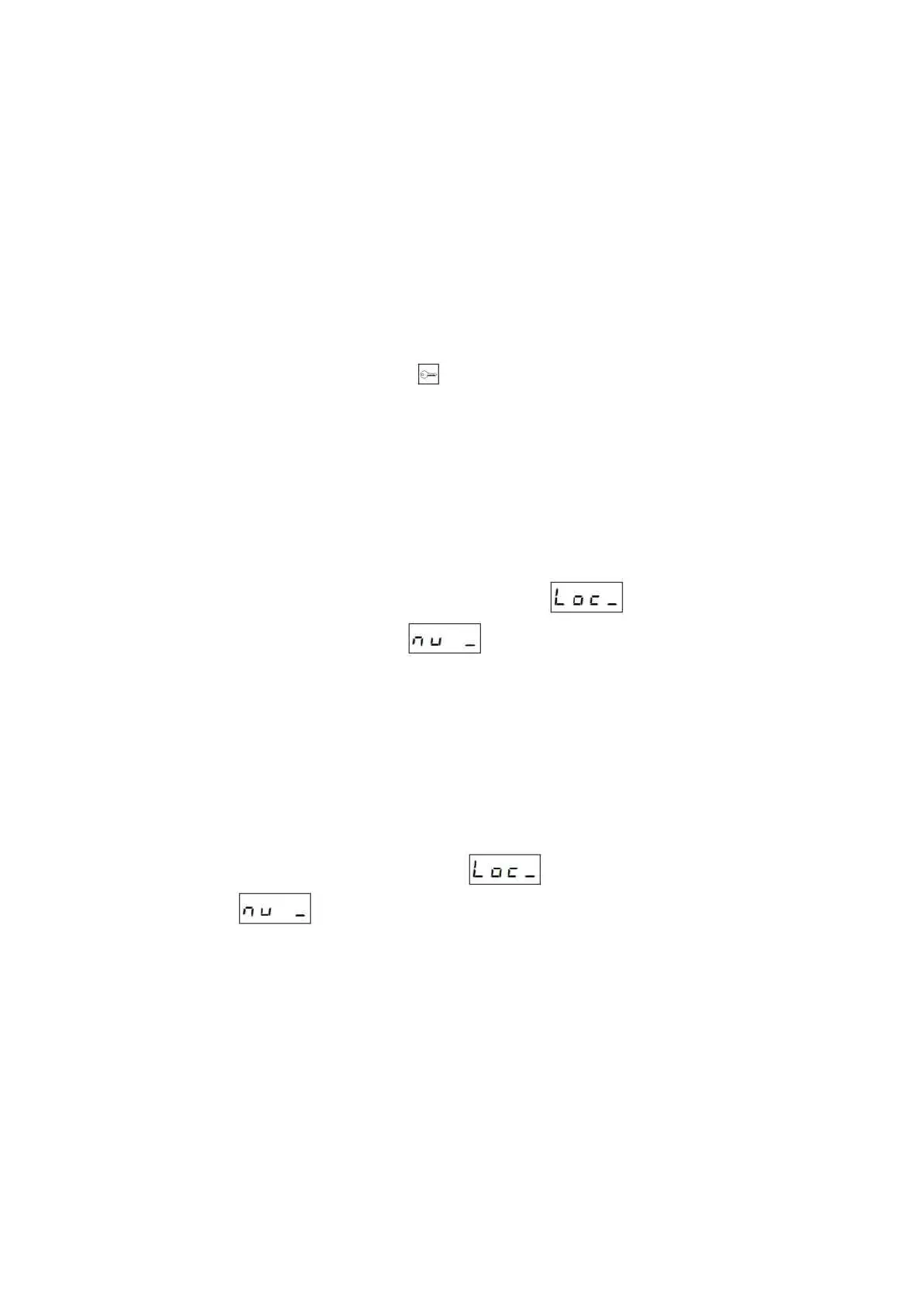
After entering the A-2 subprogram, the cassette will display a message . Enter the logical number to
be forwarded and then, after displaying the message enter the target physical number.
4.3.1 Blocking the number
Using A-2 program it is possible to block the logical number. Blocking the number is made by entering ‘0’ as the
target number in program A-2. This results in deactivation of voice connection, and deactivation of access codes and
user IDs.
Unblocking the number takes place after deleting redirection or redirecting to a physical number other than zero.
4.4 Subprogram A-3 — entry of lock codes
The A-3 subprogram is used to enter additional lock codes. When entering the code, a logical number is given (from
the PBX’s point of view), but ultimately the PBX assigns them to physical numbers (after conversion, see point 7.6).
After entering subprogram, the PBX will display a message . Enter the logical number, then the PBX
will display a message and the current lock code assigned to the premises. If no code is assigned, the
default code from the code table is used. The change of entry is analogous to other subprograms. Enter the codes
according to description of editing the sequence fields.
If multiple codes are required for one property, remember that entering any code disables the code table for that
number. Therefore, if one of codes is to be a code from the table, it must be entered manually.
The lock code should be between 4 and 6 characters. Avoid codes starting with “0”.



 To Next Page