Table 10: Data fields in csv file
The first line of file saves program version in the cassette (subprogram number: “0”). An example structure of
csv file is shown in Figure 1. If a physical number, lock code and ID have been assigned to a logical number, this
logical number will appear 3 times in the file. If more IDs are assigned to property, the number of occurrences of the
logical number in a file will also increase.
Figure 1: Example CSV file
4.8 Subprogram A-7 — changing the installer code
Note! If the installer’s code has less than 4 digits, each time the cassette requires a code, it should be given with
the previous digits ‘0’ so that the total code entered has at least 4 digits.
Subprogram A-7 is used to change the installer code to protect the cassette from unauthorized access to the
programming menu. Default code is “0000”. Adequate protection of the cassette requires changing the code to a new
one. Entered code should be remembered – loss of code results in lack of access to the programming menu.
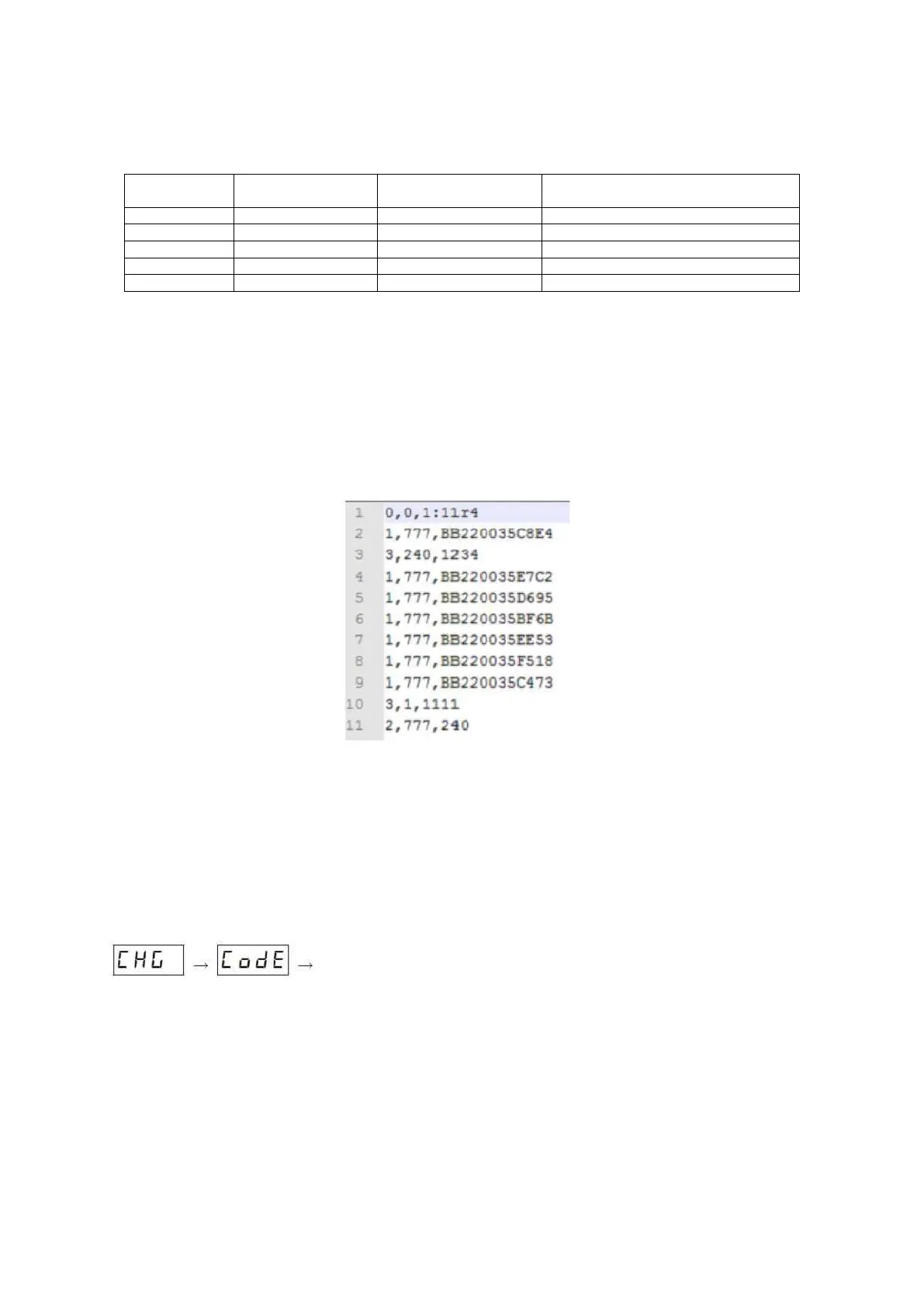
After entering A-7 subprogram, the cassette will display the following sequence:
the current code.
Entry in the first
column
Importance of the second
column
successive parameters of premises



 To Next Page