4.6 Subprogram A-5 – special functions
The program contains special functions that are useful for starting up and servicing the installation. After calling the
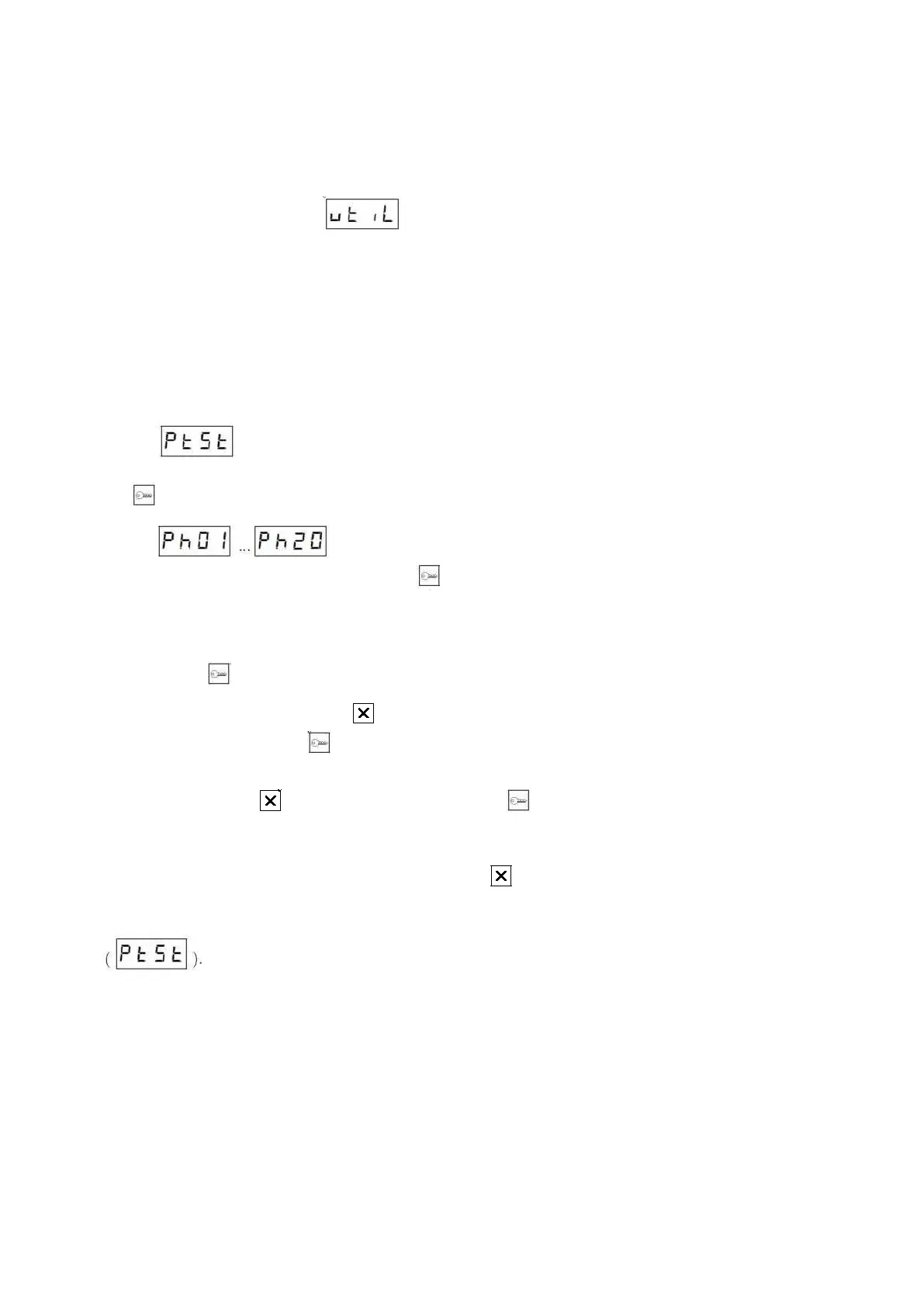
program, the display will show a text . Enter the service function number and confirm with key.
4.6.1 Function 3 – apparatus testing
It is available in firmware cassette version from 7r13. Entering the function is carried out by entering the program
A-5 and selecting key 3 (function selection).
This function is known from the old type PBX as P3 program. It enables quick verification of decoder
installation by one installer. It consists in automatic addressing of the decoder, after pressing P1 button (principle of
operation as for feedback communication).
Procedure of starting the function:
1. – number of the keyboard to which calls will be forwarded. If 0 is entered, the function is
switched off and there is no access to the next part of configuration. Confirm the entered value with button
2. – logical numbers of devices to be tested. The cassette displays the entry
number and its value alternately. Using the key it is possible to switch between successive entries, and the
entry with the highest number is empty (waiting for a new number to be entered). The list can be dynamically
enlarged and single entries can be deleted.
3. To add a new device number, display the entry with the highest index, enter the new device number and
confirm with .
4. To change the entry, select a key when the number entered under the index is displayed, enter the new
number and confirm with key .
5. Deletion of an entry is possible when the list of numbers is displayed. Display the number to be deleted and
then select the button to clear the entry and then the button to save changes.
6. If the number 0 is entered, the PBX will rely on the number sent by the device (only new devices).
7. Exiting the program is possible after selecting the button twice.
Activated function 3 runs for one hour after the last change of the first parameter of function
. When the tests are finished, disable this function by inserting 0 into the first parameter.
Test procedure for the decoder:
1. Enter the keyboard number to which calls are to be forwarded
2. Enter the physical numbers of devices to be included in the test function
3. Testing will be active for another hour
4. In the decoder, select P1 button with the handset raised. The PBX will address the decoder and after making
a call it will generate a quiet beep in the handset. A call is established – you can test the microphone (the longer
the cable, the bigger the crosstalk to speaker) and the operation of decoder keys.



 To Next Page