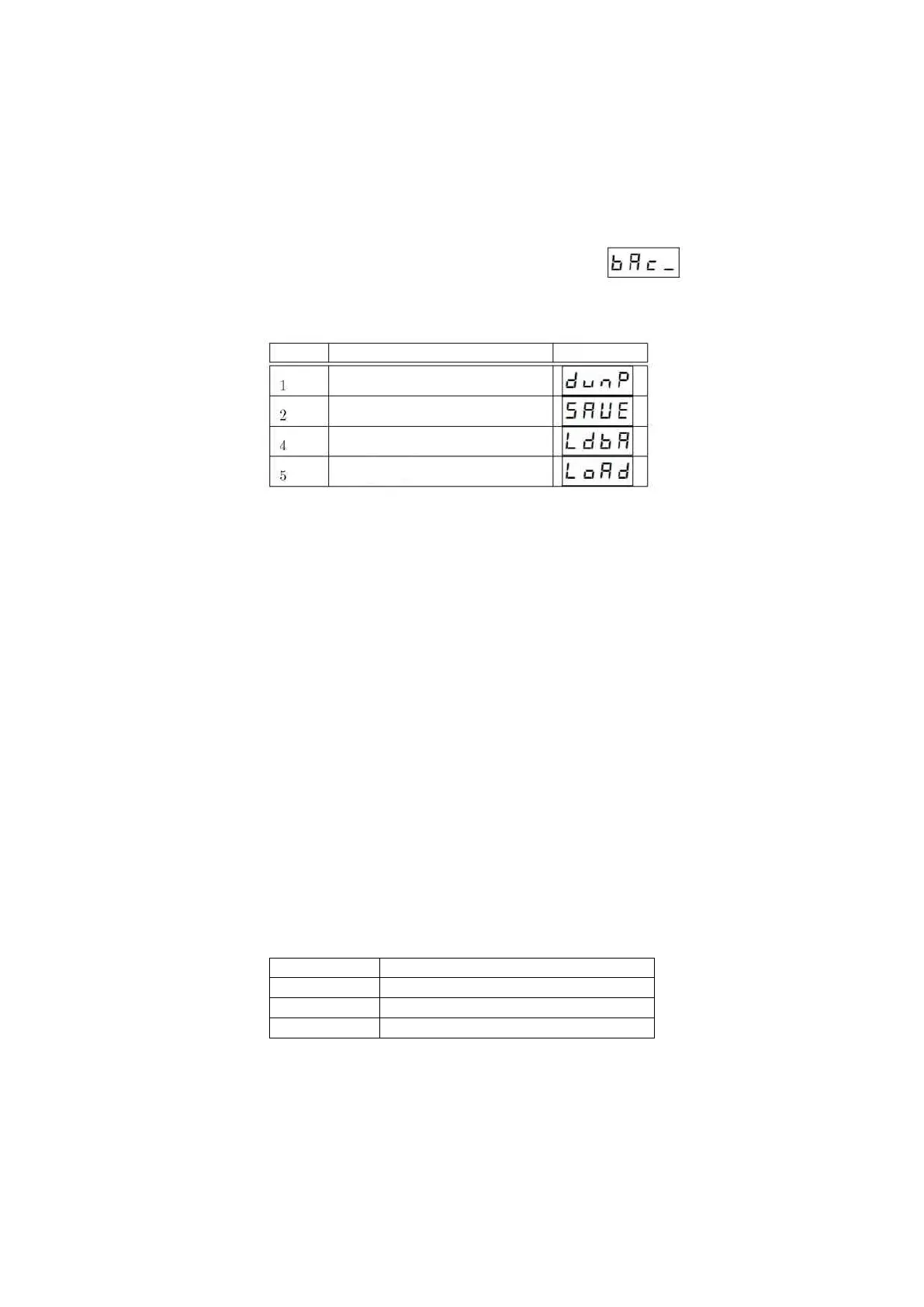
Table 8: Possible actions in A-6
In each case, it is necessary to provide the file name to save/read (e.g. after entering 1905 sequence in program
2, 1905.csv file will be created). The exception is program 4, where you need to enter the autobackup file number
(see section 4.1.7), e.g. to load BAK3.CSV file, enter the number 3 and then accept selection.
The option “1” – full memory dump saves the entire PBX memory to *.bie file. These are service data, usually
not useful for the installer.
It is strongly recommended to have a current backup copy of the cassette settings in case the control panel is
stolen or the system is damaged, because the settings are restored as quickly as possible. In case of electrical damage
to the device, there is no other way to recover the data, such as restoring it from a backup created by the installer.
4.7.1 Structure of “CSV” file
CSV file is a text file into which the settings of A-1, A-2, A-3, A-4 and A-8 subprogram are saved. These data are
saved in plain text to allow manual editing in any text editor or spreadsheet. A comma (,) is used as a separator.
When opening a file with a spreadsheet, make sure that the program uses the coma character as a separator
Saved data is divided into 3 columns. Descriptions of particular columns are placed in Table 9. Subsequent
columns are separated by commas. Table 10 shows the importance of fields depending on the value of first column
(subprogram number). Subsequent records are stored in subsequent.
Subprogram A-6 is used for data backup. It enables to save settings from programs A-1, A-2, A-3, A-4 and A-8 on
the memory card to *.csv file, to read this data from *.csv file and to drop the whole memory on the micro SD card
to *.bie file.
After entering the subprogram A-6, the cassette will display a message . Select one of three
available options (tab. 8).



 To Next Page