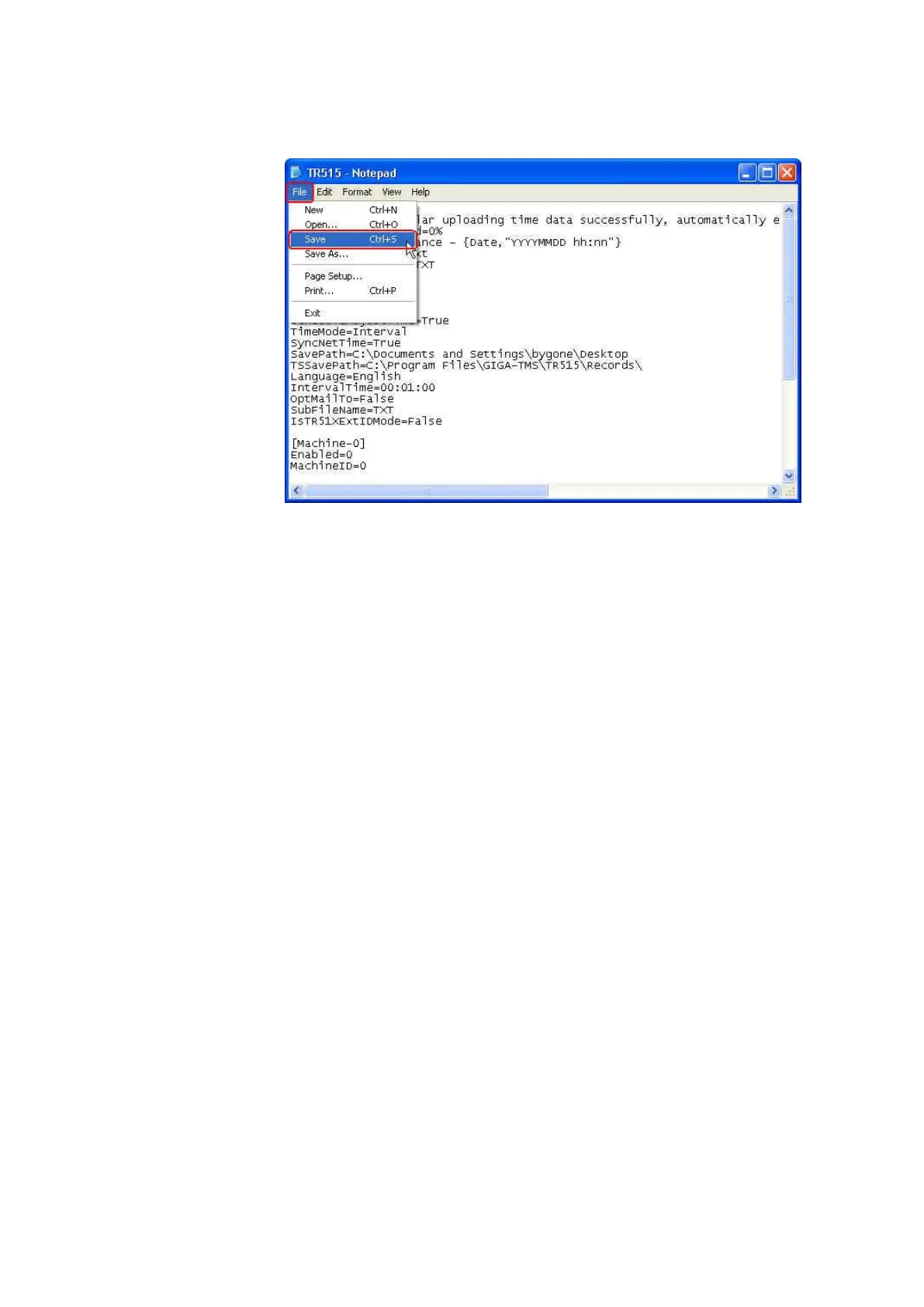
(4) Click [File] and then click [Save] to save the file.
8. Why are the settings in “Time Scheduler” such as “Save Path” or “ID
Digital Set” sometimes lost and reset to default after restarting your
computer
Upgrade the software TR515 Tool/TR510 Tool to the version V1.6R7 or
above.
Make sure you login your computer with “Administrator” account (or
“Power User” and above). Besides, make sure the software TR515
Tool/TR510 Tool must be closed normally after you change the settings in
“Time Scheduler”. For example, if you login your computer with
Administrator account, use “Time Scheduler”, finish changing the setting
and then close the software normally before your computer shuts down,
the setting will be saved. However, if you login your computer with
Administrator account, use “Time Scheduler”, finish changing the setting
and then the software is not closed normally before your computer shuts
down, the setting won’t be saved. The power failure, PC crash or you shut
down your computer directly without closing the software that may
cause the setting lost.
9. If you have downloaded the data from TR515/TR510, will the same data
be downloaded again for the next time
If using “Time Scheduler” function, it won’t repeat to download the
downloaded data.
If using “Upload” function under [Records] tab to view the data, the
downloaded data will still be loaded in [Records] screen if you never
delete it. However, once you delete the data in TR515/TR510, the
downloaded data will not be shown in [Records] screen when uploading
the data.



 To Next Page