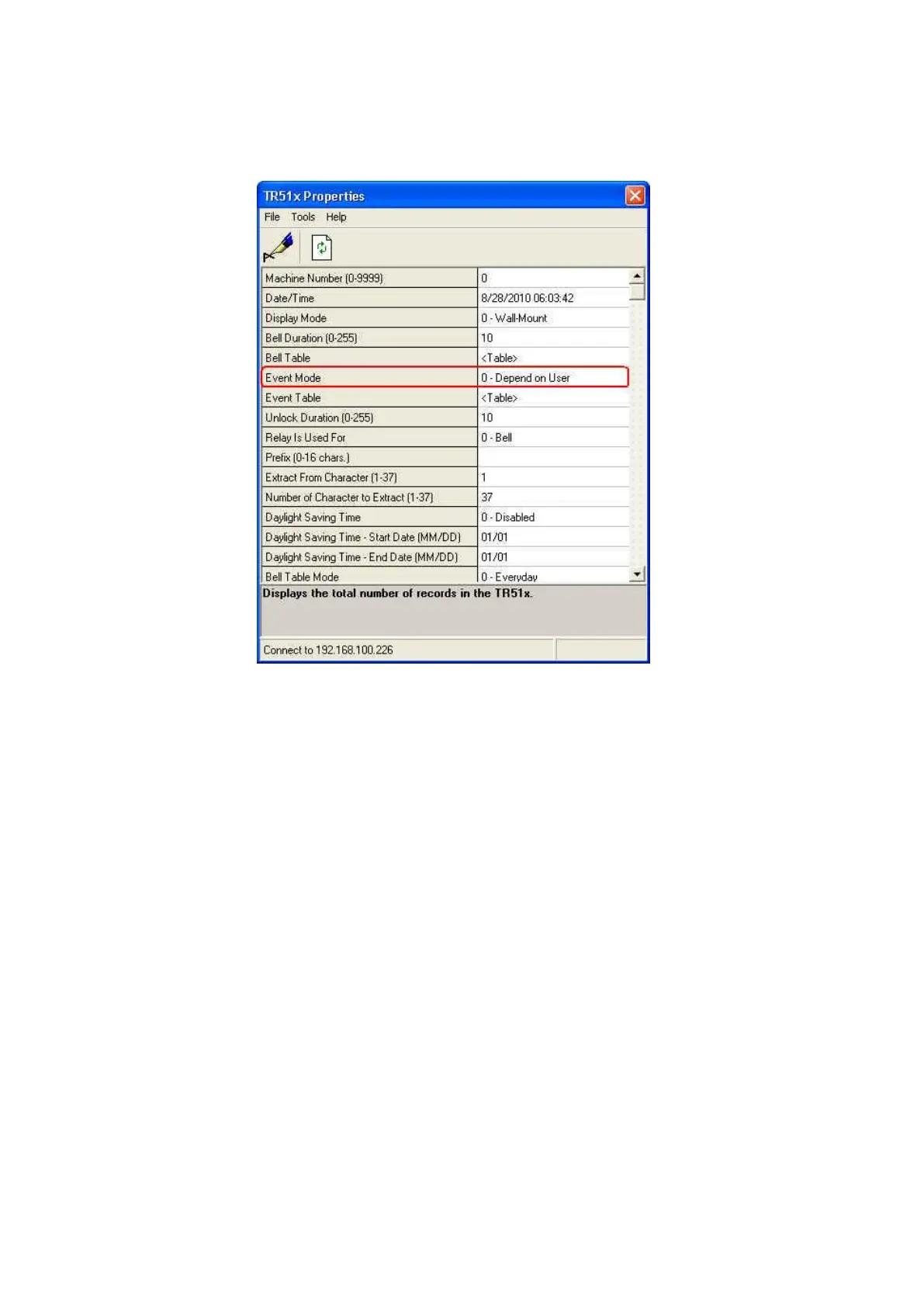
[Event Mode] in the software Time Recorder Utility may probably be set
to “Fix to Punch Out”. Set it to “Depend on User” or “Use Event Table”.
6. When using “In/Out Schedule” table in the software TR515 Tool/TR510
Tool (or “Event Table” in the software Time Recorder Utility) to schedule
In/Out, the designated mode is not locked (user can still select In/Out
mode). Is there any way to lock IN and OUT buttons
TR515/TR510 will not lock In/Out mode when using In/Out Schedule table
(or Event Table). We consider that sometimes the special situations
between In and Out events may occur. For example, it is set to “In” event
at 13:00 and changed to “Out” event at 17:00. However, a staff needs to
leave the office at 15:00 for the accident. At the moment, TR515/TR510
allows him/her to press OUT button manually to switch it to “Out” mode.
The mode will be automatically changed back to “In” in 5 seconds.
7. What is the connector with green and orange color at the back of TR515
It is a relay for the bell or the door lock. Use our software to set the relay
mode (for “bell” or for “door lock”) if you want to use it. To set the relay
mode, see “8. If you need to set the relay mode for TR515/TR510”.



 To Next Page