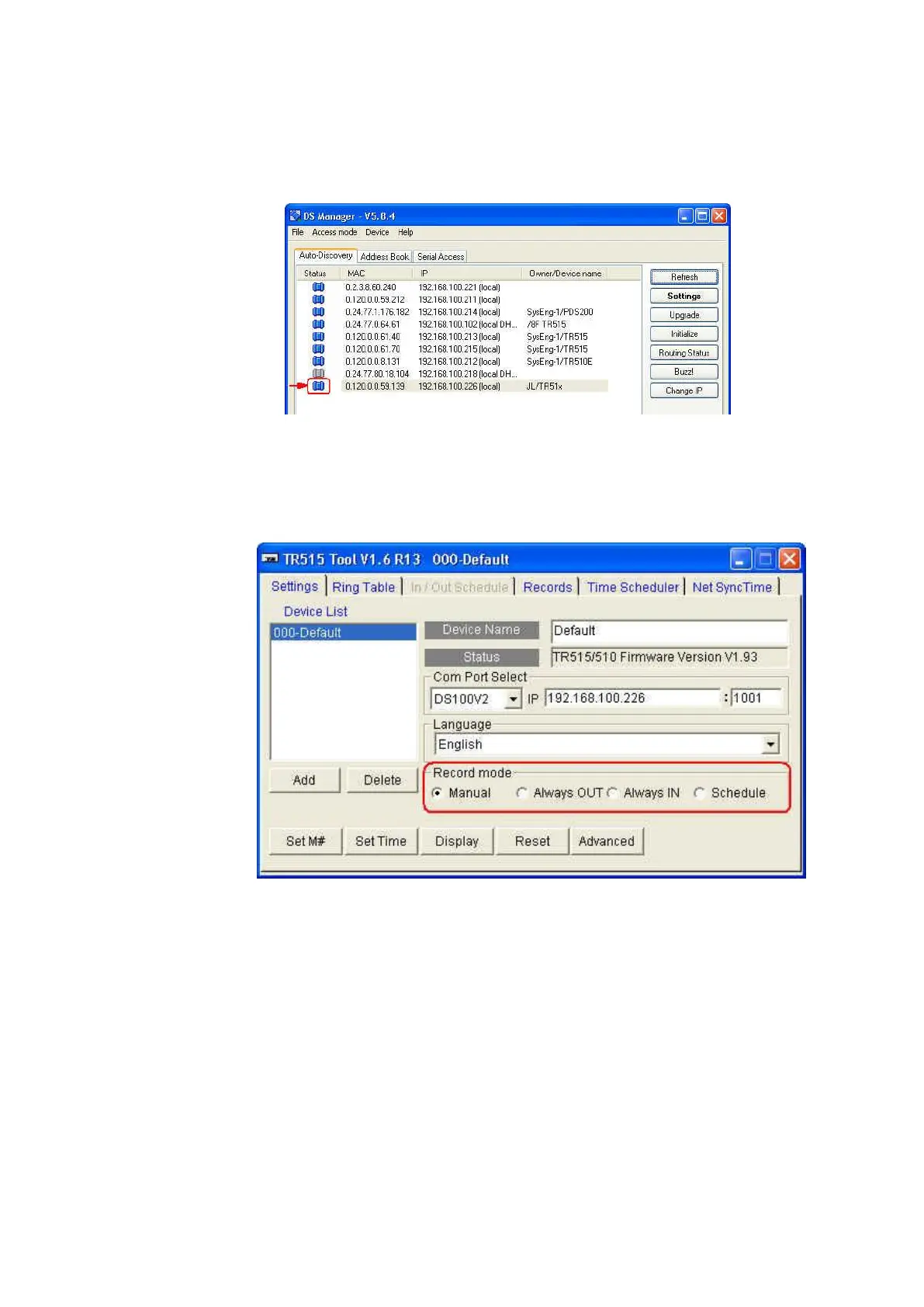
(6) Enter an available IP address and then click [OK]. Once IP address is
changed successfully, the status icon of your TR515/TR510 on DS
Manager’s list will become blue.
5. If OUT LED of TR515/TR510 lights when you press OUT button, but IN LED
doesn’t light when you press IN button; or the opposite situation
[Record mode] in the software TR515 Tool/TR510 Tool may probably be
set to “Always OUT”. Set it to “Manual” or “Schedule”.



 To Next Page