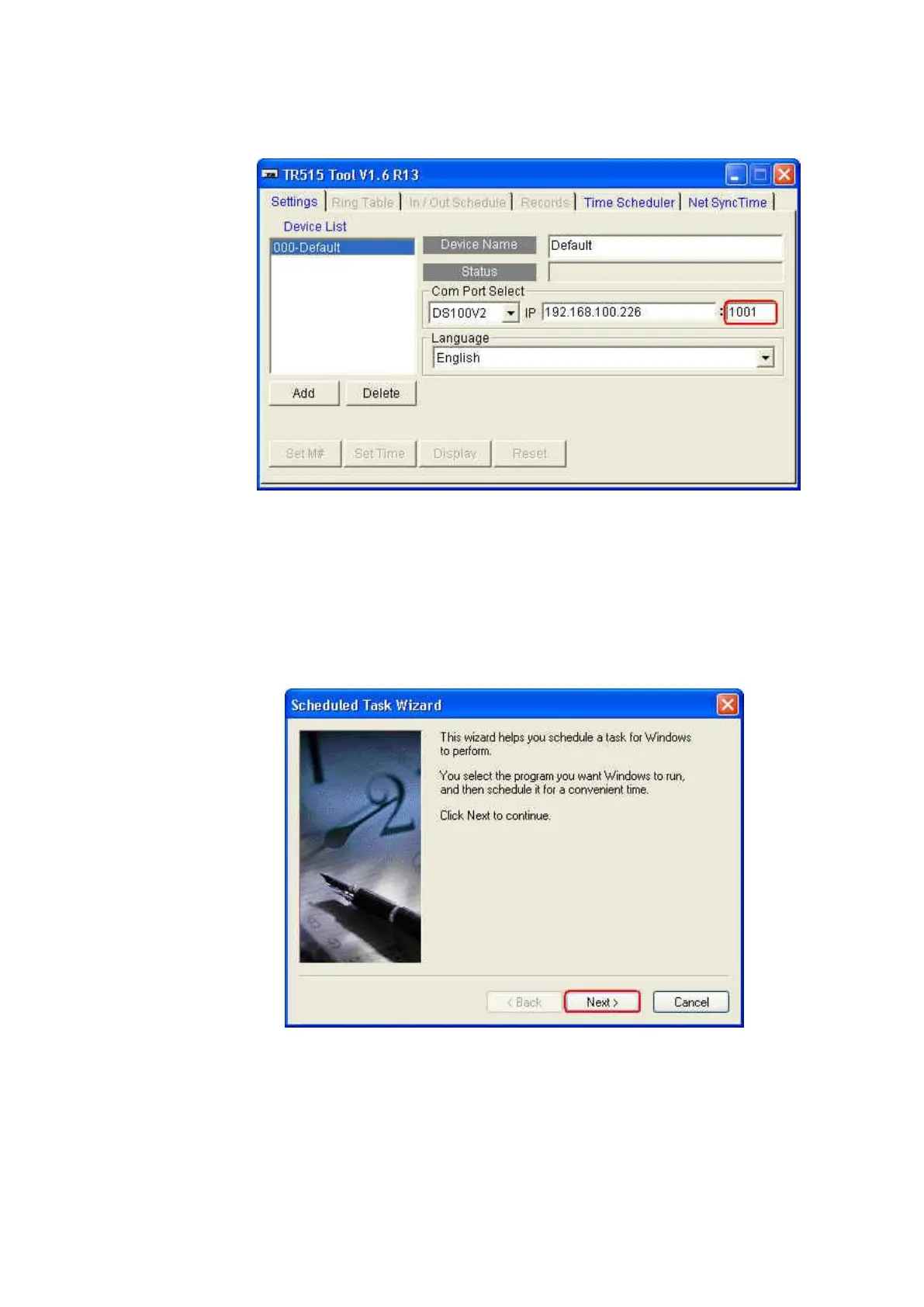
Port setting in the software TR515 Tool/TR510 Tool
12. Is it possible to start the software TR515 Tool/TR510 Tool with the
scheduled task whenever your computer boots
Follow the steps as below.
(1) Go to “Scheduled Tasks” (Start\ Programs\ Accessories\ System Tools\
Scheduled Tasks).
(2) Double-click “Add Scheduled Task”.
(3) Click [Next].



 To Next Page