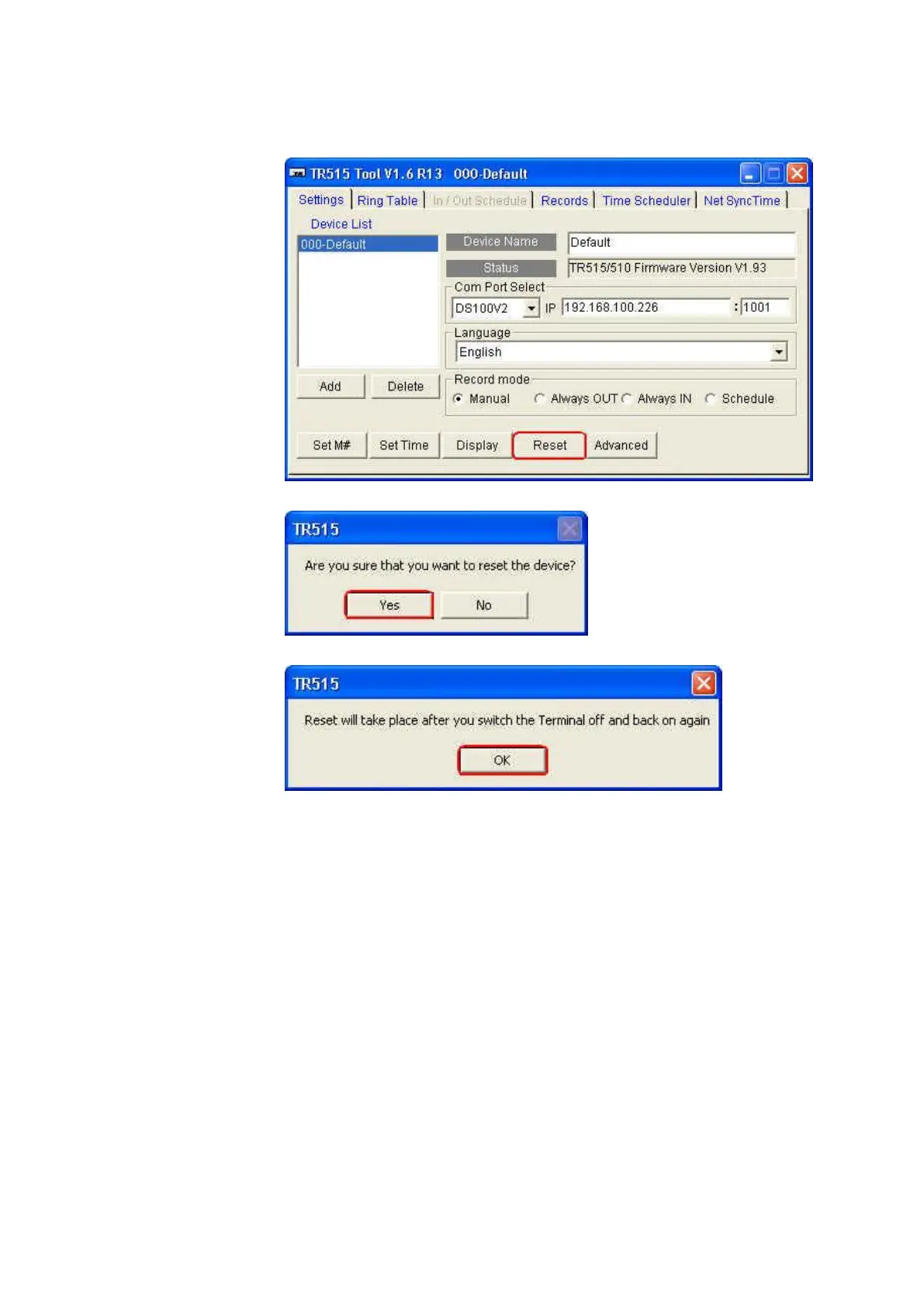
(8) Click [Reset].
(9) Click [Yes].
(10) Click [OK].
(11) Power off TR515/TR510.
(12) Power on TR515/TR510. The message “In It” will be shown on the
display of TR515/TR510 when processing the reset. OnceTR515/TR510
sounds a long beep and two short beeps and its display shows the
time, it indicates the reset is completed.
For RS232 interface type, follow the steps as below.
(1) Connect TR515/TR510 with your computer via RS232 cable.
(2) Power on TR515/TR510.



 To Next Page