Quasar CP-3211/CP-4221 User and Installation Guide
88
User Information
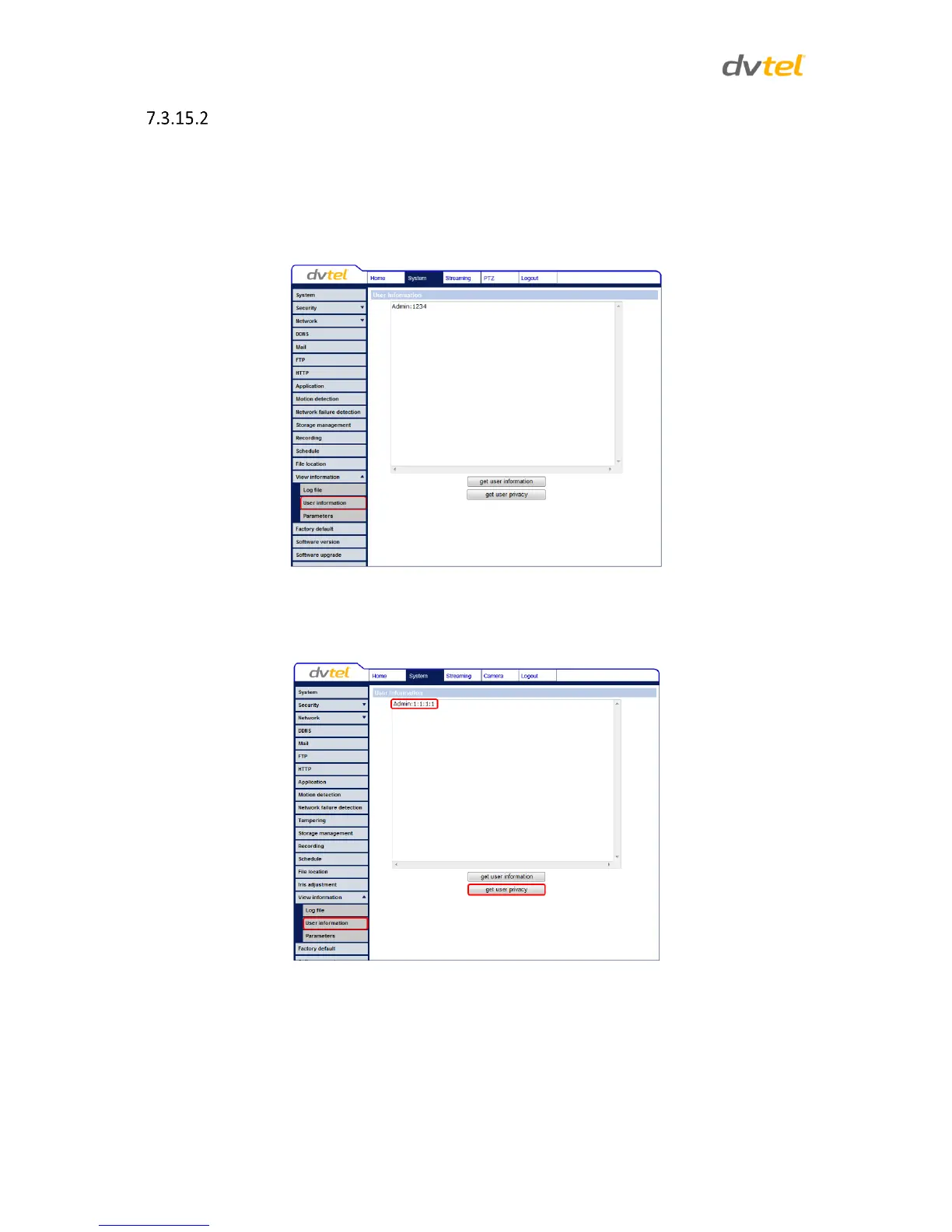
The Administrator can view each user’s login information and privileges in the User information
screen shown below.
View User Login Information
Click get user information to see each user’s details. For example: Admin: 1234. This indicates that
the user’s login username is Admin and the password is 1234.
Figure 74: User Information Screen
View User Privilege
Click get user privacy to view each user’s privileges.
Figure 75: User Information – Privileges Screen


 To Next Page
 Loading...