Configuration and Operation
63
To enable the SNMP v3 protocol, enter the appropriate data and passwords requested:
Enable SNMP v3 – Select the checkbox.
Security Name – See note below.
Authentication Type – Select MD5 or SHA from the drop-down menu. See note below.
Authentication Password – See note below.
Encryption Type – either DES or AES. See note below.
Encryption Password – See note below.
Traps for SNMP v1/v2/v3
Traps are used by the camera to send messages to a management system for important events or
status changes.
Enable traps – Check this box to activate trap reporting.
o Trap address – Enter the IP address of the management server.
o Trap community – Enter the community to use when sending a trap message to the
management system. The default value is public.
Trap Option
o Warm start – A warm start SNMP trap signifies that the SNMP device, such as the
camera, performs a software reload.
Click Save when complete.
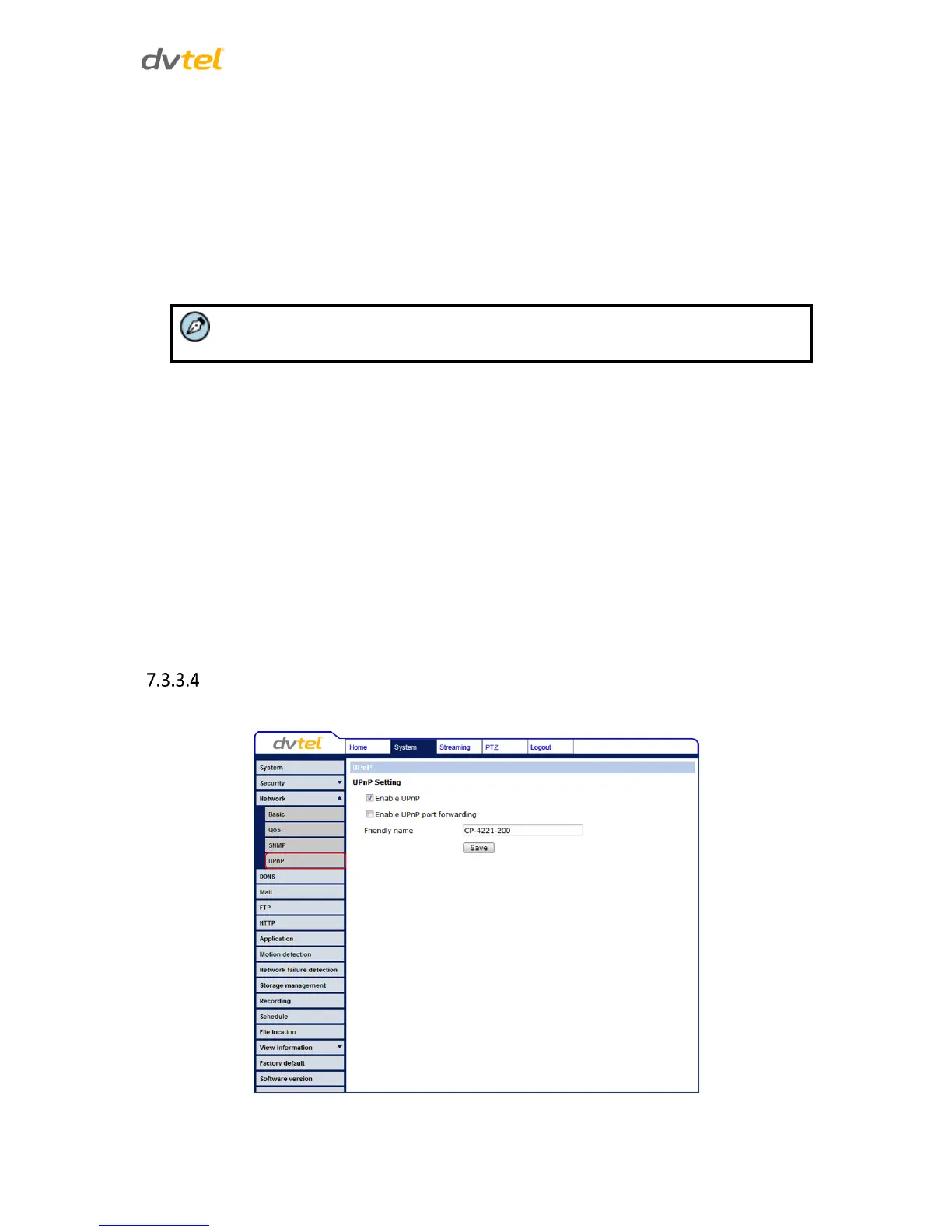
UPnP
The UPnP Setting page enables the Universal Plug-and-Play protocol on your network devices.
Figure 44: Network Screen – UPnP Settings


 To Next Page
 Loading...