Configuration and Operation
71
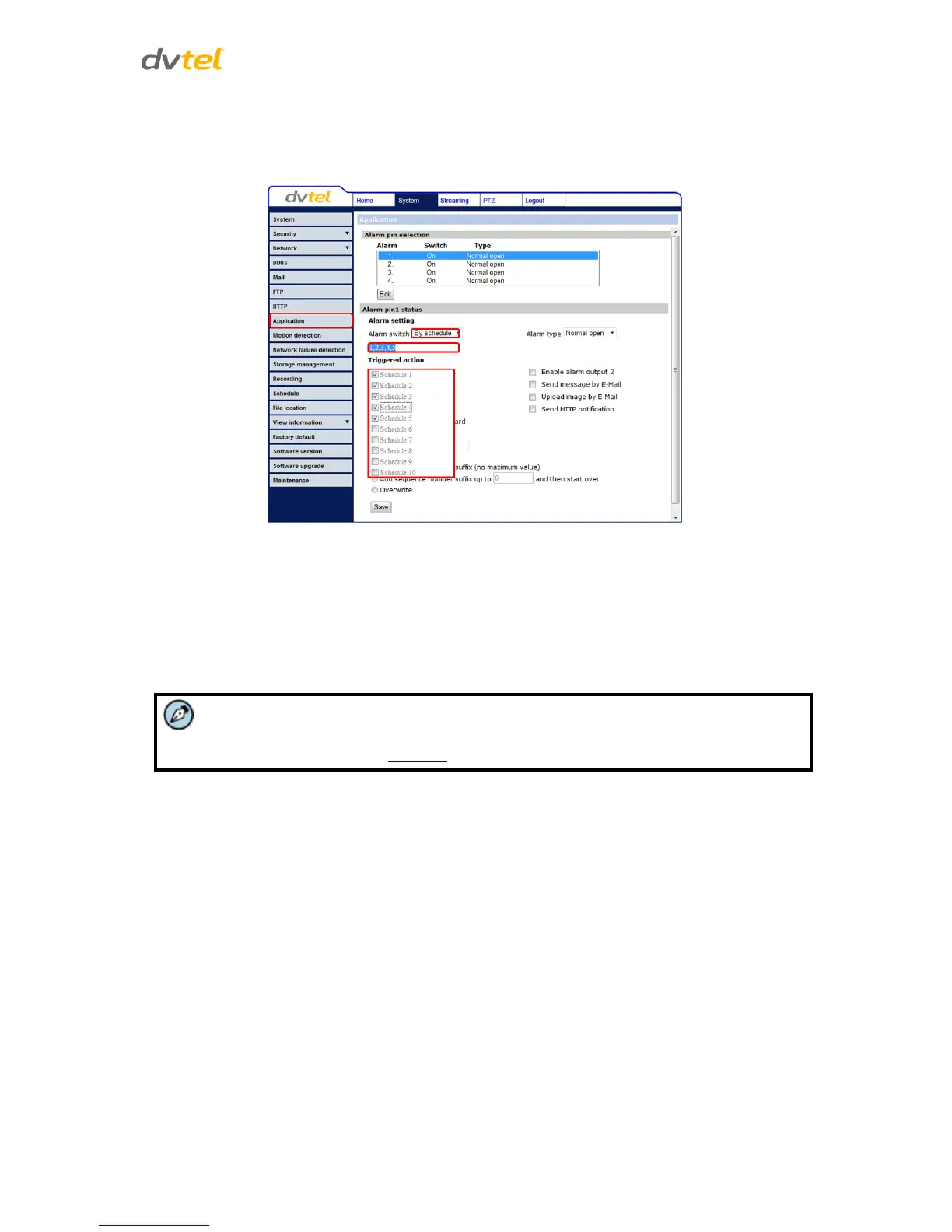
2. Click Please Select. A drop-down menu opens.
3. From the drop-down menu, select a schedule from 1 to 10. The selected schedules are
displayed in a horizontal field above the drop-down menu.
Figure 53: Application Screen – Drop-Down Menu Schedule Selection
Alarm Type
Select an alarm type (Normal close or Normal open) that corresponds to the alarm application.
Alarm Output
Define the normal alarm output signal as Normal Close or Normal Open, according to the current
alarm application.
In the Application option, the Schedule function is activated from the Alarm Switch
(see figures below). See Schedule.



 To Next Page
 Loading...