Configuration and Operation
93
2. From the drop-down menu of binary files in Step 2, select the file to upgrade. In the above
example uImage+userland.img is selected.
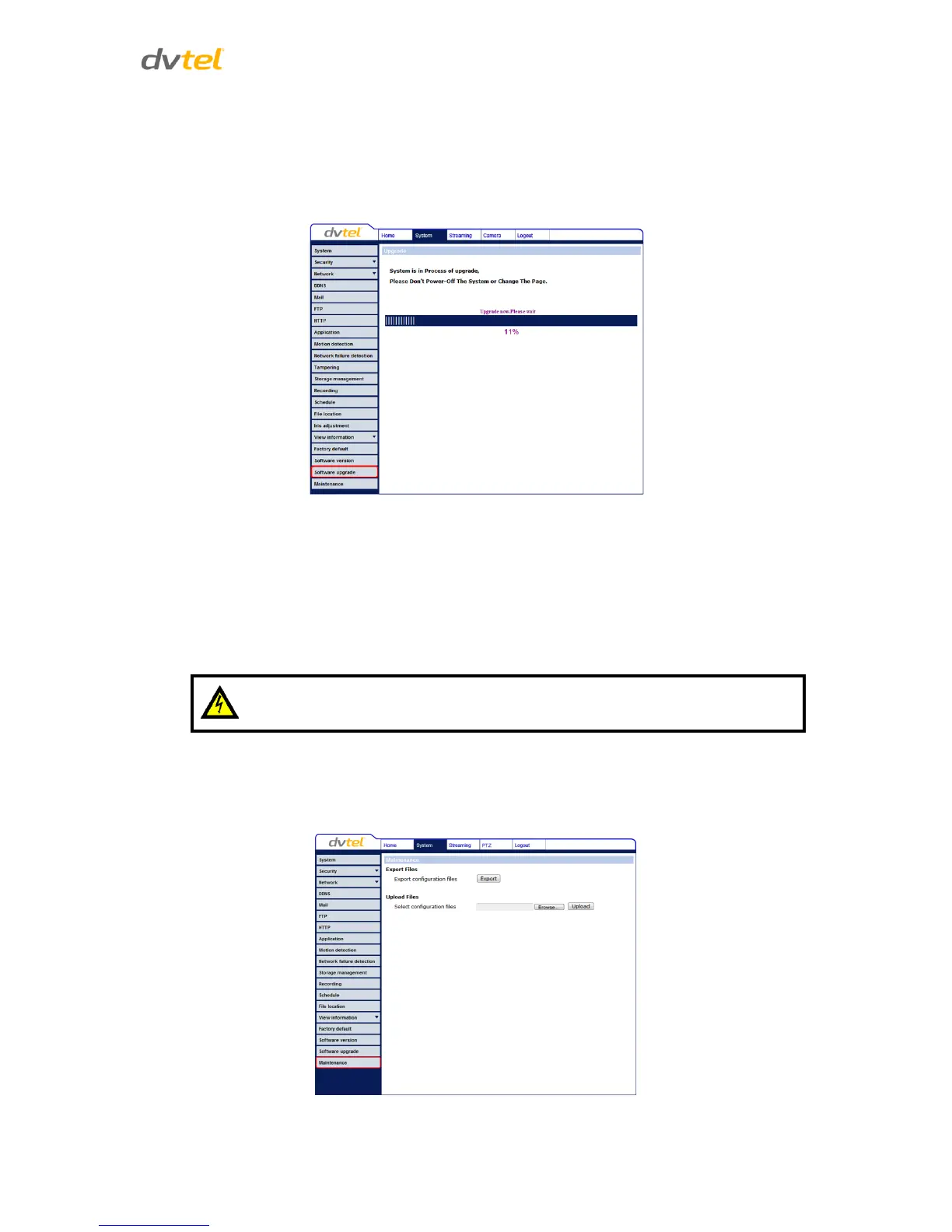
3. Click Upgrade. The system verifies that the upgrade file exists and begins to upload the file.
The upgrade status bar is displayed on the page. After the upgrade process has finished, the
Home page is displayed.
Figure 82: Software Upgrade – In Process
4. From the Windows Start menu, select the Control Panel.
5. Select Uninstall a Program.
6. In the Currently installed programs list, select DCViewer.
7. Click Uninstall to delete the existing DCViewer.
8. Install the new DCViewer ActiveX plug-in.
7.3.19 Maintenance
You can export configuration files to a specified location and retrieve data by uploading an existing
configuration file to the camera.
Figure 83: Maintenance Screen


 To Next Page
 Loading...