Quasar CP-3211/CP-4221 User and Installation Guide
144
A.5. Deleting the Existing DCViewer
If you have previously installed the DCViewer in the PC, you should first delete the existing DCViewer
from the PC before accessing the camera.
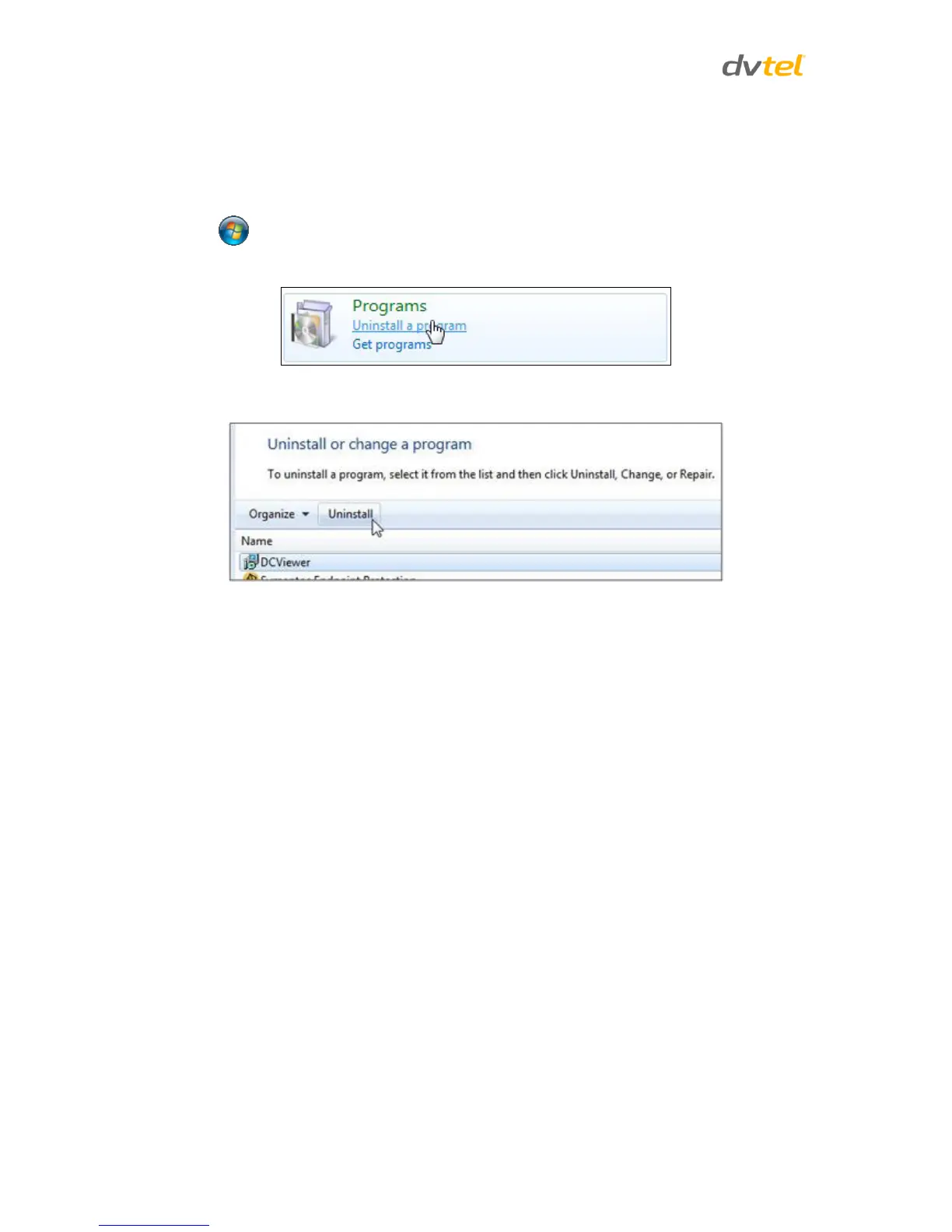
To delete a legacy DCViewer:
1. Click Start and select Control Panel.
2. In the Control Panel, click Uninstall a program.
3. From the installed program list, select DCViewer and then, on the banner bar,
click Uninstall.
4. If prompted to confirm the Uninstall, click Yes.


 To Next Page
 Loading...