Quasar CP-3211/CP-4221 User and Installation Guide
82
Save
Click Save to save the network failure detection settings.
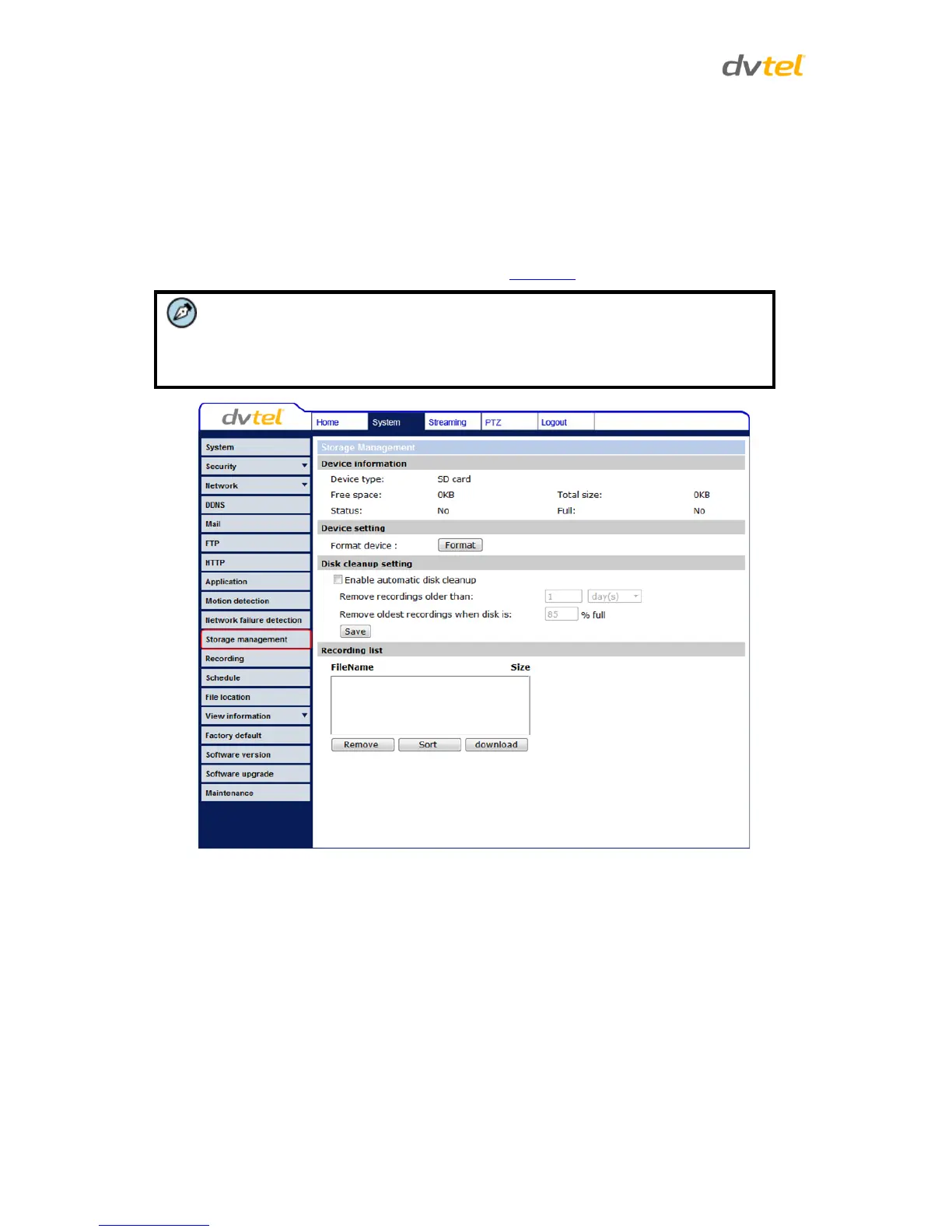
7.3.11 Storage Management
You can locally record up to 32GB on a microSD/SDHC card. The Storage Management page shows
the capacity information of the card and a recording list of all the recording files saved on the
memory card. You can also format the card and implement automatic recording cleanup on this
page. To implement microSD/SDHC card recording, see Recording.
Note:
Format the microSD/SDHC card when using it for the first time. Formatting is also
required when a memory card has been used on one camera and is then
transferred to a camera that uses a different software platform.
Figure 67: Storage Management Screen
Device information
Upon inserting the microSD/SDHC card, card information, such as the memory capacity and status, is
displayed.
Device setting
Click Format to format the memory card.


 To Next Page
 Loading...