Configuration and Operation
129
Zoom
Select Wide or Tele. Then drag the cursor on the Zoom bar to set the zoom level, which is displayed
in the window (x1..x30).
Focus
Select one of the following settings: Auto, Manual, Near, or Far.
7.6 Logout
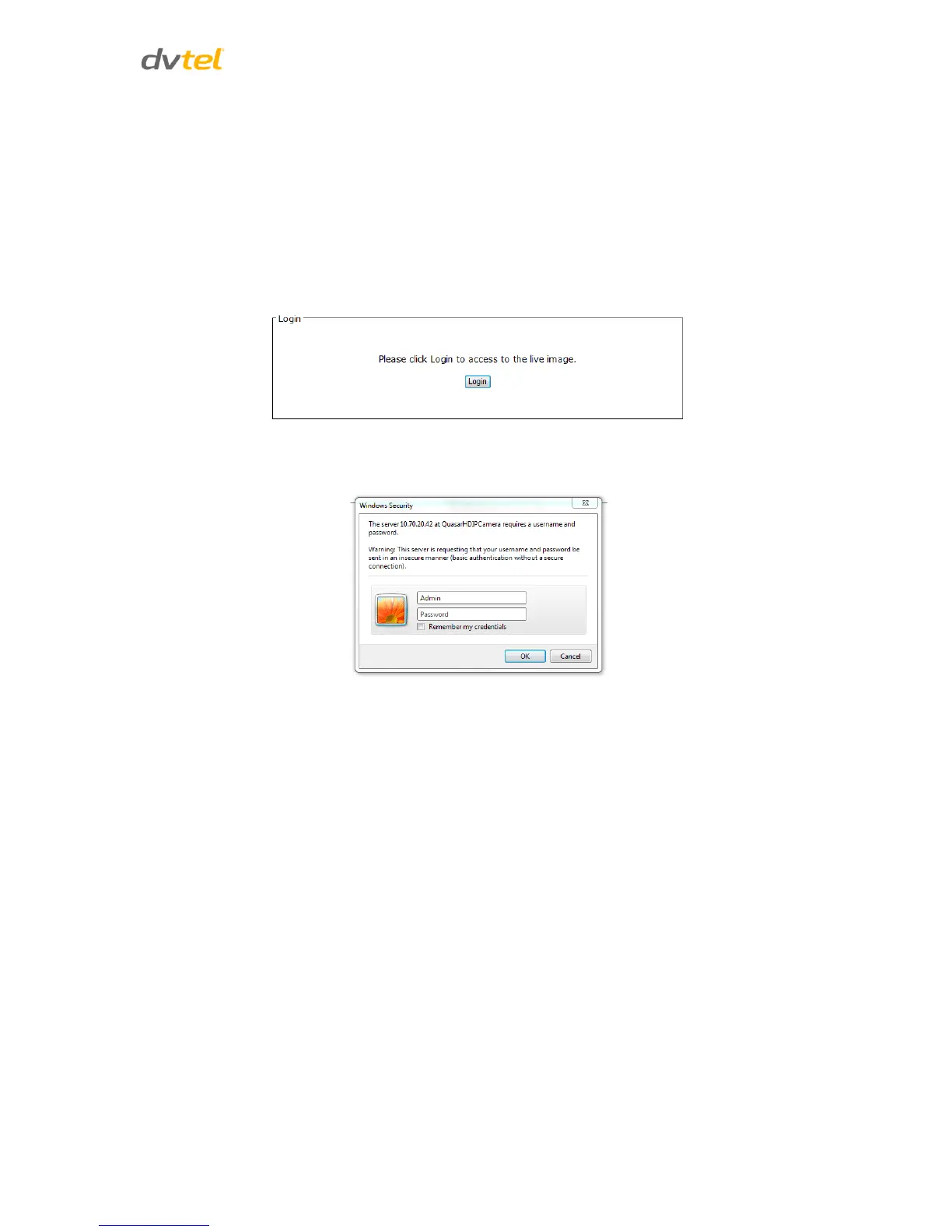
Selecting the Logout tab in the navigation bar closes the session. The following message appears:
Figure 111: Login Message
Upon clicking Login, the Login window opens.
Figure 112: Login Window


 To Next Page
 Loading...