Quasar CP-3211/CP-4221 User and Installation Guide
90
7.3.16 Factory Default
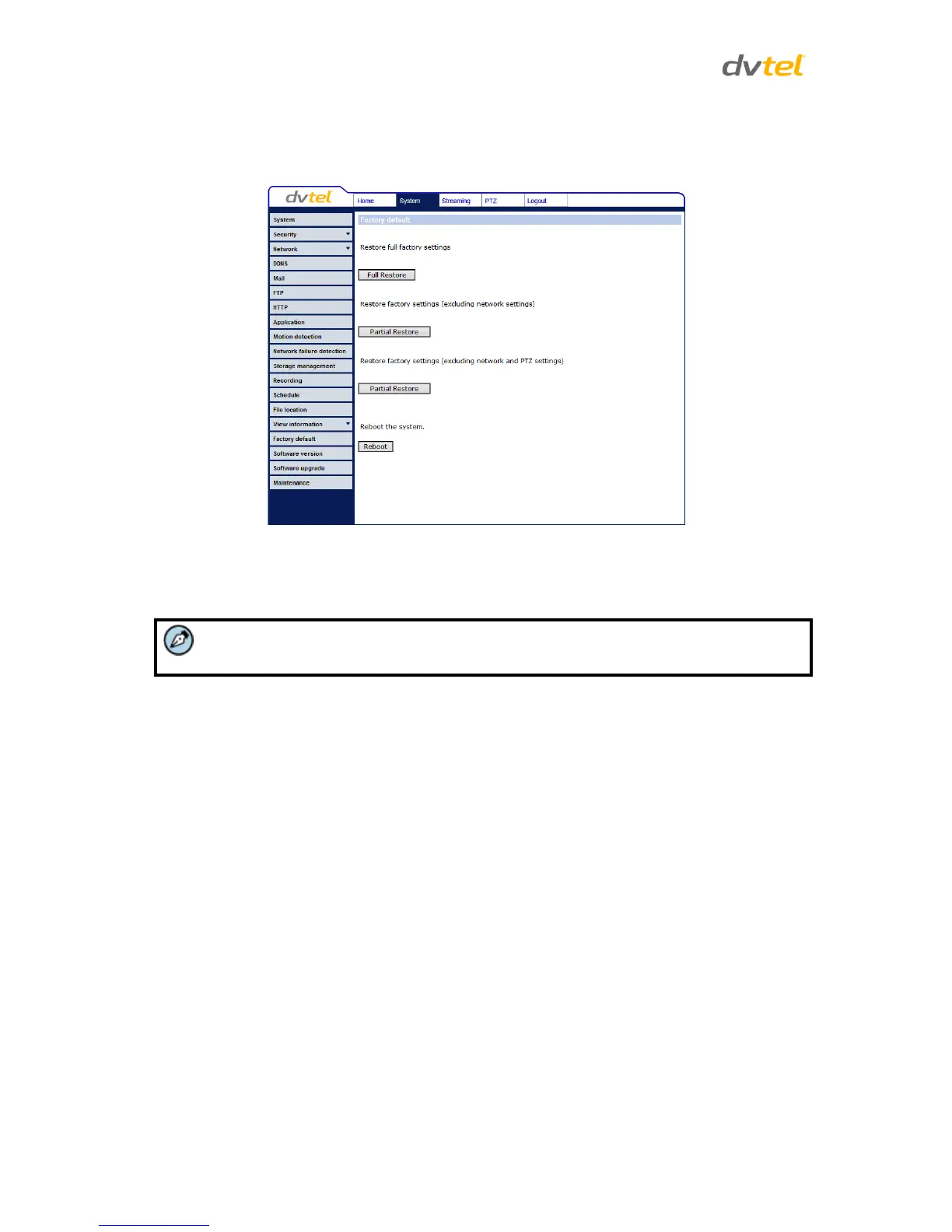
The Factory default setting page is shown below. Follow the instructions to reset the camera to
factory default settings if needed.
Figure 77: Factory Default Screen
Full Restore
Click Full Restore to restore the factory default settings. The system restarts in 30 seconds.
The IP address and all other settings will be restored to factory default settings.
Partial Restore
There are two Partial Restore buttons.
Click the upper Partial Restore button to restore the factory default settings, excluding the
network settings.
Click the lower Partial Restore button to restore the factory default settings, excluding the
network and PTZ settings.


 To Next Page
 Loading...